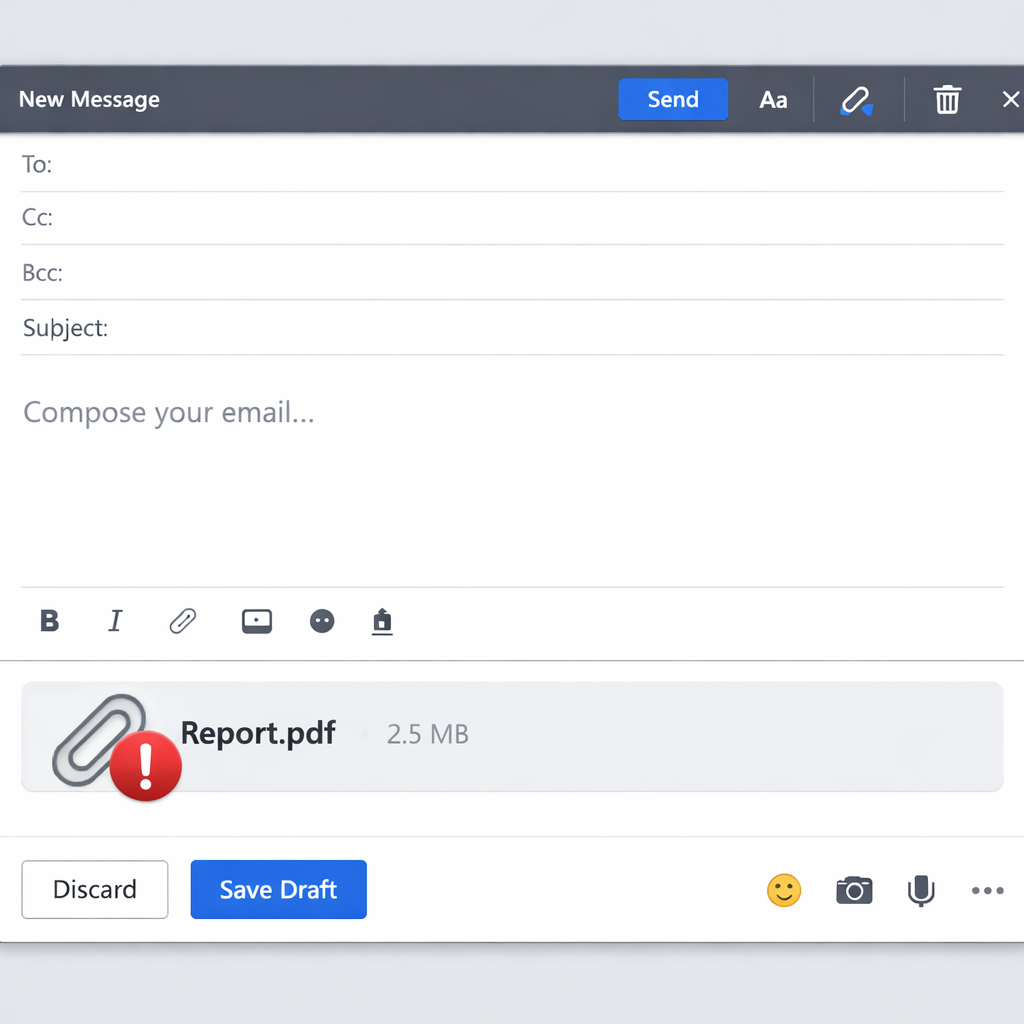
Microsoft has confirmed that some Microsoft 365 users are facing issues uploading attachments in the “New Outlook” client. The company said that Outlook on the web and classic Outlook remain unaffected. Microsoft is tracking the problem under the service incident ID EX1561765 in the Microsoft 365 admin center.�
What’s Happening With Attachments?
In its November 20 service bulletin, Microsoft acknowledged that users of New Outlook may be unable to upload—and in some cases even open—attachments. The company was able to reproduce the issue internally and has started analyzing diagnostic data to figure out what’s going wrong. However, there’s no information yet on which regions are impacted, how many users are affected, or when a fix might be released.�
This situation is less disruptive than the Microsoft 365 outage from November 12–13, which blocked mailbox access across multiple Outlook clients. Microsoft hasn’t linked the current attachment issue to that broader outage. Users who can’t upload via New Outlook are being advised to use Outlook on the web or classic Outlook instead.�
What You Can Do Now
If New Outlook won’t let you attach a file, open the same mailbox in the web version or classic Outlook if installed, attach the file there, and confirm it appears in the message before sending. Administrators can monitor the situation in the Microsoft 365 admin center under EX1561765 via the Service Health dashboard.�
Help desk teams should collect incident data from users with the same issue and check whether failures are happening outside New Outlook as well. If an email suggests fixes or offers links, verify with official support rather than following unverified instructions.�
While some phishing campaigns have previously exploited fake Exchange Online alerts tied to outages, there’s no indication that this current attachment upload issue is connected to those attacks.�
Analysis: This hiccup underscores how fragile even mature cloud services can be—features we take for granted like adding attachments can fail in certain contexts, exposing workflows that depend heavily on a single client version. Microsoft’s swift internal reproduction of the bug is promising, but the lack of detail on scope and timeline leaves users in limbo. Watch for updates to EX1561765 in the Service Health dashboard and clearly documented fixes or workarounds from help desk teams. Organizations should consider reevaluating dependence on New Outlook until stability improves.