Astropad has launched version 1.4 of its Mac remote desktop app, Workbench, introducing several major enhancements including built-in terminal access, native support for iPhone Duo, and improved file transfer capabilities between Macs.
Originally released in April with a focus on remote control over Mac from iPhone or iPad—including managing AI agents while away—Workbench added features in August’s 1.3 update like faster streaming, a privacy curtain, picture-in-picture mode, and tools for accessing Macs unattended. Version 1.4 builds on that foundation with tools aimed at developers and power users.
Terminal in Workbench—and More Flexibility
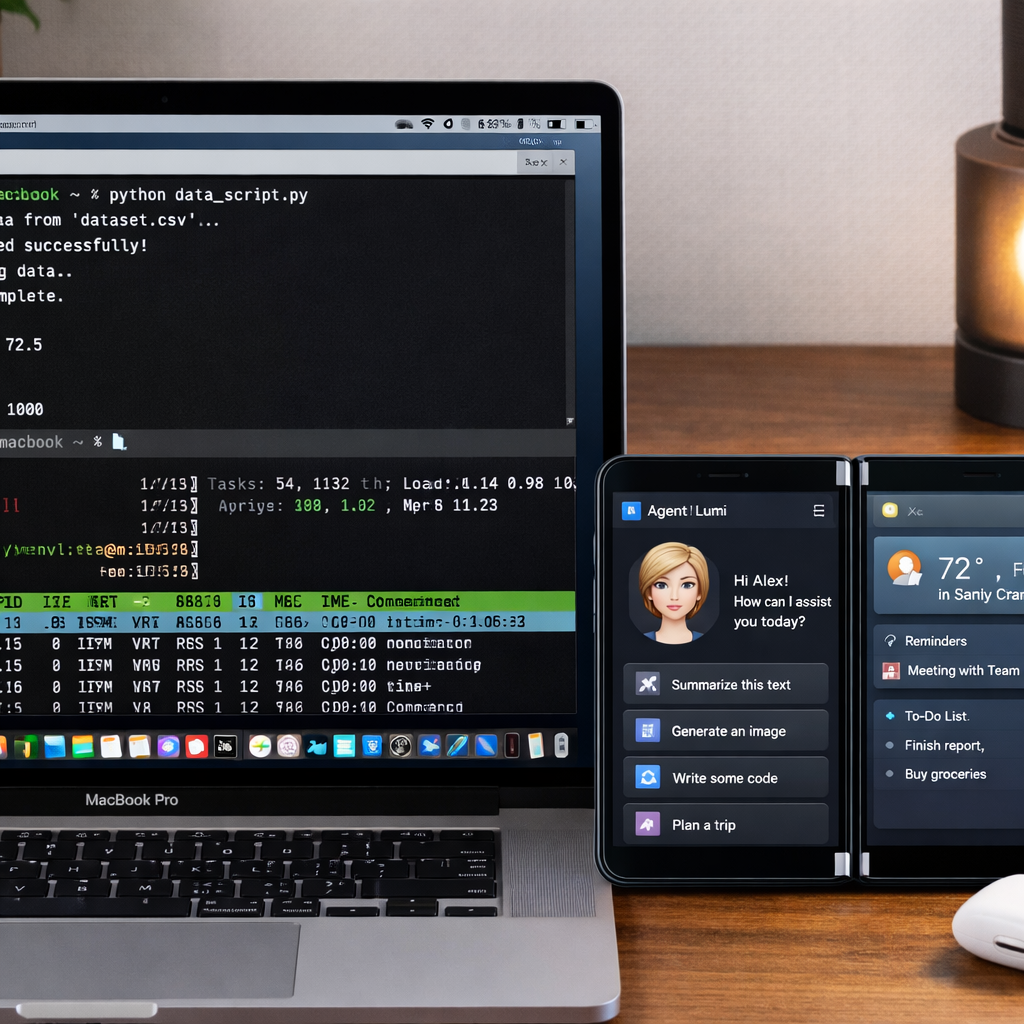
The most significant upgrade in 1.4 is the ability to toggle between a screen view and terminal view without disconnecting. Users can issue commands, inspect logs, and edit scripts directly—no separate SSH client needed. Importantly, terminal sessions persist across devices: you might start a session on an iPad and later pick it up from another Mac or an iPhone without restarting the terminal.
Voice input is now supported in the terminal mode, allowing the dictation of commands and prompts. And for Mac-to-Mac setups during terminal sessions, files can now be dragged and dropped—making it simpler to move assets without exiting Workbench.
iPhone Duo Support and New Pricing
Workbench 1.4 gains native compatibility with the newly released iPhone Duo. Users can now keep an agent visible in one pane of the dual-screen setup while using the other pane for controlling the Mac—streamlining multitasking on the Duo’s split view.
As for cost: Workbench remains free with up to 20 minutes of access per day. For more, there’s a subscription priced at $14.99 per month or $79.99 a year. The app requires Mac computers running macOS 15 or later, and iPhones or iPads with iOS 26 or iPadOS 26 or newer.
The new release lets users shift between remote desktop and terminal, pick up active sessions across devices, and work more naturally from the iPhone Duo—all without juggling separate tools. These updates stream work and slash friction for developers, technophiles, and anyone who demands remote Mac access.