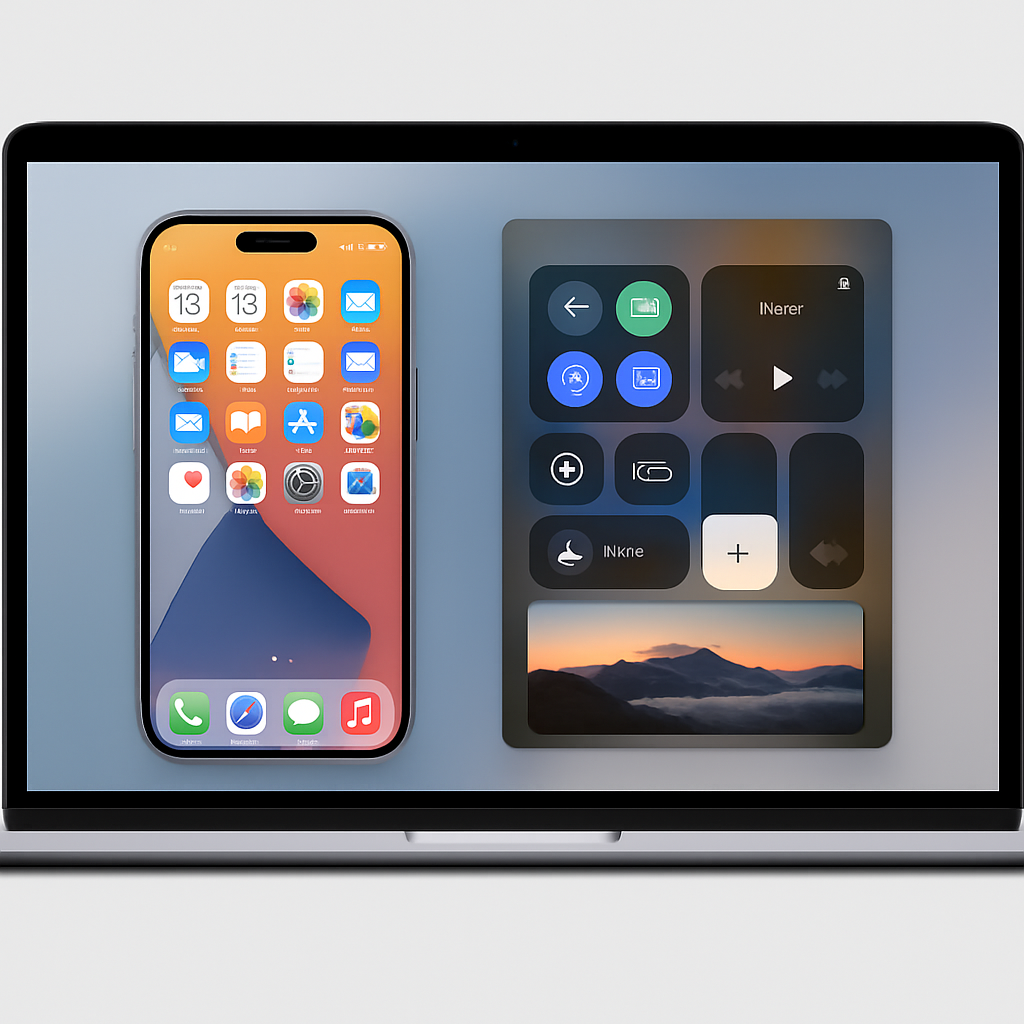
macOS Golden Gate, Apple’s newest software update, is expanding touch capabilities beyond its OLED MacBook Pro lines. The latest version enables touch controls on external displays and via Sidecar with compatible iPads, dramatically widening the reach of the touch-enhanced Mac experience.
Touch Support Moves Beyond Native Screens
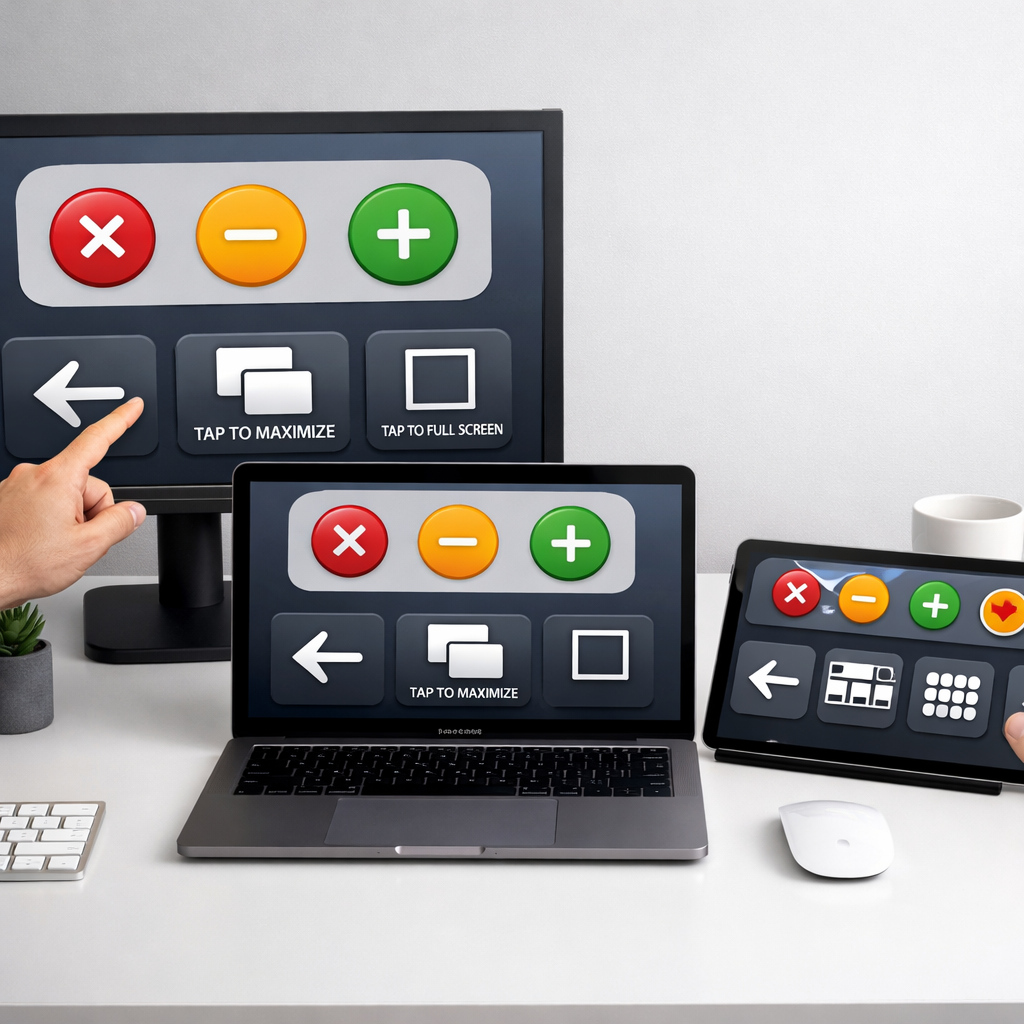
Originally designed to support touchscreen inputs only on Apple’s new OLED MacBook Pro, Golden Gate now recognizes external touch displays as well. Users with third-party touch-enabled monitors can already experience changes like enlarging the traffic light window controls and dynamic scaling of the menu bar for better finger interaction. These UI tweaks mirror what was previously reserved for Apple’s hardware industry-wide—now extended to external displays when plugged into Macs running Golden Gate. Testing on two typical displays revealed that whether these features work depends on driver compatibility, not the hardware itself.
Sidecar with iPad Now More Touch-Savvy
Sidecar, Apple’s feature that lets you use an iPad as a secondary display for a Mac, has also received a major update. On devices running macOS 27.3 and iOS 27.3 (currently in developer beta), Apple has soft-launched touch-first enhancements. The iPad display now functions almost like a touchscreen extension of macOS: touch interactions translate into gestures, clicks, and drags. Developers can also tap into new gesture APIs to make apps more touch-responsive, offering more than just mouse-like interactions.
Some of the most visible interface changes include larger, more touchable window buttons at the upper left (often called traffic lights), which grow when touched—making selection more forgiving. Menus and the Dock also respond differently: long-presses bring up more tactile menu items and smoother animations. These traits make navigation on touch-enabled surfaces much more intuitive.
This move builds on experiments from early Golden Gate developer betas, where Apple explored more comprehensive touch input methods for Sidecar displays. At that point, every region of the iPad’s screen acted like a mouse click, including dragging, but without the polish Golden Gate now adds.
While touch-friendly macOS features have long been hinted at, especially via Sidecar and Pencil support, macOS Golden Gate is now delivering on more natural touch interactions. It restores a level of device flexibility that aligns closer with iPadOS, but within the Mac environment.
What to Watch For: Keep an eye on driver support from external display manufacturers—without updated drivers, the touch enhancements may lag. App developers will need to adopt the gesture APIs to ensure their apps feel native under this touch regime. And with Golden Gate and its touch features still in beta, stability and polish may improve leading up to the wider release.
The arrival of robust touch support in macOS through external displays and Sidecar marks a meaningful shift in how Apple approaches Mac input. It inches macOS closer to being truly touch-capable without fully abandoning the keyboard-and-mouse paradigm—a long-awaited evolution for power users juggling Macs and iPads alike.