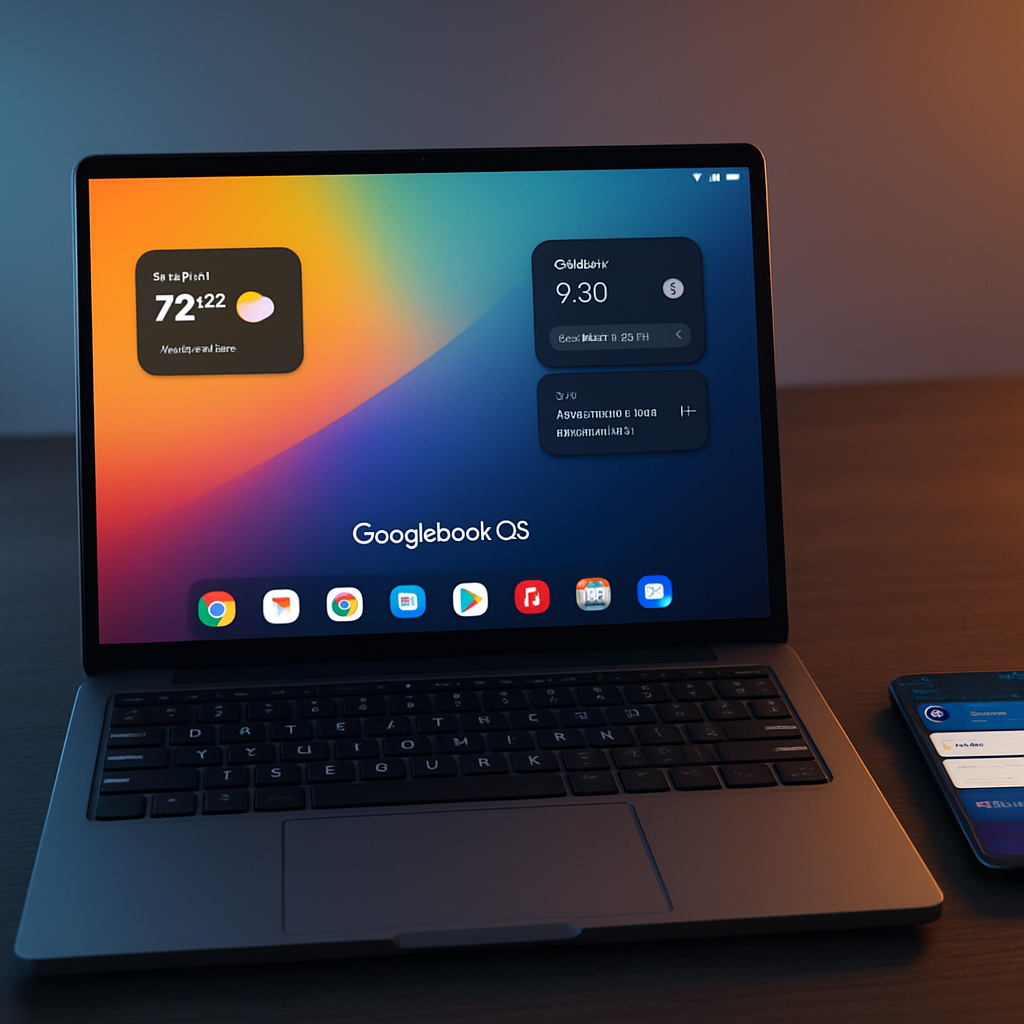
Google’s new Googlebook OS laptops are being pitched as something more than just Android-on-PC — arguably as true post-smartphone machines. Over the past week, I tested the platform extensively; the verdict: there’s real promise here, though today’s launch shows both the vision and the growing pains.
What Googlebook OS Brings
At first glance, Googlebook OS looks a lot like ChromeOS. But under the hood, it’s deeply rooted in Android, and it was optimized in many ways for large screens in a way that lighter desktop Android experiences never were. The UI shares much with Android phones: Quick Settings, notifications in the top-right, and even Android’s Settings layout. Some physical keys map directly to Android shortcuts (Back, Home, Recents), while a new Action key functions like a desktop launcher. Widgets now go on the desktop, files and folders too — things Chromebook users have long requested. The mechanism for copying screenshots, inserting emojis, or voice transcribing is tightly knit with Gboard features carried over from Pixel phones.
Googlebook isn’t just about interface changes. It leans heavily into features called “Better Together.” Phone-desk sync works via Android 17 with features like app casting, notification mirroring, file access, and even a “Continue On” type handoff from phone to laptop. And then there are new AI tools: Magic Pointer lets you shake the cursor for context-sensitive suggestions; Create My Widget crafts widgets for your needs; voice typing is built in with a dedicated key. Gemini is woven throughout. The hardware is reasonably premium: touchscreen displays, biometric unlock, and stylish build materials.
Where It Still Falls Short
The rough edges show up wherever Android meets expectations set by true desktop OSes. Many Android apps remain optimized for phones — scaled-up UIs, sparse keyboard support, missing right-click actions, and behavior that leans too much on mobile metaphors. The Files app lacks advanced features like tabs or network share support. Pixel’s Messages app and other staples still appear as web wrappers rather than full Android versions, which limits functionality. Battery life, app performance, and the price point are also areas that leave power users critical.
Phone integration is one of the platform’s biggest promises — but also a weakness. Many “Better Together” features require Android 17 and only worked consistently under ideal conditions. The initial release didn’t even support some Samsung devices at launch. For some users, phone integration felt unbalanced and buggy, especially file transfers and app mirroring.
Finally, there’s the cost. Googlebooks are priced at the premium end, with few budget options available. That means only some Android users will be open to making the leap. For those already entrenched in macOS or Windows workflows, lacking staples like Adobe’s full suite or more mature power tools may hard to overlook.
What It All Adds Up To
Googlebook OS is far more than just stretching Android across the laptop form factor. It represents a thoughtful attempt to redefine the desktop experience for people who live on their phones. The shared UI, the deep phone sync, the AI features: these additions validate the concept of a convergence device more boldly than any Chromebook iteration so far. But today, it’s a work in progress.
For Android loyalists who spend most of their workflow online, who don’t rely on niche power tools or software defined for macOS or Windows, a Googlebook might already feel like a serious contender. For everyone else—gamers, content creators, enterprise users—the trade-offs still outweigh the benefits.
What to watch: whether Google can close the app-gap with better support from developers; how well phone-laptop continuity improves; if there’s real value in the new AI features long-term; and whether Google can push prices down or offer strong value tiers. This week’s launch feels like the starting gun, not the finish line.