Apple has rolled out its first MacBook Pro with a touchscreen, called the MacBook Pro with PROLED XDR, and paired it with macOS 27 Golden Gate. Several new touch-friendly refinements have been added specifically for this display-equipped Pro, expanding on earlier touch support added across Macs with Golden Gate. These changes enhance usability, especially for users familiar with touch gestures from iPhones and iPads.
Touch targets and gestures become more forgiving
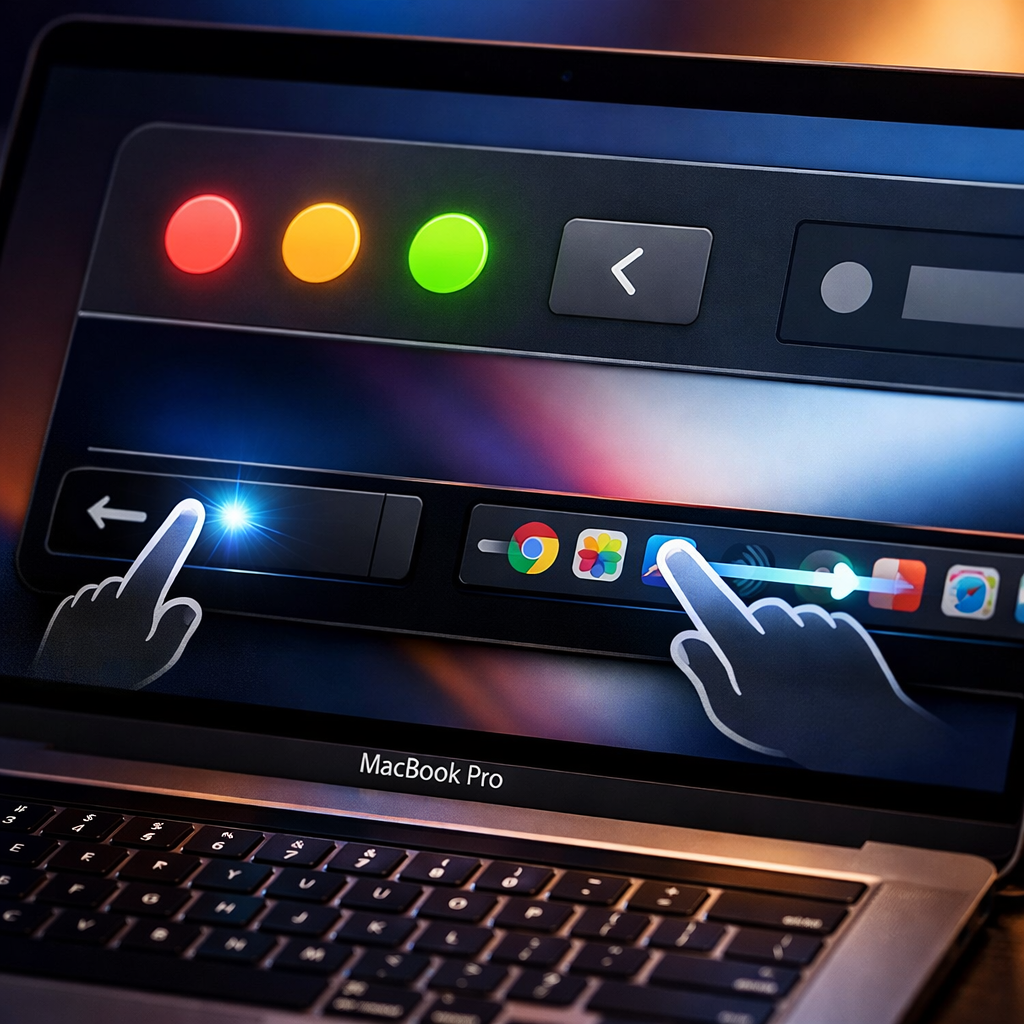
One of the most immediately noticeable tweaks is the enlargement of traffic light buttons—the red, yellow, and green window control circles—making them easier to tap when using touch. Alongside this, context menus accessed via the menu bar are now endowed with larger items, and many apps optimized for touch also feature bigger touch targets—even when their visual appearance remains mostly unchanged.
Gestures that were previously limited to the trackpad are now fully supported on the touchscreen. Users can perform three-finger swipes to open Mission Control or switch between spaces, pinch to zoom, scroll within web pages, and even access Spotlight via the Dynamic Island—mirroring how it works on iOS 27.
Developer tools and system-wide layout tweaks
For developers, there’s a big usability boost: the iOS simulator can now be controlled entirely via touch. That means no more relying on trackpad or external devices to mimic taps or swipes when testing touch interactions.
Beyond individual interactions, Apple has tuned global spacing in macOS 27 Golden Gate. Menu bar elements are spread out more to reduce mis-taps, Safari finally gains pull-to-refresh functionality, and several menus see increased spacing and size for better accessibility.
Apple indicates that these are early rounds of touch support and that it plans to roll out further improvements. More extensive changes are expected to arrive in future macOS updates, especially around WWDC next year.
What this means: The PROLED XDR MacBook Pro marks Apple’s cautious but clear shift toward integrating touch more deeply into macOS. While not every Mac gets all features immediately, these updates show Apple is building a foundation that merges touch and traditional Mac interactions. Watch for broader rollout of these tools, as well as how third-party apps respond in adapting their interfaces.