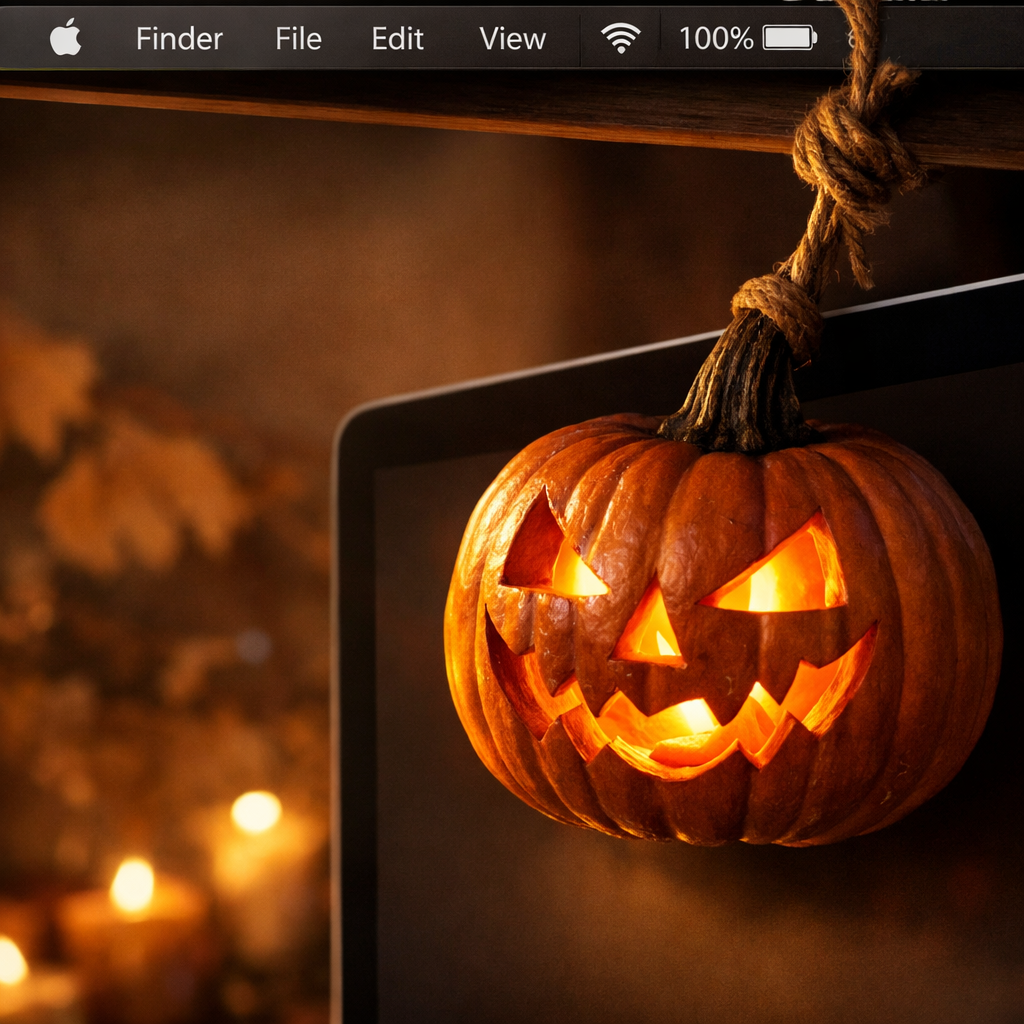
This year’s Halloween just got more fun if you’re running macOS 14 Sonoma or later. A new indie utility called Pumpkin Lights places a ray-traced jack-o-lantern in your Mac’s menu bar that drops down in full 3D when you click it — with physics, lamp glow, and enough customization to make it feel like a mini toy in your workstation. It’s free, playful, and built to surprise.
What Pumpkin Lights Does
Instead of a flat icon or a simple toggle, Pumpkin Lights uses a 3D pumpkin (or light bulb) model hanging by a rope, with realistic movement and lighting effects. When you click — or even tug on it — the pumpkin swings or spins, and clicking triggers your Mac to switch between Light Mode and Dark Mode by default. That simple everyday toggle becomes something tactile and fun.
Beyond the basic mode-switching, Pumpkin Lights offers more: you can replace pumpkin designs, pick from four color variants, change what happens when you interact with the pumpkin (or bulb) — whether it opens an app, a website, runs a shortcut, mutes sound, or executes a command — and adjust how its rope hangs or swings. The developer also paid attention to small touches: how light filters through carved faces, how cords sway, and how the model behaves not just on first use, but throughout regular usage.
Why It Matters
This isn’t just seasonal flair. Pumpkin Lights illustrates a growing trend among Mac utility developers: treating user interfaces as playful spaces, not just function-first. It follows in the footsteps of apps like Festivas, giving people lighthearted ways to interact with common OS features like appearance modes. For Sonoma users, it turns something mundane — changing appearance — into something visually engaging.
The engineering side is impressive, too. Real-time ray tracing, dynamic physics, glow and shadows are being used not as optional extras but as integral parts of the experience. That raises user expectations — not just for Halloween skins, but for how fluid and expressive system add-ons can be.
Pumpkin Lights is completely free to download from the developer’s site, and works only on Macs with Sonoma or newer. If your machine qualifies, it’s a quick install and a fun little addition to your menu bar just in time for October 31st.
What to watch: whether Pumpkin Lights inspires more devs to experiment with playful UI mechanics. Also, how Apple responds — whether future OS versions open up even more flexibility for menu bar animations, or clamp down for stability. For now, this jack-o-lantern proves that even small utilities can bring delight to everyday interactions.