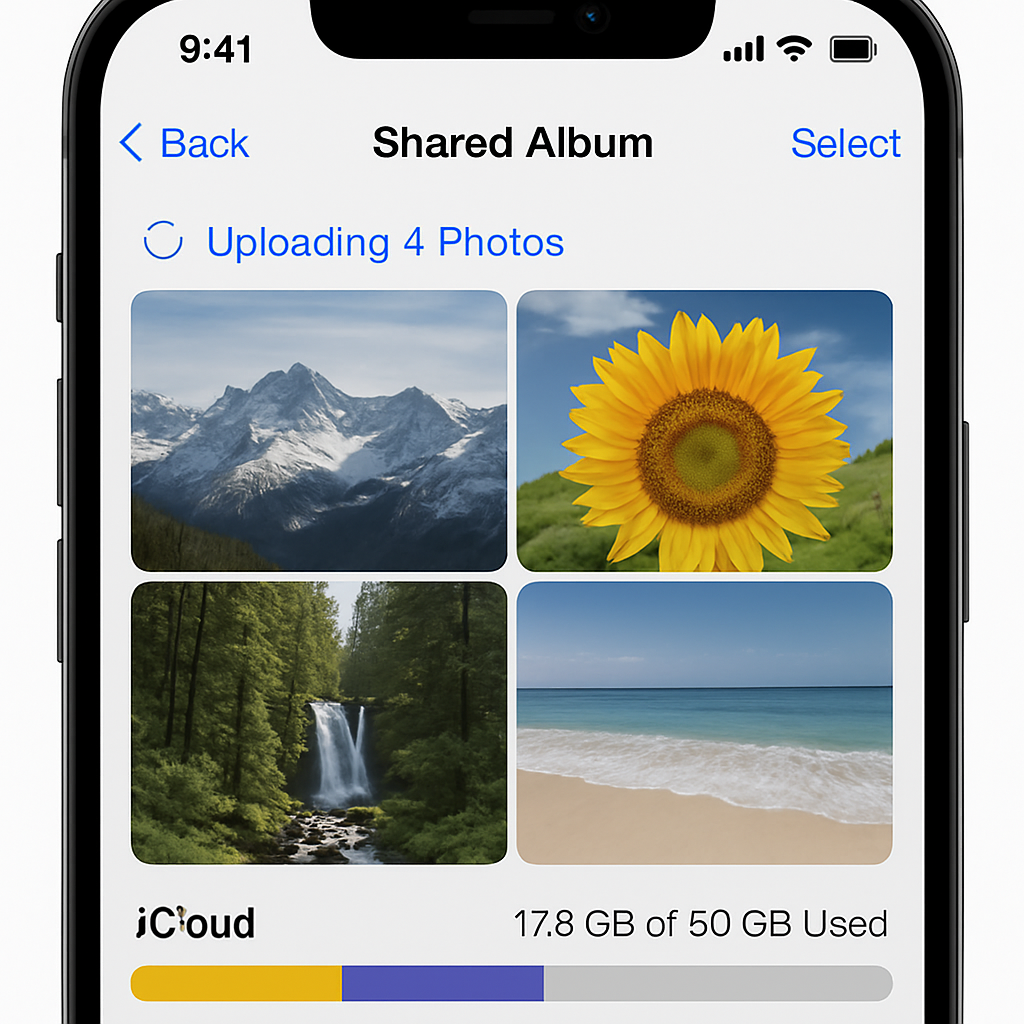
Later this September, Apple’s iOS 27 update will shift how Shared Albums work by making them count against your iCloud storage. What once allowed you and others to collaborate without storage consequences is getting reworked—full resolution uploads from anyone you invite will now use up your space quota. Existing albums won’t be affected unless you explicitly upgrade them.
What’s Changing with Shared Albums
Shared Albums have been a staple in Apple’s Photos ecosystem for over a decade. Normally, you could add up to 5,000 photos or videos to a Shared Album without affecting your iCloud storage. That ends with iOS 27: all new uploads—regardless of who adds them—will eat into the storage of the album owner. An album link turned loose? If a friend uploads hundreds of high-res shots, your available storage will suffer.
Another change: photos in Shared Albums will remain in full resolution instead of being downsampled to 2,048 pixels along the longest edge. While this is great for image fidelity, it makes storage demands rise. Also, you no longer need an Apple device or account to contribute—people can now add media via iCloud.com using the share link. ([macrumors.com](https://www.macrumors.com/2026/08/21/ios-27-lets-other-people-use-your-icloud-storage/))
What You Can and Can’t Do
If you’re eyeing the upgrade, there’s some room for control. Albums that already exist won’t reflect the new storage rules unless you tap the “Upgrade Shared Album” option. Until then, they’ll remain under the older, storage-free model. But once upgraded, the owner takes on full responsibility for media added by anyone using the shared link. ([macrumors.com](https://www.macrumors.com/2026/08/21/ios-27-lets-other-people-use-your-icloud-storage/))
For those already using the public beta, the changes are available now in testing form. It’s a chance to see how the alterations affect your storage before the wider rollout—and adjust your photo-sharing habits accordingly. ([macrumors.com](https://www.macrumors.com/2026/08/21/ios-27-lets-other-people-use-your-icloud-storage/))
One last shift: usability across the web is improved. Folks without Apple gear can now access Shared Albums via a link and contribute through iCloud.com. Handy for non-Apple users, but more uploads = more storage consumed. ([macrumors.com](https://www.macrumors.com/2026/08/21/ios-27-lets-other-people-use-your-icloud-storage/))
Apple’s move simplifies the experience (no more guessing about resolution limits), but it also leaks storage accountability to every user who shares broadly. If you’ve got limited iCloud space—say you’ve been getting by with the free tier or a small plan—you’ll want to plan ahead.
Context & Comparison
Previously, Shared Albums stood out as a rare feature that let multiple users contribute media without penalizing the album’s owner. Apple maintained resolution limits and required contributor accounts to prevent misuse. Now, with full-resolution uploads and open links via the web, that guardrail is gone. What was once a relatively safe, communal space is turning into a potential storage burden.
This change arrives amid rising storage costs generally—subscriptions for 50GB or 200GB have become standard, but for many, even those options come at a premium. If your library is loading up with high-res images and videos shared from multiple sources, you might be among the first to feel the pinch.
Just when Apple has been pushing features like AI-driven photo tools and cloud syncing, this update complicates the cost side of things. Users who share broadly will need more storage or adjust their habits. Albums used by small groups or within family sharing may still be manageable, but anything larger could spike your expenses.
What to watch: whether Apple continues to enforce public link uploads without much of a cap; how photo- and video-heavy households react; and whether competitors offer more generous free Shared Albums as a point of differentiation. This is one of those iOS changes where ‘freemium’ starts to feel a little more expensive.