Siri has finally become worth using again. After years of being relegated to simple tasks like setting timers or alarms, the update in iOS 27 brings a smarter, more capable version powered by the latest generation of Apple Intelligence and large AI models. The shift isn’t just cosmetic—Siri now understands context, visual cues, and complex instructions, making it feel genuinely useful in everyday interactions.
From Frustration to Functionality
This writer has been using iOS 27 since its public beta, with earlier exposure during the developer beta on another device. For the first time in what feels like ages, Siri is regularly being leaned on—sometimes for multi-step tasks, sometimes just to help with what’s visible on the screen. Apple’s long-promised advanced assistant—once delayed multiple times—has finally arrived and gives Siri more depth than the past versions that leaned on extended knowledge bases or shaky AI integrations.
New Depth in Conversational Intelligence
One of the biggest upgrades is Siri’s ability to draw context from what’s happening on the device—files, messages, photos, email—and follow through on complex prompts without needing constant back-and-forth. Want Siri to dig up a past conversation about a delivery and compose a return message? It can do that. Curious which player on the pitch is oldest while browsing World Cup lineups? Siri can answer. Looking at a restaurant viewfinder and wondering what dish you’re holding? Siri will take its best guess and even refine it based on your location.
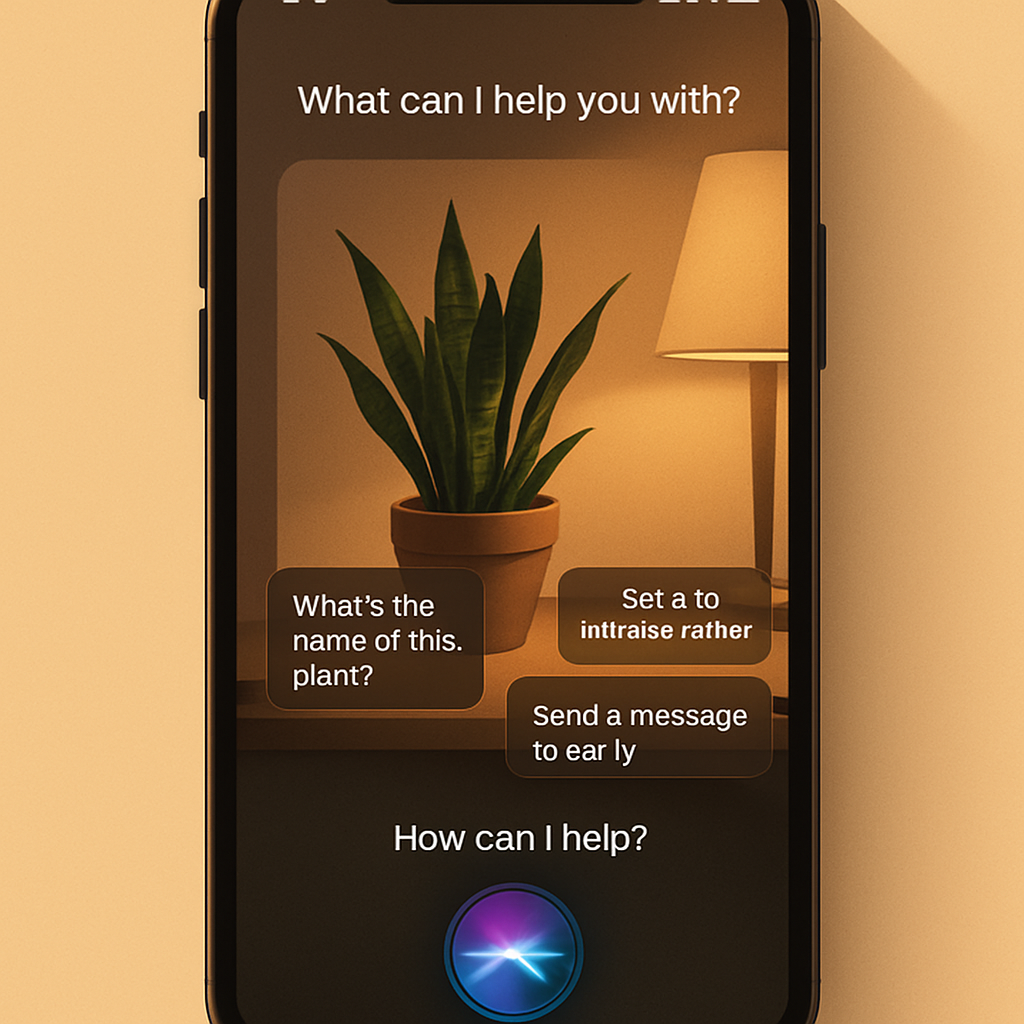
Siri also gained visual awareness. Snap a photo of a restaurant sign and ask for menu recommendations. Take a picture of a coffee bag and get brewing advice. These features bring device intelligence and vision together in ways previously only speculated about.
Built-in AI and Everyday Polishing
While Siri takes center stage, many AI enhancements are spread throughout iOS 27. Building shortcuts now feels more natural: instead of wrestling with multiple steps, you can describe what you want—”show today’s to-dos at 8 a.m.”, “share JPEGs via AirDrop”, etc.—and Siri handles the rest. Useful smart prompts pop up when messages include event or location info, suggesting actions like adding items to Calendar or Notes. Passwords can now be auto-updated via the native password manager.
On the visual side, Photos gets upgraded tools like “reframe” and “extend” for tweaking images, alongside an improved eraser tool. Safari gains alerts for page changes—think privacy policies or price tracking. A small but pivotal change is the clipboard overhaul: you can now paste richer content—images, links, video—from one app to another seamlessly, with suggestion buttons atop the keyboard.
Refinements & Control
Several UI tweaks make a noticeable difference. Apple has softened the Liquid Glass design by allowing users to control transparency with granular settings. Internet connectivity is smarter too—if Wi-Fi becomes unreliable, iOS 27 seamlessly switches to cellular. For families, there’s stronger child safety: parents can manage app access, time limits by day, monitor new website access, and get nudity alerts in Messages, FaceTime, or elsewhere.
The upgrade is available to users with iPhone 11 or later, and iPhone SE (2nd gen) or later. To install, head to Settings • General • Software Update.
The result? Siri feels modern, capable, and worth opening beyond trivial tasks. It’s less about flashy new features and more about genuinely working better in your daily life.
This marks a turning point for Apple’s digital assistant. For years, many relied on third-party tools like ChatGPT or Google’s AI when Siri couldn’t keep up. With this update, it feels like Apple is no longer playing catch-up. What to watch: how third-party apps integrate with Siri, and whether Apple can continue refining where the AI stumbles—especially in visual recognition and context understanding. If those evolve smoothly, iOS 27 could be the beginning of a much more Siri-forward world.