Apple’s freshly released macOS 27, codenamed “Golden Gate,” delivers major updates to Siri and key apps, aiming to shift Siri from a simple voice assistant into a powerful on-screen AI productivity ally. Available now for Macs with Apple Silicon—from mid-2020 models onward—it introduces features to grasp screen content, boost productivity, and refine design across the OS.
Siri Gets Smarter with Context and Visual Intelligence
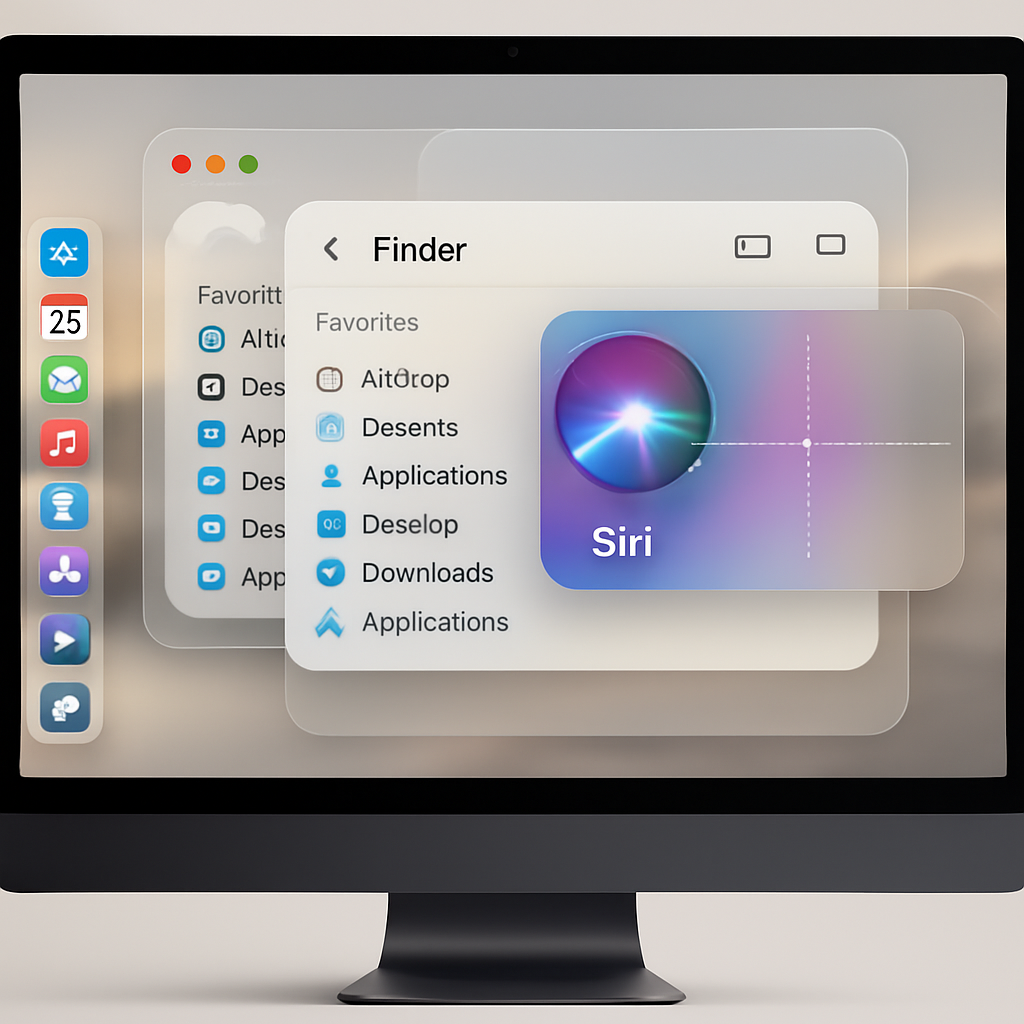
On macOS 27, Siri inherits the same AI-driven capabilities recently added to iOS 27, but gains context-sensitive vision across your desktop. You can summon Siri anywhere to analyze what’s visible on your screen—offering summaries, comparisons, or answers related to items you’re viewing. If you want more precision, a new Visual Intelligence mode lets you add just the focused window or a selected region: press ⌘-Shift-Space to include the current window in Siri’s view, or ⌘-Shift-6 to draw a selection with a crosshair tool. Siri then enables functions like search, lookups, or context-aware actions (e.g. “Add to Contact,” “Look up Location”).
Spotlight Search similarly evolves, letting users pose Siri-style queries directly within it—across the web—or target searches to specific categories like Applications, Files, Actions, or the Clipboard. Spotlight now also integrates Shortcuts and lets you revisit recent searches. Because Siri can tap into your files, messages, and mails, it can answer more personal or project-specific questions without forcing you to open apps manually.
Word Workflows, Browsing, and Browser Upgrades
Writing tasks benefit from Siri’s new editing powers. Highlight any portion of text—whether in Notes, or any web or desktop text field—and ask Siri to proofread, enhance, or rewrite it. It can draft writing inside any text box. This leverages the Mac’s more spacious layout to provide a more comprehensive composition interface than what was possible on iPhones.
Safari has also received upgrades to ease information tracking. A new AI-powered page tracking system watches for changes to price, privacy policy updates, or new content when sites don’t offer RSS. Tabs are now grouped automatically by topic to declutter messy browsing sessions.
Visual Revamp, System Polish, and Expanded Features
macOS 27 isn’t just about the brains—its aesthetics are revamped too. The operating system rolls out “Liquid Glass” icons, adjustable transparency sliders, consistently rounded window corners, new full-span sidebars, colorful app icons, and better highlighting of active windows. These design touches aim to unify the look and feel across apps and make navigation more intuitive.
Additional refinements include smarter filename suggestions in Finder and save dialogs based on context, improved email search, enhanced child safety settings, updated event suggestions for the calendar, revamped eraser tools, shared photo albums across devices, and resizable apps when mirroring iPhones among others.
The update is already live for a wide range of Macs: any MacBook Air and MacBook Pro from 2020 with Apple Silicon or newer, 2021+ iMacs, 2020+ Mac Minis, 2022-era Mac Studios, the 2023 Mac Pro, and the MacBook Neo. Users can install it via System Settings → General → Software Update.
By embedding AI deeply throughout the interface—letting you interact with what’s actually on screen rather than just voice commands—macOS 27 Golden Gate stands as one of Apple’s clearest signals yet that Siri is evolving into something akin to built-in productivity AI tools. It’s not just about keeping up with third-party assistants—it’s about redefining what an OS-level AI should do. Watch for how well Siri handles privacy, context awareness, and comparison with established desktop tools—it could reshape expectations for what personal productivity means on Macs.