Apple’s iOS 27.2 beta has picked up three significant updates this week, offering early hints at what could be coming when the full release drops. These tweaks expand on Messaging, Home, and Apple Music functionality—and some are getting strong reactions already.
New Message Suggestions Controls
One of the features being polished in iOS 27.2 is the “Suggestions” option in the Messages app—originally intended for iOS 27.0 but delayed. These smart prompts let the system detect actionable content in texts—like dates, tasks, or travel details—and offer to create reminders, calendar events, or other helpful links. The latest beta adds user settings to fully control which kinds of suggestions appear. Go to Settings → Apps → Messages → Suggested Actions, where five toggles are now offered: Add to Calendar, Add to Reminders, Add to Notes, Show in Maps, and Flights & Packages.
Smarter Home App Alerts for Doors and Locks
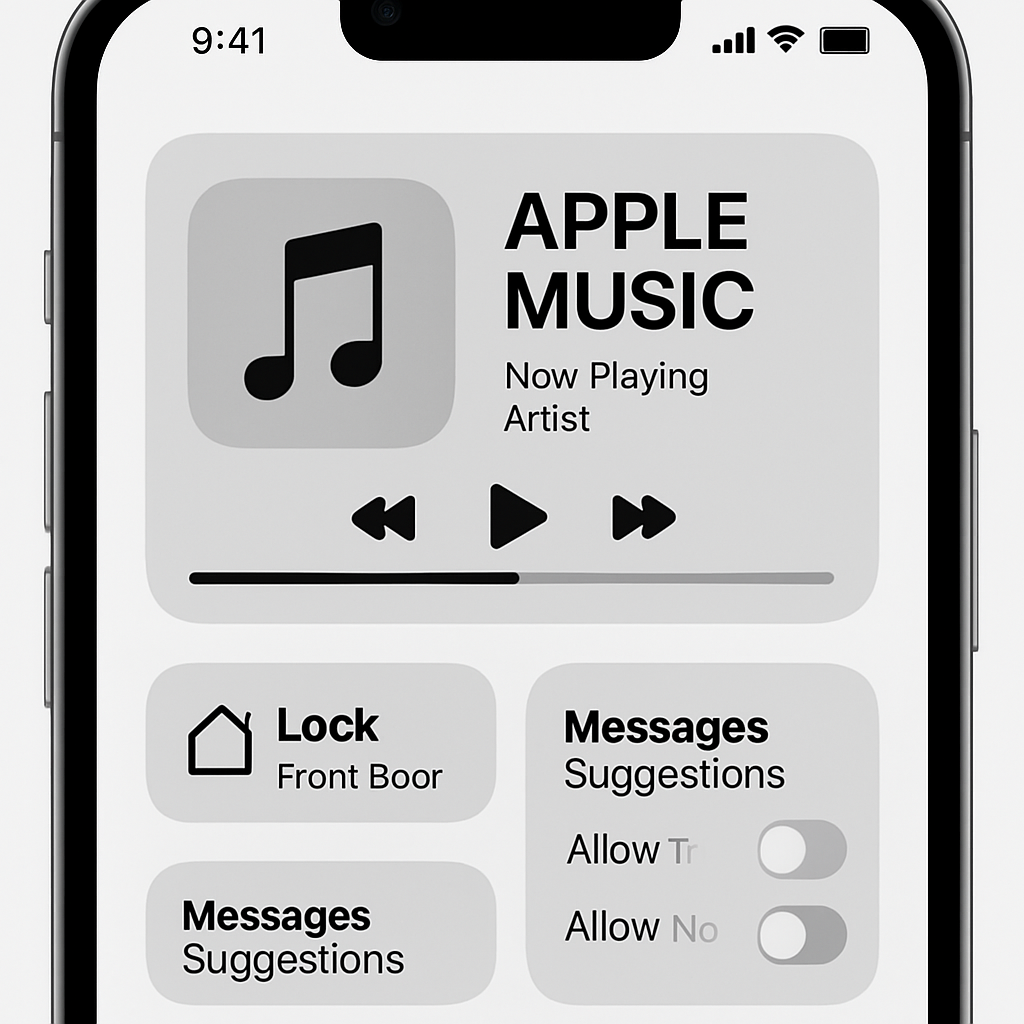
The Home app gains two useful tools for smart lock users. First, there’s a new “Lock After Closing” option, which lets your lock automatically secure the door after it’s shut. Second, there’s now a “Door Left Open” alert setting, so your phone can warn you if a door stays ajar—and you can set the trigger time at 5, 10, 15, or 30 minutes, or turn it off entirely.
Major Redesign in Apple Music
iOS 27.2 beta introduces noticeable design changes to Apple Music. The signature red that’s long been part of the app’s look has been mostly removed: icons and widgets are now primarily black and white. The tab bar color for the active tab has shifted from red to blue. While the changes point toward a broader rebranding, feedback from many users so far has been far from positive.
These feature additions arrive ahead of the official iOS 27.2 launch—Beta 4 being the current build. While they aren’t yet final, they showcase Apple’s focus on giving users more control over AI-like tools, strengthening home automation alerts, and experimenting with brand visuals.
What this means going forward: the new controls in Messages allow smarter, less intrusive suggestions. Home users get clarity and safety enhancements for locked doors. As for Apple Music, the design shift suggests Apple may be steering its UI language in a cleaner, monochrome direction—though whether it sticks depends on reaction. If enough users push back, some of these tweaks could be fine-tuned or even rolled back before the final release.