Google Messages is rolling out several new features this September that promise to enhance messaging on Android—and beyond. Some are still in beta, others have moved into stable release. Here’s a detailed look at what’s changing and why it matters.
What’s in Beta Testing Now
Several upcoming features are still being tested in the Google Messages beta and haven’t yet reached all users. One of the most visible changes is a choice between two layouts for the attachments grid—users can opt for either a compact view or a larger format that takes up more screen space. This tweak gives more control over the visual density of the interface.
Another change involves a redesign of the long-press menu. When you press and hold a message or image, the interface will blur the background and show a floating menu. From there, you can perform actions like copying part of a message rather than the whole thing, which was the behavior before.
On the cross-platform front, Android-iPhone conversations using RCS are gaining improvements with the upcoming release of iOS 27. Inline replies with quoted text will now be supported, along with photo reactions that use the actual emoji instead of a text description. These will start appearing when iOS 27 launches.
There’s also a second redesign of read receipts underway. Google Messages is reverting to using the older two-circle read receipts beneath message bubbles, but it’s experimenting with moving timestamp and encryption lock info to a swipe gesture—left swipe reveals those details, right swipe lets you reply directly. This builds on earlier redesign attempts that placed the receipts in a circle at the bottom-right of message bubbles.
Additionally, Messages for Web is phasing out QR code-based pairing. Moving forward, users will need to sign in with a Google Account, though the QR code option remains available for now. This change aims to streamline access while improving security.
What’s Arriving in Stable Release
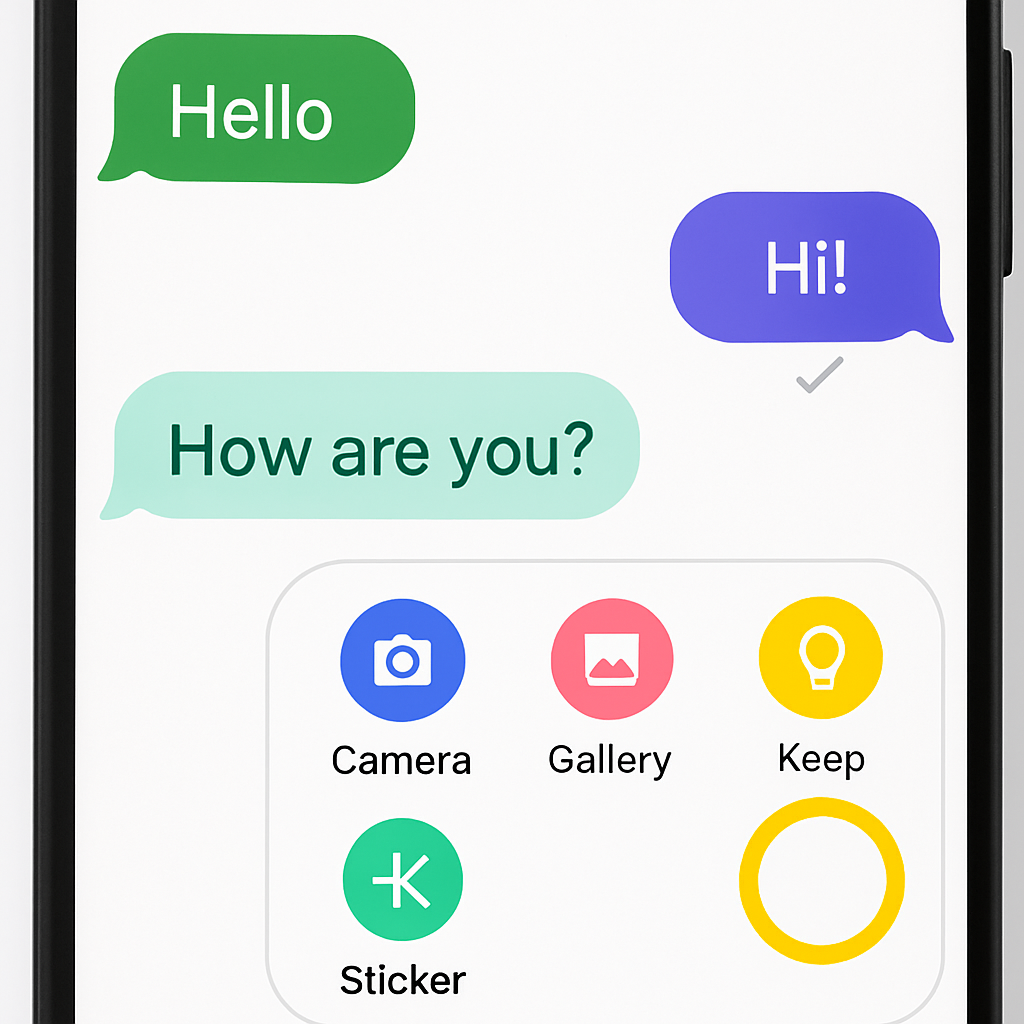
Some features have already become available to more users. The new Google Keep integration lets you create and share notes directly within message threads. If the “Create list” suggestion doesn’t show up automatically, opening the plus ‘+’ menu reveals a “Keep Notes” option. Notes can be viewed, created, and previewed live in the conversation.
Another addition is a richer “Chat theme” option. Replacing the older “Change colors” setting, this feature allows users to customize conversation visuals more deeply via the menu triggered by the three-dot overflow icon. Themes are local to each device, and include nine different styles. The first choice among them adapts its colors dynamically based on the chat background.
For Samsung device users in the U.S., Google Messages is becoming the default RCS messaging client. With Android 14 or newer, Samsung Messages will transition automatically, even moving its icon to the home screen dock. This reflects Google’s push to consolidate messaging under Messages across Android devices.
Why These Changes Matter
The new updates reflect Google’s ongoing effort to make Messages more expressive, secure, and consistent—especially in the tangled world of Android, iOS, and RCS interoperability. Features like inline replies and photo reactions help close the gap with iMessage-style experiences. At the same time, improved read receipts, digital note sharing, and theme customization group together to offer a more personal, feature-rich messaging app.
What’s still to come: the full rollout of beta features (custom grids, redesigned receipts, etc.), and how quickly they become stable. Also worth watching is how Google handles user feedback on read receipts placement, privacy options, and default app transitions.