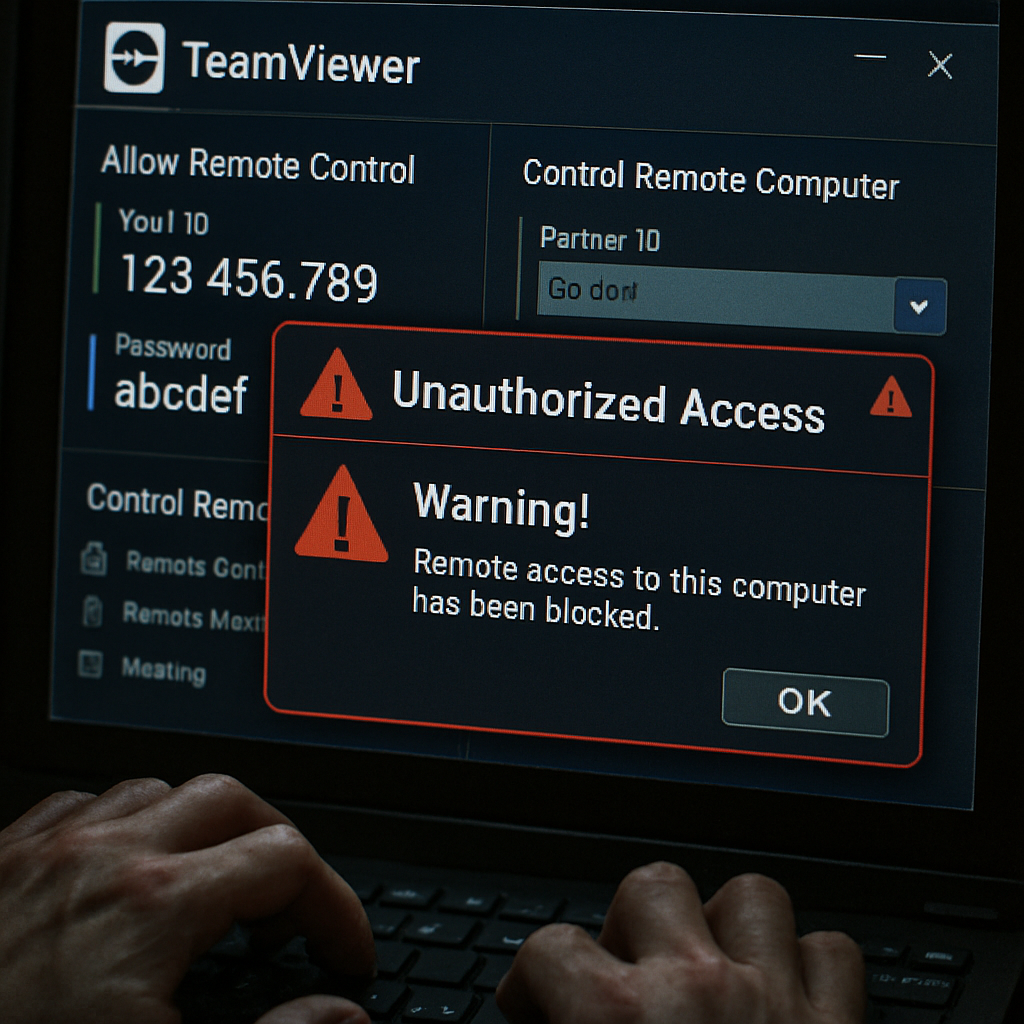
TeamViewer has released an urgent patch for a serious vulnerability—CVE-2026-16444—that allows remote code execution via a seemingly minor issue in its desktop clients. An attacker authenticated in a TeamViewer session could misuse file-transfer or virtual clipboard features to write files to arbitrary locations on the receiving system, potentially enabling execution with the user’s privileges. The flaw hits deployments of TeamViewer Remote, Tensor, and ONE using affected desktop components.
The Mechanics of the Vulnerability
The root cause is improper validation of file paths. Remote participants can craft filenames with path-traversal elements that trick the client into placing files outside the expected download directory. That opens the door to placing or overwriting executables, scripts, shortcuts, or configurations in sensitive locations. Eventually such abuse can lead to full remote code execution under certain conditions.
This vulnerability carries a CVSS base score of 7.5—classified as “Important” by TeamViewer. Exploitation requires an attacker to be part of a session and rely on some user engagement during the session, limiting exposure to opportunistic attacks but still posing strong risks in cases like credential theft, malicious support workers, or social engineering.
Affected Versions & What To Do
All desktop clients, hosts, and QuickSupport apps running versions earlier than 15.81.5 on Windows, macOS, and Linux are vulnerable. For Windows 7 and 8, the patched version is 15.64.7 or newer. Older major versions—TeamViewer 14, 13—are also affected and have their own minimum updated builds: version 14 should upgrade to 14.7.48833+ on Windows (14.7.48838+ on Linux/macOS); version 13 users need at least 13.2.36229 on Windows, 13.2.153978 on Linux, 13.2.153981 on macOS.
TeamViewer states it has no evidence this flaw has been exploited in the wild and no earlier public disclosure before its alert. The issue was responsibly reported via the company’s bug bounty program by security researchers Jamir0quai and sam91281.
Defense Measures Beyond Patching
In addition to updating to the latest secure versions, organizations are advised to audit remote access logs for unusual file transfer activities, limit file transfer capabilities to only those who need them, apply multi-factor authentication for all access, and monitor for unexpected files appearing in system or startup paths. Such precautions can minimize risk, especially where remote support is used widely and across sensitive network boundaries.
This vulnerability emerges amid rising concern over remote support tools being leveraged as attack vectors. Since such platforms already straddle client devices and internal networks, a weakness like this can cascade rapidly if not addressed.
What this means:Even though successful exploitation requires being inside a TeamViewer session and some user action, the potential impact is high—remote code execution can lead to full compromise of affected systems. Every enterprise or individual running TeamViewer should consider this a high priority patch. What to watch: whether these flaws gain traction among threat actors, and whether similar path-traversal bugs exist in other remote access tools. Keeping software updated and access tightly controlled remains the most reliable safeguard.