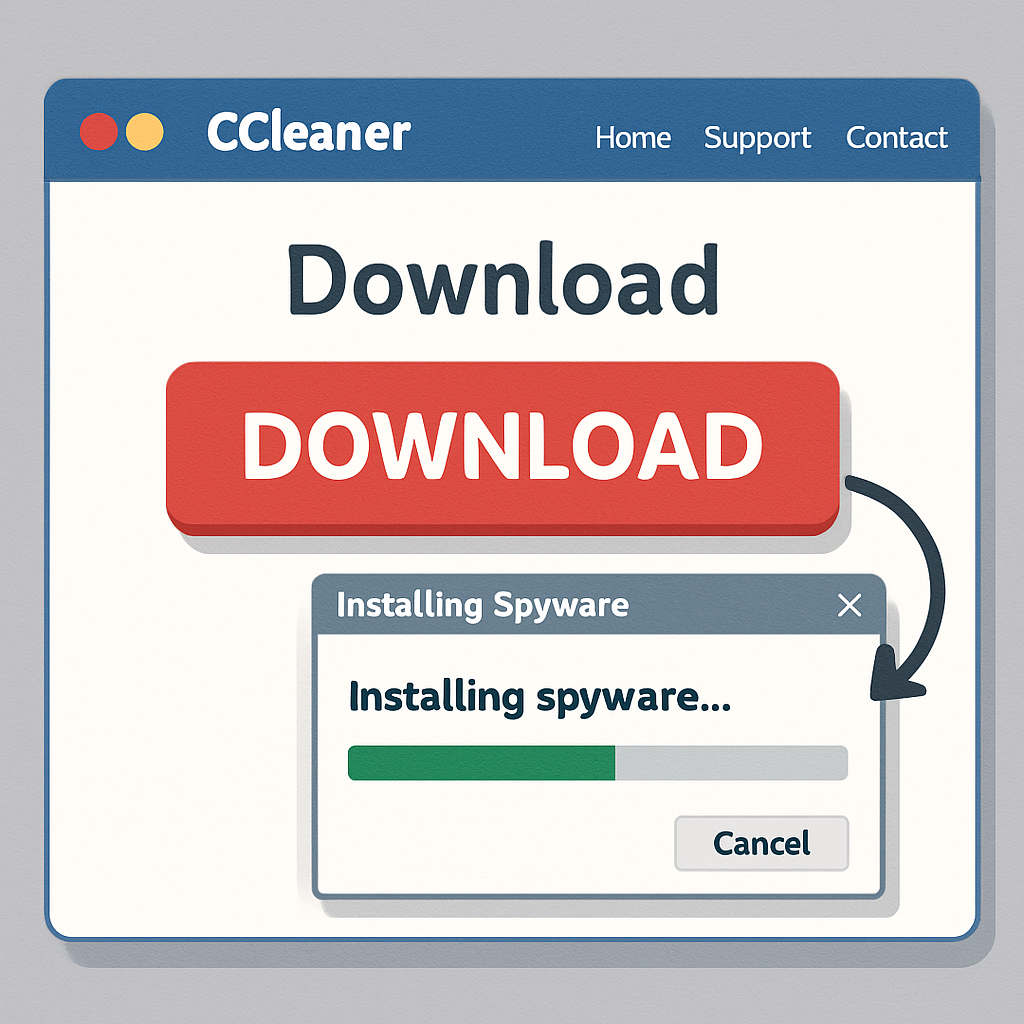
Windows users seeking to download the popular system optimization tool CCleaner are being targeted by a sophisticated malware campaign. Cybercriminals have set up a counterfeit website that closely mimics the official CCleaner download page, tricking users into installing malicious software.
Upon visiting the fraudulent site, users are prompted to download what appears to be the legitimate CCleaner installer. However, this file is a trojan that, once executed, initiates a multi-stage infection process on the victim’s system. The primary payload is a malicious Chrome extension named GhostDesk, designed to operate stealthily within the browser environment.
GhostDesk possesses a range of intrusive capabilities, including keystroke logging, screenshot capture, and the collection of browser cookies. It can also inject malicious JavaScript into active web pages, allowing attackers to manipulate content and potentially redirect users to phishing sites. Notably, GhostDesk can intercept and alter cryptocurrency wallet addresses copied to the clipboard, enabling the redirection of funds during transactions.
The infection process begins with the execution of the fake installer, which deploys Windows Script Host’s CScript component to gather basic system information. It then replaces a legitimate system library with a loader for the next stage of the attack. Subsequently, the malware modifies Chrome’s Security Extension manifest to load two scripts, content.js and background.js, from a local directory upon browser startup. This method ensures the persistent operation of the GhostDesk extension without the user’s knowledge.
Similar tactics have been observed in other malware campaigns. For instance, a fake CleanMyMac site instructed users to paste a command into the Terminal, leading to the installation of SHub Stealer, a macOS malware designed to steal sensitive data, including passwords and cryptocurrency wallets. This underscores the growing trend of cybercriminals leveraging fake software download sites to distribute malware.
To protect against such threats, users should exercise caution when downloading software. Always verify the authenticity of the website by checking the URL and ensuring it matches the official domain of the software provider. Avoid downloading applications from third-party sites or links provided in unsolicited emails or messages. Additionally, regularly updating software and maintaining robust security measures can help mitigate the risk of malware infections.
This incident highlights the evolving tactics of cybercriminals who exploit the trust users place in well-known software brands. As these deceptive methods become more sophisticated, it is imperative for users to remain vigilant and adopt proactive security practices to safeguard their systems and personal information.