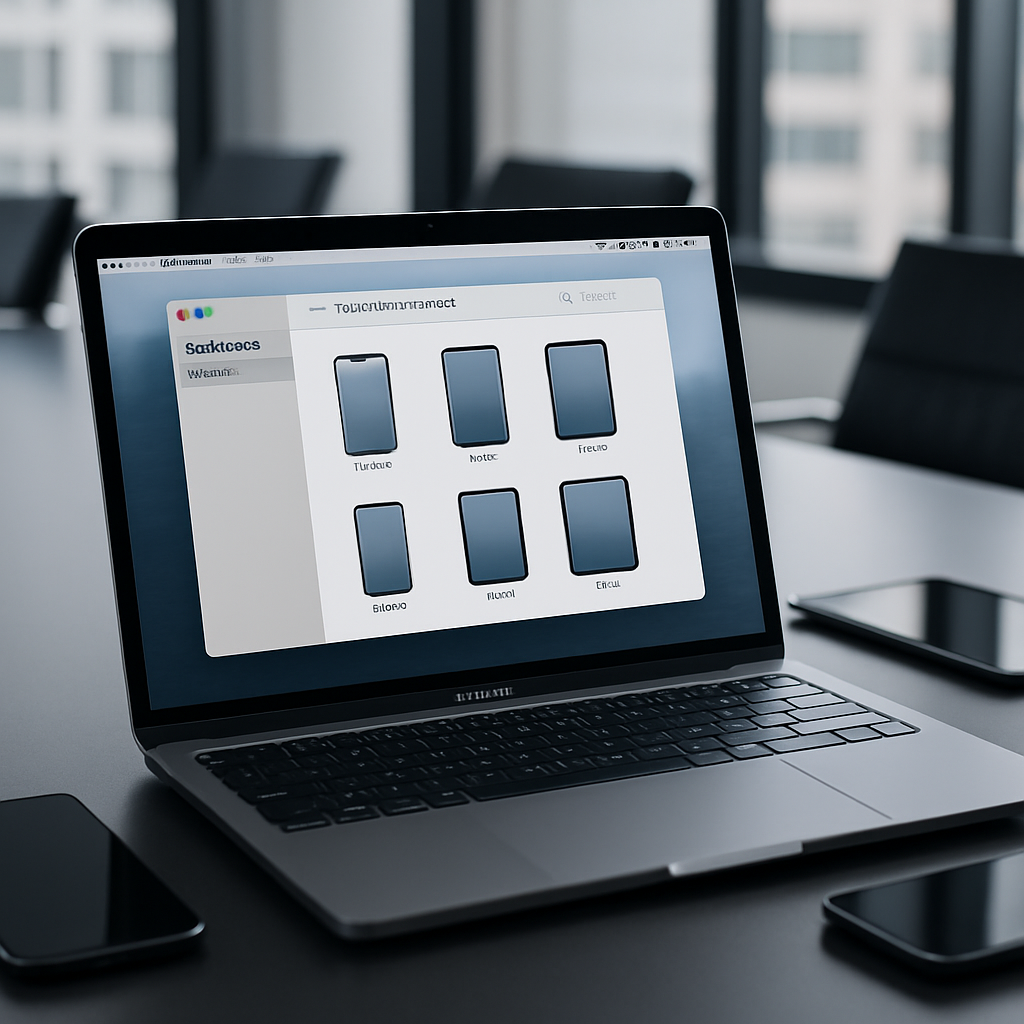
Apple has rolled out version 2.21 of apple Configurator for macOS today, bringing enhancements aimed squarely at IT administrators and organizations that manage fleets of Apple devices. The update’s central improvement addresses reliable Apple ID sign-in, accompanied by general stability fixes and performance tweaks.
What’s New in Version 2.21
The highlight of version 2.21 is improved reliability when signing in with an Apple Account. Users who’ve experienced issues logging in or authenticating Apple IDs in previous versions should notice smoother operations. Alongside this, Apple has pushed through various bug fixes and other improvements to help Configurator run more predictably.
Who Uses Configurator & Why This Matters
Apple Configurator is a tool frequently used by IT departments to configure, deploy, and supervise multiple iPhones and iPads—installing apps, managing configuration profiles, and setting up devices in business or educational settings. Its reliability in authentication is vital: when sign-ins fail or stall, deployment workflows stall too.
Given the critical role these tools play in large-scale device management, even minor authentication hiccups can cause delays or increased support overhead. This update should reduce such friction.
Version 2.21 doesn’t come with major new feature additions—it’s more about polishing and making sure the essentials work as intended.
Distribution & Update Info
As with previous releases, the update is being distributed through the Mac App Store. macOS users who’ve already installed Apple Configurator can upgrade to 2.21 without additional cost. The update applies to all supported macOS versions. Users should check system compatibility before installing to ensure a smooth update.
Why This Update Is Relevant
Reliability due to strong authentication systems is becoming increasingly critical for enterprise and education sectors. Tools like Apple Configurator are foundational in rolling out configuration profiles, enforcing policies across devices, and maintaining security compliance—especially in managed environments. Any improvement in sign-in reliability helps reduce downtime, support tickets, and risk.
That said, this release is clearly focused more on incremental stability improvements than groundbreaking new features. It won’t satisfy users seeking new tools or overhaul—but for organizations counting on Configurator for daily workflows, this change should be welcome.
What to Watch Next: Whether this update sets the stage for larger feature upgrades—like tighter security measures, AI-powered tools, or more streamlined device onboarding—is worth monitoring. Also, how smoothly this version rolls out could hint at Apple’s readiness to tackle device-management pain points in future macOS releases.