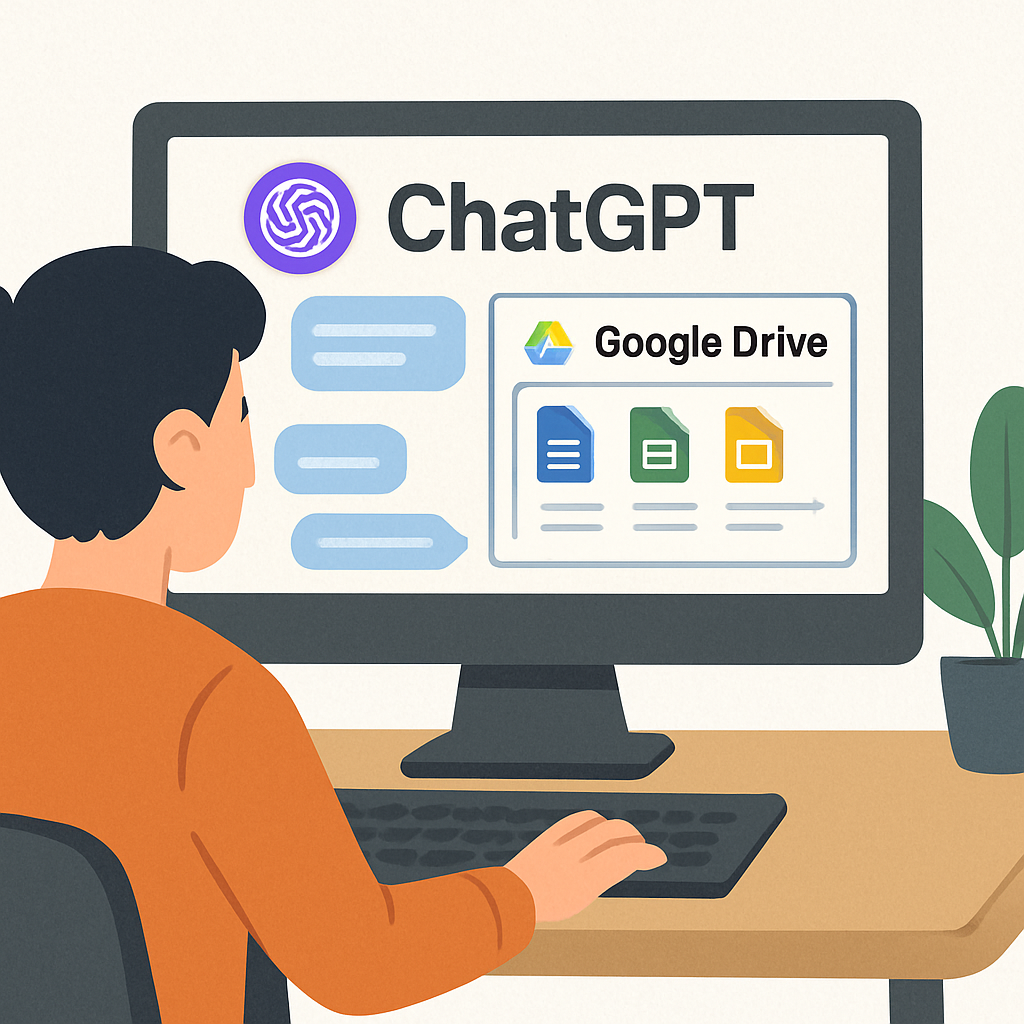
ChatGPT has introduced a significant enhancement for its subscribers by integrating Google Drive directly into its chat interface. This new feature allows users to access and edit their Google Drive files without leaving the ChatGPT environment.
Subscribers can now add Google Drive files to their ChatGPT Library, enabling them to interact with these documents seamlessly. By clicking the ‘+’ button adjacent to the prompt field and selecting ‘Add from Library,’ users can incorporate their Google Drive files into the chat. This integration facilitates tasks such as asking ChatGPT questions about specific documents or making edits directly within the chat interface.
Importantly, any modifications made to Google Drive files through ChatGPT are saved directly to the original documents, ensuring that changes are preserved without the need to switch between applications. This functionality streamlines workflows, particularly for users who frequently reference or edit documents during their interactions with ChatGPT.
In addition to the Google Drive integration, ChatGPT has rolled out several other features to enhance user experience. A new quiz tool allows users to request quizzes on specific topics, generating interactive multiple-choice questions complete with navigation and hint options. This feature aims to support learning and knowledge reinforcement directly within the chat interface.
Furthermore, ChatGPT has integrated with Yelp, enabling users to search for restaurant reservations and join waitlists seamlessly. This addition expands ChatGPT’s utility beyond information retrieval, offering practical assistance in daily activities.
These updates reflect ChatGPT’s commitment to evolving its platform to meet user needs, providing a more integrated and efficient experience. The Google Drive integration, in particular, signifies a step towards creating a unified workspace where users can manage and interact with their documents and data without leaving the chat environment.