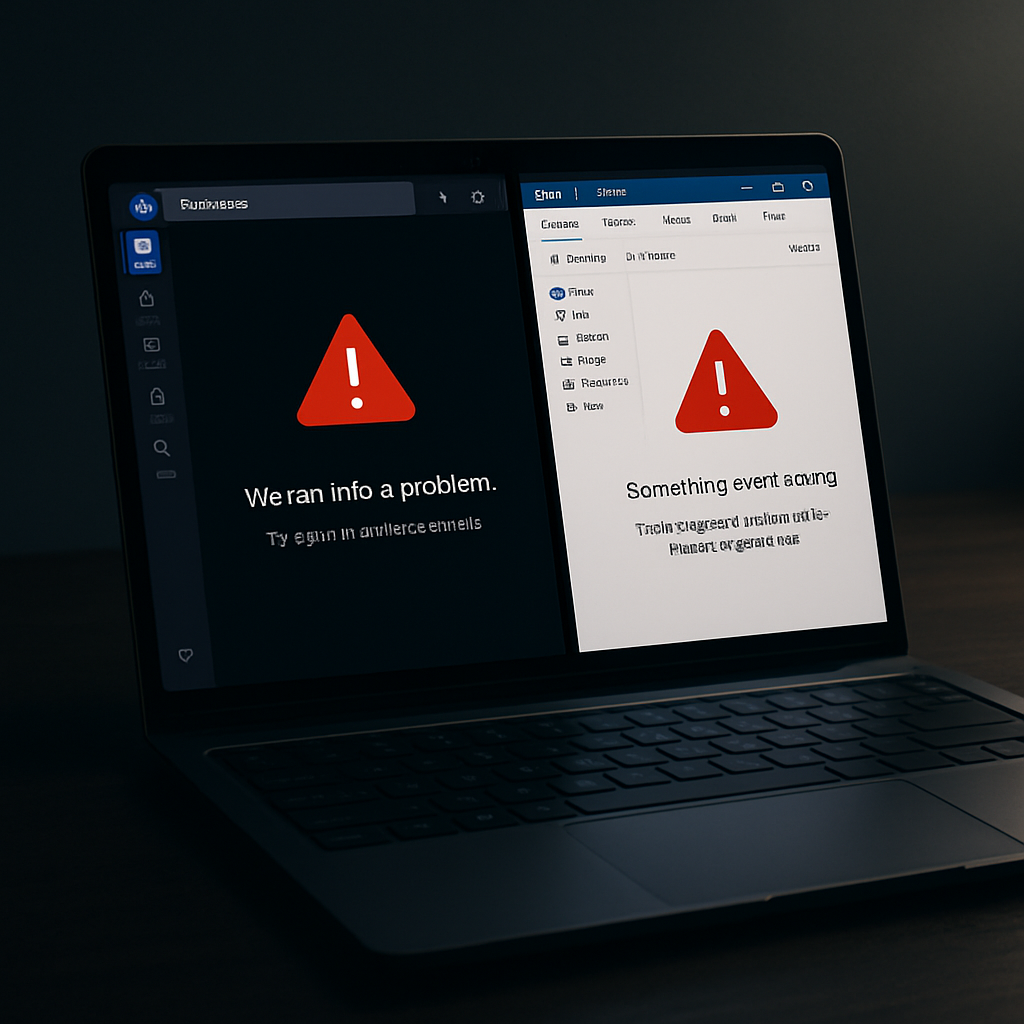
Microsoft has acknowledged a serious problem affecting users of Microsoft Teams and the new Outlook app on ARM-based Windows devices following the company’s August 2026 security updates. The issue has led to both applications failing to launch or closing unexpectedly after opening on machines such as the Surface Pro 11 and Surface Laptop 7.
Which updates and devices are affected?
The disruptions are traced to the KB5121003 security update from Microsoft’s August Patch Tuesday, which hits ARM-based PCs including newer platforms driven by Windows-on-ARM processors like Qualcomm’s Snapdragon X2. Affected Windows versions include 11 24H2, 25H2, and the freshly released 26H1 builds. There’s no impact reported for classic Office apps (Word, Excel) or for server systems—these crashes appear specific to modern Store-delivered apps.
Symptoms, cause, and workaround
After installing KB5121003, users have noted that Teams or the revamped Outlook either fail to open entirely or shut down almost immediately post-launch. Error logs and community feedback suggest issues with AppX and MSIX packaging, including token generation errors (notably 0x80073CFC) tied to the Outlook package. New or freshly imaged PCs seem especially vulnerable—likely because necessary Store updates haven’t lined up yet.
Microsoft has issued a temporary workaround: update Microsoft Store’s “Auto Super Resolution Package” to version 1.0.19.0 or newer by going to Downloads in the Store and applying available updates. This package typically supports AI-driven upscaling features, but appears central to stabilizing Outlook and Teams in this case. The issue is marked as “Mitigated” in Microsoft’s Windows Health Dashboard, while a more permanent patch remains in development.
For organizations managing ARM-based Windows fleets, this points to the risks of deploying security updates before ensuring Store-distributed apps and supporting packages are up-to-date—especially on fresh deployments.
Why it matters: Microsoft increasingly delivers core apps via its new Store model (AppX / MSIX), which promises better security and update delivery but introduces dependency complexity. If package or Store infrastructure lags behind security patches, essential apps can break.
What to watch: Keep an eye on Microsoft’s next Windows update, which should offer a full fix. Log error codes like 0x80073CFC if crashes occur, and verify Store dependency packages are current before applying system patches to avoid similar breakages in future.
Bottom line: Until the full fix arrives, ensuring that the Auto Super Resolution Package is upgraded might be the single most effective way for affected ARM Windows users to restore Outlook and Teams functionality.