NAS (Network Attached Storage) devices usually come with fixed operating systems and locked-down software. The ZimaCube 2 nears NAS liberalism: it runs ZimaOS Plus out of the box, but won’t get in your way if you’d rather use something else. For users who want full control—installing TrueNAS, Windows, Linux or anything container-friendly—this $799 Standard model delivers a powerful, tweakable machine.
Specs That Shine and Where the Limits Are
The hardware is built on a standard x86 foundation. Its CPU is an Intel Core i3-1215U (six cores, eight threads), boosted by 4.4GHz, yielding strong multi-core performance. In benchmarks, it runs almost on par with a 2020 M1 Mac mini in multi-core metrics, though it lags significantly on single-core scores—something that shows most in tasks sensitive to responsiveness. The Standard configuration includes 8GB of DDR5 RAM (single stick), upgradeable via two SODIMM slots up to 64GB, which matters because a dual-channel setup helps with bandwidth-heavy workloads like running many Docker containers.
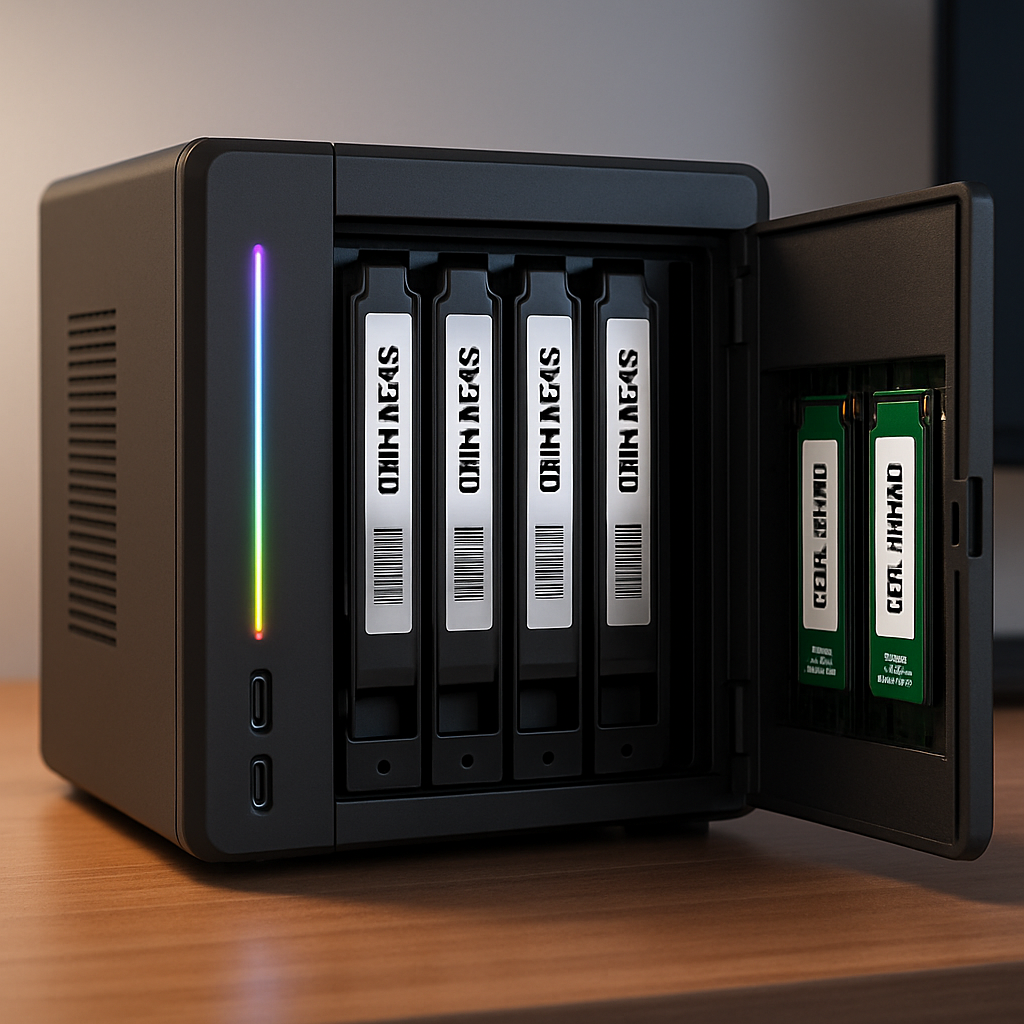
Storage flexibility is one of ZimaCube 2’s loudest strengths. It offers six SATA drive bays (3.5- or 2.5-inch) plus a seventh module with four M.2 NVMe slots. Overall capacity reaches up to ~212TB with a mix of large HDDs and SSDs. But note: in the Standard model, all four NVMe slots in the SSD bay share bandwidth capped around 800 MB/s—fine for many users, but the Pro and Creator versions improve that to roughly 3,200 MB/s.
Ports, Noise, and The Thunderbolt Reality
For networking and connectivity, ZimaCube 2 includes dual 2.5GbE Ethernet and a pair of Thunderbolt 4 ports. These Thunderbolt ports are advertised as offering 40Gbps direct Mac access, but in practice they serve as a network link of about 20Gbps using Thunderbolt Bridge—not direct-attached storage. That means data travels via network protocols, rather than mounting as a locally attached drive. Still, that’s significantly faster than the 2.5GbE ports included, which themselves are a moderate step up over basic gigabit LAN.
Regarding design and usability, the case has been made for visibility: gunmetal exterior, a magnetic faceplate, six front bays, and the SSD expansion mounted separately behind a module. An RGB strip illuminates status: normal operation, drive issues, etc. Noise is generally acceptable—idle background hum isn’t much different from ambient sound when properly equipped—but drive activity and especially under load push it higher. Users also have access to replaceable fans, which helps tune for quieter performance.
Software, Freedom & Use Cases
ZimaOS Plus is free of forced lock-in. It operates like a standard Docker host—apps are all containerized, letting you tap into the broad universe of Docker packages. That opens a huge array of available tools and services. But because these are generally community-maintained, they often lack the polish and tight integration of ecosystem-specific solutions like Synology. Users who enjoy tweaking and customizing will thrive; others may find the learning curve steeper.
Expansion is baked in. Internally there are two PCIe slots (Gen4 x4, Gen3 x2) allowing graphics cards (low-profile, under 75W), SSD hosts, or additional network cards. Everything from TrueNAS to Windows or Linux is viable without hardware mods or “hacks.”
Verdict: Who This NAS Is For
At $799, the Standard ZimaCube 2 is an excellent choice for tinkerers, tech hobbyists, or home server pros who insist on hardware openness and OS flexibility. It falls short of workstation levels—single-core performance isn’t elite, and the limited Thunderbolt implementation may disappoint those expecting DAS-level speeds. Add another RAM stick, consider higher tiers if you need ripping NVMe throughput, and you’ll get an extremely capable system for backups, file serving, containers, or even light media editing.
Pros: full OS freedom; generous storage capacity; Docker‐friendly app store; dual PCIe slots and large SSD expansion.
Cons: Thunderbolt is overhyped—networked, not direct attach; single-channel RAM in base form; 2.5GbE only unless you move up to Pro/Creator models.
Rating: 4 out of 5.
ZimaCube 2 starts shipping direct from the maker, for about $799 in its Standard form, also listed at a slightly lower price via Amazon. Be clear on what you intend to run and whether you’ll upgrade components before choosing the model.
This is a smart choice in the growing DIY NAS market. As commercial NAS vendors increasingly lock users into proprietary ecosystems, a machine like the ZimaCube 2 bucks the trend by delivering openness and extensibility at a price many power users will accept. For those who prize flexibility, it doesn’t just store data—it empowers your configuration. Watch how competitors respond if this unlocks a larger appetite for customizable, OS-free storage platforms.