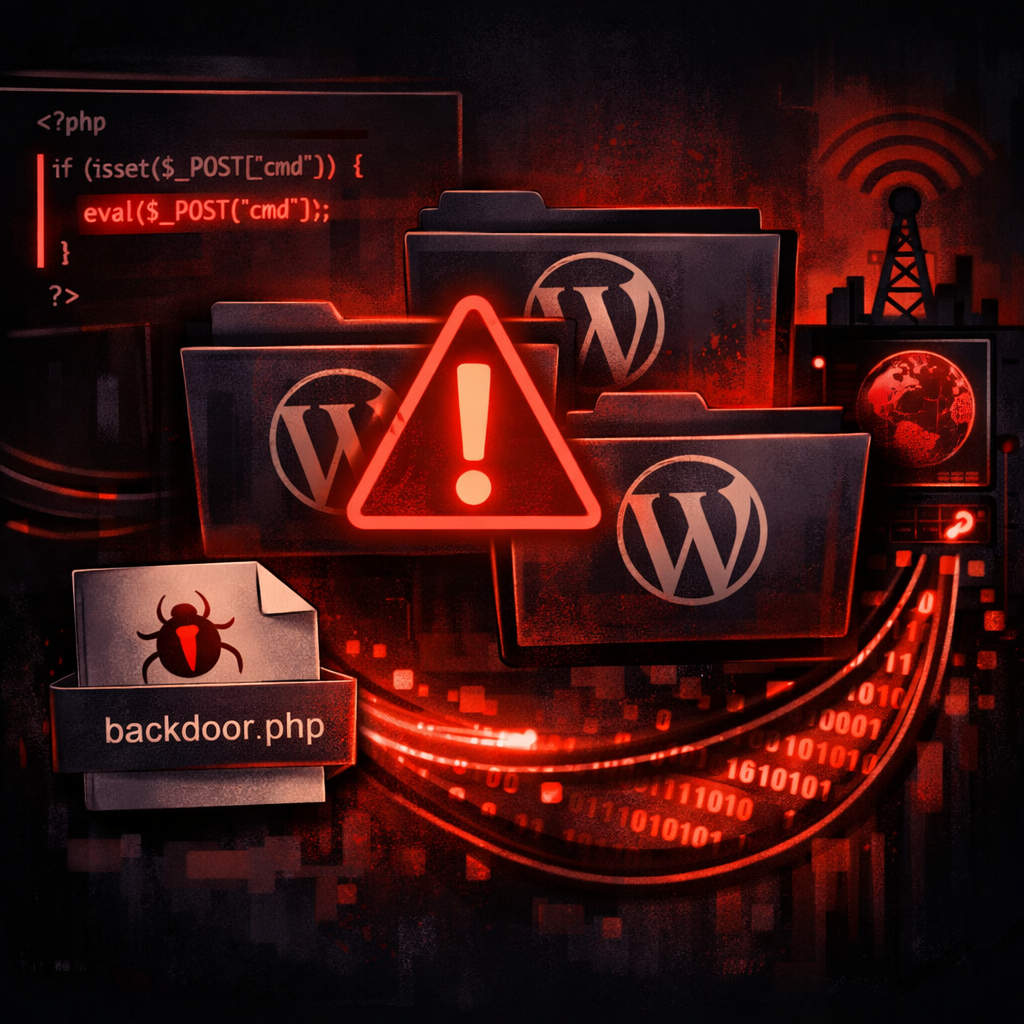
On November 22, WordPress.org banned six plugins from WP connect after detecting backdoored versions in the developer’s account. Those malicious builds—marked by the Common Vulnerabilities and Exposures identifier CVE-2026-135202—were prevented from reaching active sites, thanks to internal protections including a release delay system known as “Protect The Shire.” These plugins had been poised to enable arbitrary code execution, credential theft, file manipulation, and other serious site compromises.
Which Plugins & What the Backdoor Did
The affected plugins include:
- Air WP Sync (Airtable to WordPress), versions 2.9.1-2.9.4
- WP Sync for Notion, version 1.7.4
- Add-on Brevo for Gravity Forms, version 2.6.3
- Add-on for Contact Form 7 to Airtable, version 2.5.4
- Add-on for Contact Form 7 to Notion, version 1.6.4
- Orders Sync to Airtable for WooCommerce, version 1.0.2
Each version contained a file called includes/airwp-online.php, which operated on every page load and via a WordPress cron job running every 30 minutes. The module secretly communicated with a command-and-control server (tascredit-pay.com), collecting details such as site URL, PHP, WordPress, and OS versions, as well as server user. It then executed whatever PHP code the remote server returned, using eval.
How Sites Could Have Been Affected
The backdoor’s capabilities were broad and severe. Beyond remote code execution, it allowed shell commands, manipulation of files, querying of any database table, dumping of user credentials, planting of web shells (even in folders meant for uploads), and setting up persistent hourly cron hooks to maintain access—even post plugin removal. Sites using compromised versions are recommended to treat themselves as breached.
Fortunately, none of the malicious versions appear to have ever been released. WordPress’s Protect The Shire initiative—which enforces a 24-hour delay before new plugin or theme versions are pushed via auto-updates—and an automated review tool internally dubbed “Gandalf” flagged and halted these releases before they could reach users. All six plugins have since been permanently closed on WordPress.org.
What Admins Should Do Now
Even though the threat was blocked before widespread deployment, organizations must still verify their exposure. Check all WordPress sites for installations of the six plugins at the specified versions. If any of those were ever active, assume compromise; removing the plugin isn’t enough. Run thorough malware scans, rotate all admin credentials and WordPress security keys, inspect the site’s file system (especially includes/airwp-online.php), review scheduled WP-Cron tasks, and look for web shells or unexpected PHP files in wp-content/uploads.
Wordfence, which reported the incident, rated the threat at a 9.8-risk level (CVSS), highlighting that there is no patch available because the backdoor was intentionally added—not the result of a coding error. The version before each compromised release is known to be clean.
WP connect has acknowledged that the developer’s WordPress.org account was compromised. Details of how unauthorized access was gained remain under investigation.
This incident underscores the evolving risk of supply-chain attacks in the plugin ecosystem. Built-in safeguards like release holds can defend against malicious versions, but site owners must remain vigilant. If you’re managing WordPress sites, auditing installed plugin versions and looking for hidden indicators now can save trouble later.