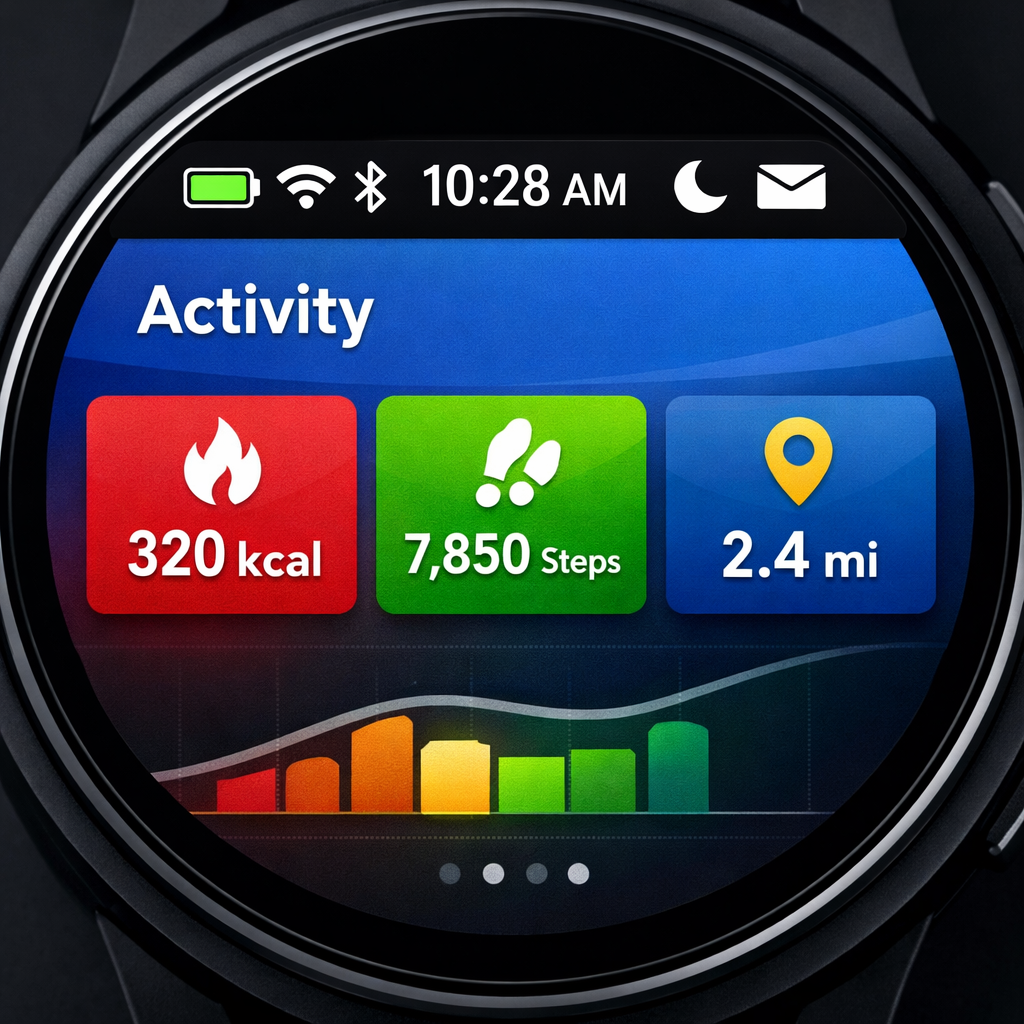
Google is preparing a major UI change for Wear OS: a persistent system status bar will appear atop app windows on circular displays. Revealed in a recent Canary emulator preview, the design adds a strip along the top of Wear OS apps showing time and system indicators, similar to Android on phones and tablets. Fullscreen apps will still have the option to hide the bar for an immersive experience.
New Interface for Apps
With the status bar enabled, standardized clock fonts, indicator layout, and backplate visuals will be enforced across apps. Developers will no longer need to build custom time text in their apps—time shown by the status bar replaces in-app clocks. Specific UI frameworks like AppScaffold and ScreenScaffold in Jetpack Compose for Wear OS (version 1.8.0-alpha02 or newer) will automatically adopt the status bar when targeting API level 35 or higher. The status bar also integrates window inset padding, and becomes invisible during scrolls in list content with time text hiding temporarily.
Fullscreen & Immersive Modes Handled
Full-screen dialogs and immersive UI elements—including dialogs, steppers, time pickers, date pickers—automatically suppress the system status bar while shown. For apps or screens that want full immersion even beyond that, developers can use a new StatusBarSuppression feature to disable the bar entirely.
This is part of a Wear OS Canary emulator build labeled version 7.1 (API level 37.2-beta1, based on Android 17, codename “CinnamonBun”). However, this system status bar isn’t expected to be pushed in the stable release of Wear OS 7.1, serving instead as an early test feature for feedback collection.
Older apps or those not using the updated Compose scaffolding won’t automatically benefit, so developers should plan updates if they want consistent look and behavior. The placeholder status bar shown in the Canary build uses a star icon instead of real status indicators—another sign this is still under development and not ready for production devices.
This shift marks one of the more visible changes to Wear OS in recent years, aligning it closer to Android’s look and feel while addressing UI consistency across third-party and first-party apps.
What this means: The persistent system status bar formalizes time and status display across apps, reducing onboarding friction for users and inconsistencies for developers. As Wear OS 7.1 rolls out, apps should be primed to adopt the new scaffolds and API levels. What to watch: when this lands in the stable release, how developers handle suppression or customization, and whether battery or performance are impacted by the always-on bar.