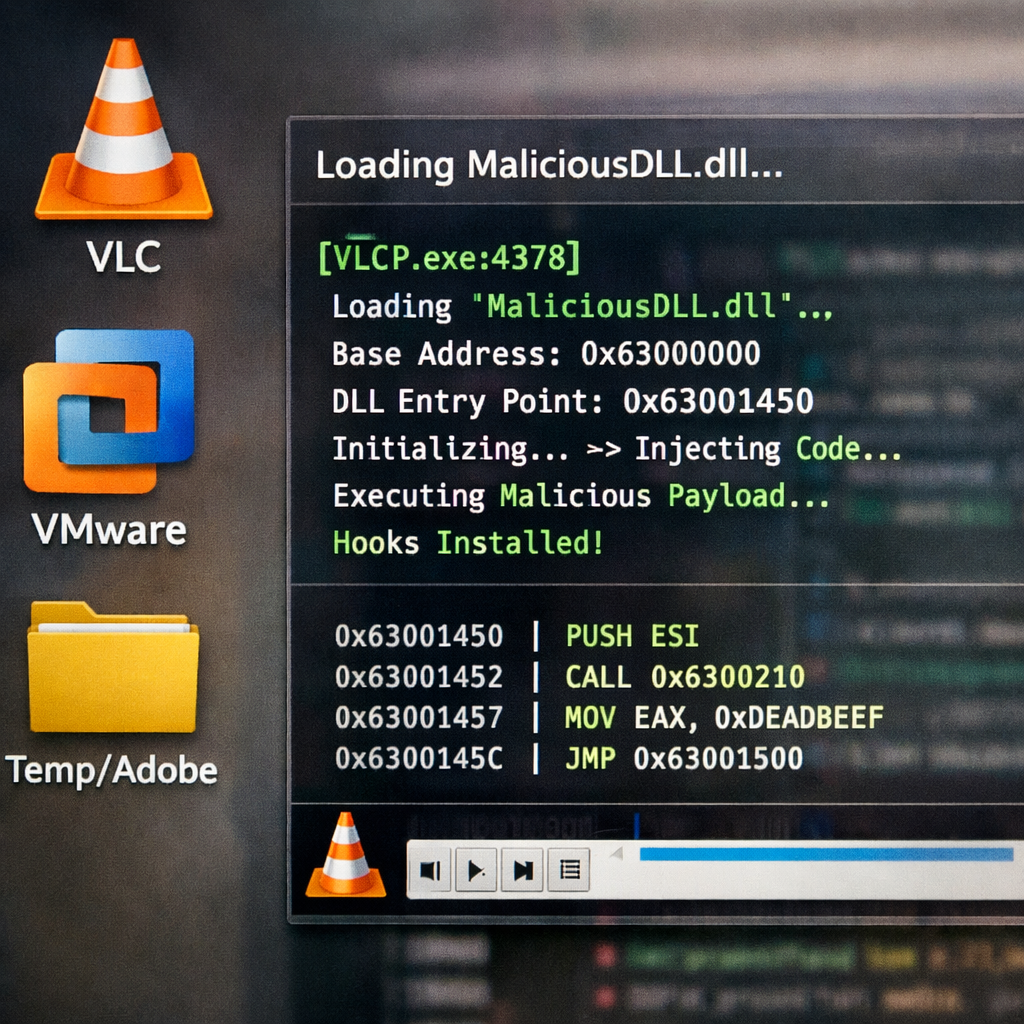
Multiple malware campaigns are abusing trusted Windows applications like VLC Media Player and VMware Tools to stealthily deploy harmful payloads using a method known as DLL side-loading. The strategy allows attackers to pair malicious libraries with legitimate executables to evade typical defenses.
How the Attacks Unfold
Security researchers uncovered three intertwined campaigns hitting users in Brazil and Portugal. One is pushing Overlord RAT, another runs the Lampion banking malware, and a third delivers a malicious driver management DLL. Although they overlap in tactics and regions, there’s no evidence yet they’re operated by the same group.
In Brazil, Overlord operators send phishing emails purporting to be from notary offices, linking to VBScript downloads. These scripts drop executables or .MSI installers that combine genuine applications—such as VLC or Microsoft .NET utilities—with attacker-placed DLLs in the same directory. When these trusted programs launch, they inadvertently load the malicious libraries from adjacent folders.
Meanwhile in Portugal, attackers push fake invoice sites that include fake CAPTCHA challenges. Victims download ISO images containing legitimate VMware installers, an obfuscated VBScript, and a malicious library. The VMware executable is used to load the rogue DLL. That DLL decrypts data to reveal another payload written in Pascal, designed to grab screen content, persist through registry entries, and connect to attacker infrastructure.
Capabilities & Detection Challenges
Once inside a system, the Pascal payload enables remote access: mouse and keyboard control, running commands via PowerShell or CMD, screen streaming, hidden interactive shells, and the ability to self-remove. If the payload’s command server is unreachable, it retries every three seconds.
Lampion uses finance-themed lures in Portuguese and loads heavily padded scripts where working code is hidden among large fills. Overlord focuses on legal document impersonation in Brazil. Both campaigns hide signals of attack by leveraging commonly trusted executables to load malicious code, a hallmark of DLL side-loading.
Some of the warning signs include new or unusual scripts being downloaded, newly added Windows Defender exclusions, unfamiliar scheduled tasks, and trusted applications launching libraries from odd directories. Defender may show the legitimate .exe, hiding the malicious DLL next to it. Phishing domains also follow clear patterns.
Key IoCs & Defender Priorities
Among the indicators: command-and-control IPs in the Overlord setup, domains impersonating Brazilian notary services, script download URLs via services like Google Cloud or Dropbox, and installer payloads masquerading as updates. Notably, the side-loading directory often shows up in temporary (Temp) folders labelled “Adobe.”
To protect assets, defenders are advised to closely monitor process execution paths, persistence mechanisms (registry or startup entries, scheduled tasks), and unusual outbound network traffic. Infection chains involving ISO files, obfuscated scripts, and paired DLLs call for heightened scrutiny.
More broadly, these malware schemes illustrate a dangerous trend: attackers using otherwise benign tools and trusted software to blend in, exploit trust, and avoid detection.
Why this matters: DLL side-loading has long been a favorite of sophisticated adversaries because it abuses the trust users and security tools place in legitimate software. The growing use of this technique against VLC, VMware Tools, and other widely installed applications means attack surfaces have expanded—and many organizations remain underprotected. Going forward, prioritizing visibility into what trusted applications are doing, enforcing strict script controls, and validating all loaded libraries should be central to defense.