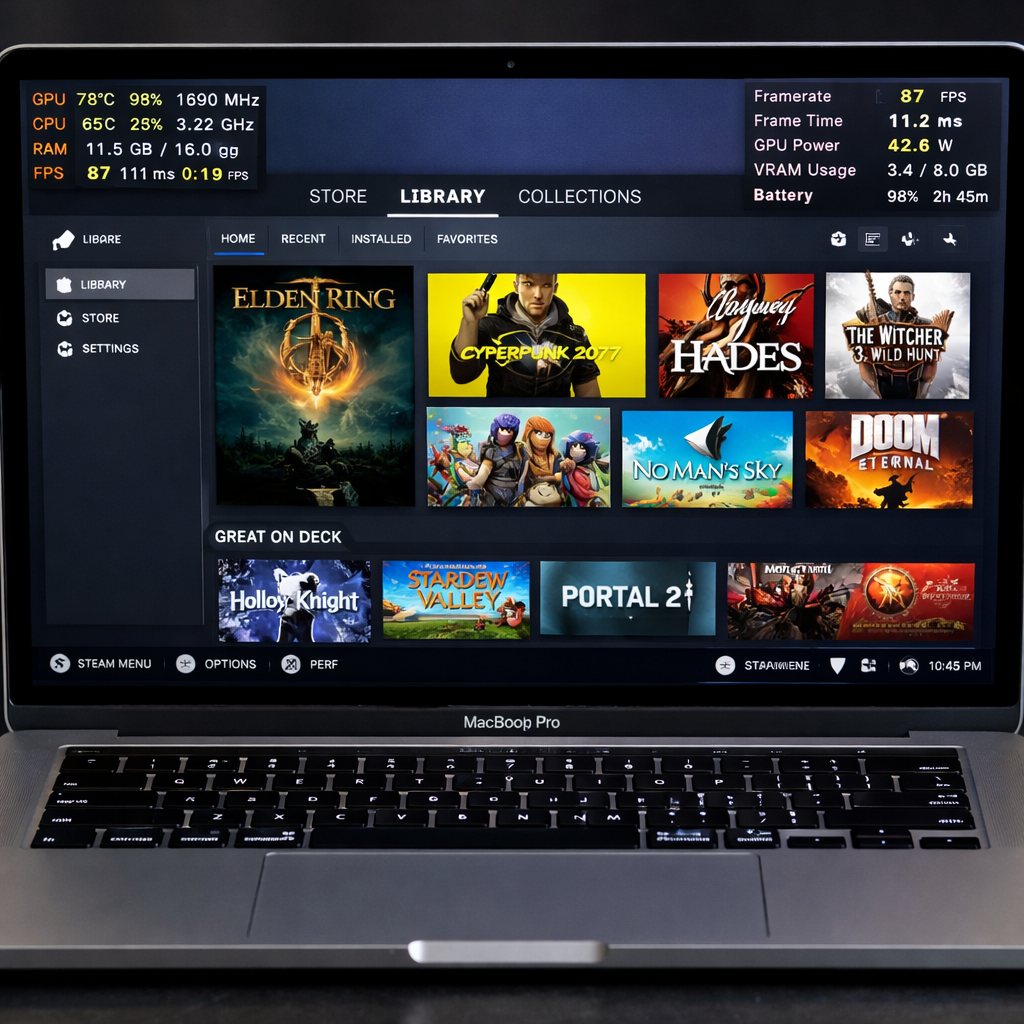
A new development called Steamac allows Apple Silicon Macs to run Valve’s official ARM64 SteamOS build in a lightweight virtual machine. Installed via a GitHub-based project, it brings SteamOS to macOS using VM frameworks like libkrun, Horizon.framework, and Venus. The result is that even some Windows-only games compatible with SteamOS can run on Macs—with certain limitations.
How it works under the hood
Steamac uses Valve’s own signed ARM64 SteamOS image—specifically the “Steam Frame” variant—and boots it inside a minimalist virtual machine on Apple Silicon Macs running macOS 15 (Sequoia) or newer. It relies on macOS’ Hypervisor.framework plus supporting technologies like libkrun and the Venus protocol. Graphics are handled via Vulkan, translated through DXVK (and where spec limits require it, vkd3d-proton), then through MoltenVK or an experimental driver named KosmicKrisp, finally reaching the Metal graphics API.
Requirements and limitations
Mac users need an Apple Silicon model, at least macOS 15, and roughly 150 GB of free disk space (because SteamOS images and sparse disks can grow large). Building the project also requires Xcode, Homebrew, and Rustup.
Many games will work fine—especially single-player titles and those without restrictive anti-cheat protections. However, titles that use kernel-level anti-cheat systems will fail or refuse to launch. In early testing, games without such protections ran well. Shader compilation during the first runs can introduce pauses, but once compiled, performance improves noticeably.
User experience & performance
Graphics pipelines translate DirectX 9–11 API calls into Vulkan, then into Metal for rendering, often via MoltenVK or KosmicKrisp depending on macOS version. This chaining makes efficient use of Mac hardware, though it introduces complexity and potential performance penalties. The first launch of a game can be slow due to shader compilation; subsequent loads benefit from the cache.
Controllers, audio, input, and other peripheral support are built in. The Steam UI appears as expected. Still, the experience depends heavily on system resources—higher-end Macs with more RAM, storage speed, and GPU power show greater success. Lower-resource Macs may struggle with demanding 3D games.
Installing Steamac requires comfort with command-line tools and compiling components. It’s not aimed at casual users unwilling to build from GitHub. The project is open-source under Apache 2.0 (with some components under MIT or GPL, depending on their origins), but SteamOS itself is not distributed directly—users must download the official Valve image.
Steamac marks a major step toward broader game access on Macs. It’s not a full replacement for native ports, especially with system-enforced anti-cheat or high-end gaming titles. But for many players, especially fans of older or less-protected games, it’s an accessible way to run titles not originally designed for macOS on their hardware.