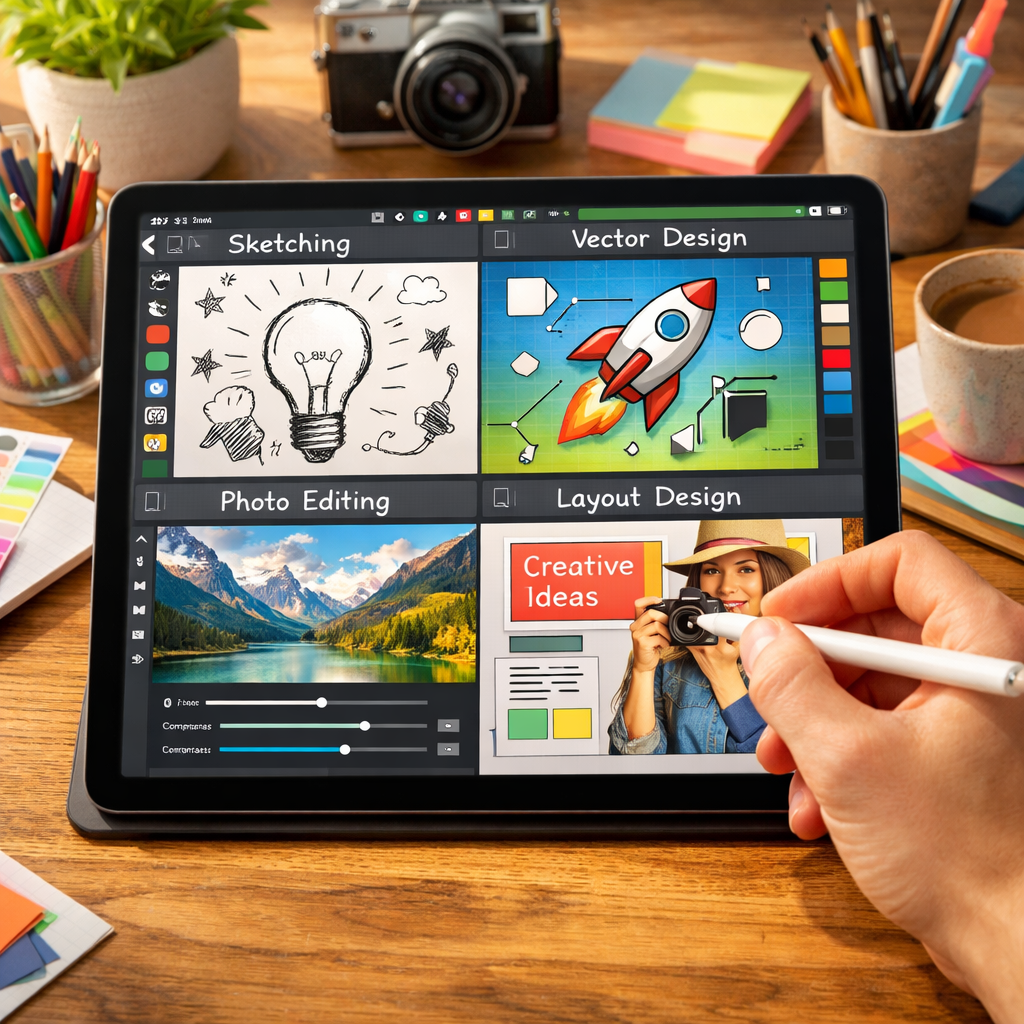
Canva has officially brought its all-in-one Affinity app to iPad, allowing users to sketch, work with vector graphics, edit photos, and design page layouts in a single, unified tool. The app, released on November 2, 2026, comes with a brand new Sketch Studio designed specifically for touch and Apple Pencil input.
All the creative tools, one file format
The iPad version of Affinity consolidates what were previously separate apps—Designer, Photo, Publisher—into a single experience. It supports switching between multiple studios—Sketch, Vector, Pixel, Layout—all while using the same.af file that is also compatible with the desktop version.
The Sketch Studio lets users draw freehand with customizable brushes, and includes a “Sketch to Shapes” feature that converts hand-drawn forms into editable vector shapes. Photo editing tools work with RAW formats, offer non-destructive adjustments, and include a Mask Tool suited for tracing detailed edges like hair or fur using Apple Pencil. Layout tools support multi-page documents, offer master pages, and can generate print-ready output.
Designed for iPad and Pencil
Unlike many ports, Affinity was built for iPad from the ground up rather than being a scaled-down desktop version. It supports advanced Apple Pencil Pro features such as barrel roll, squeeze, and hover, in addition to pressure and tilt sensitivity.
While the core tools (sketch, vector, photo, layout) are free for individual users, the app requires a free Canva account. Premium features—found in the Canva AI Studio—are pay-walled, including image upscaling, generative expand, noise reduction, and Decompose Layer (which separates flat images into editable layers).
Missing features, and system requirements
Some features present in the desktop app aren’t yet available on iPad. Books, Batch processing, Data Merge, Quick Adjustments, Info and Scope panels, macro recording, and Astrophotography Studio are among the exclusions at launch. Canva says it plans to bring more of these in future updates.
The app is now live in the App Store, free to download with in-app purchases for premium tools. It requires iPadOS 18.0 or later.
What this means:Bringing Affinity to iPad signals a major step toward consolidating creative workspaces across platforms. For digital artists, designers, and page layout professionals, this app could cut down the friction of hopping between tools. However, the paywall for AI features and missing desktop-features at launch will likely frustrate power users. What to watch: how quickly those remaining tools arrive, and whether the premium tier delivers enough value to justify its cost.