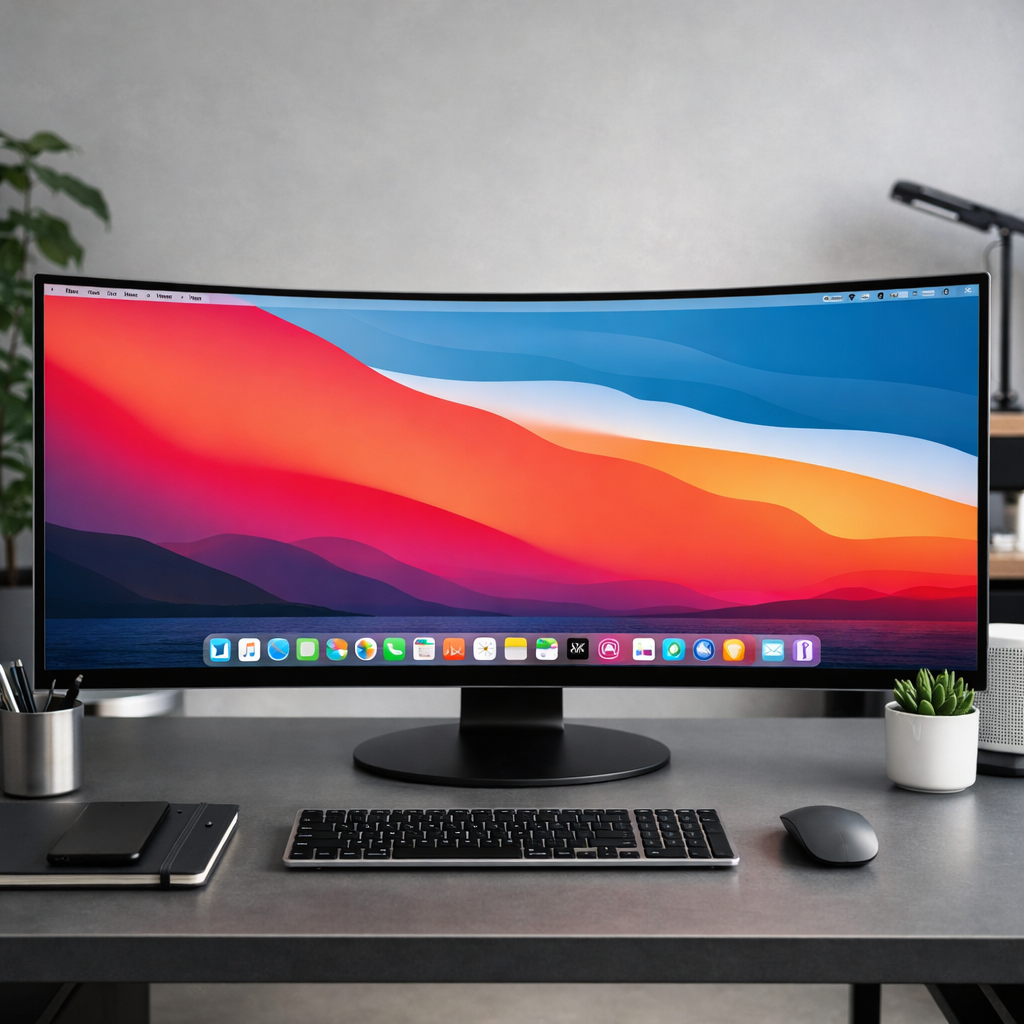
With the arrival of macOS Golden Gate, Apple claims support for ultrawide monitors has been “greatly improved.” But for many users, including one with a 49-inch screen at 5,120×1,440 resolution, it’s hard to tell whether anything meaningful has changed. Some report crisper visuals or better refresh rate behavior; others argue nothing substantial has shifted. The truth seems mixed.
What Apple says vs. what users see
Apple promotes Golden Gate as enhancing compatibility with ultrawide monitors, enabling higher resolutions—like delivering “5K at 120Hz” on certain displays. For those who haven’t fiddled with settings, Golden Gate might appear to enable smoother performance out of the box on previously under-utilized panels.
One user with a 49-inch Samsung display at 5,120×1,440px claims the monitor now runs at its full 120Hz refresh rate without him tweaking many settings. He also noted the display appeared somewhat sharper and more stable after installing Golden Gate. But he didn’t observe big changes beyond that, and turning on High Dynamic Range (HDR) was reportedly disappointing in his case.
Scaling, “Looks Like”, and limitations
A major part of what users are scrutinizing involves how macOS handles “looks like” or scaled resolutions versus actual physical resolution. On ultrawide monitors, physical pixel count doesn’t always match the effective resolution macOS uses for UI elements. One Redditor, using a 57-inch Samsung Neo G9 monitor (7,680×2,160px at 240Hz), felt Golden Gate simply restored missing scaled “looks like” resolutions rather than introducing true HiDPI or retina scaling improvements.
Despite Apple’s messaging, some users argue that Golden Gate hasn’t meaningfully added HiDPI options—that is, using a display to offer higher detail density. Instead, changes appear limited to existing resolution and refresh-rate support, or enabling previously missing intermediate resolution settings.
Why it feels underwhelming
For many, the issue isn’t just whether resolution options are available—it’s whether they deliver usable clarity. Large ultrawide monitors spread millions of pixels across physically large displays, which can make individual pixels more noticeable. Even with proper resolution and refresh rate support, if scaling or interface elements don’t scale well, the result can still feel less sharp or less refined than smaller high-dpi screens. One user noted that the monitor’s physical and “looks like” resolution aligned, yet UI elements with “larger text” mode still appeared less usable.
It’s also worth noting that users who don’t already own—or didn’t extensively test—ultrawide setups may not perceive these subtleties. What seems like improved clarity might instead be better matching of existing resolution and refresh rate settings by Golden Gate. In some cases, visual or performance enhancements might come down to tweaks to how macOS handles default behaviors for ultrawide displays rather than deeper architectural changes.
At its core, Golden Gate seems to offer incremental gains: more consistent refresh-rates, better compatibility with certain ultrawide displays, and maybe more display mode options. But for those expecting true retina-level improvement in ultrawide monitor support—HiDPI scaling, crisper text and UI elements—many are left wanting.
As more users test Golden Gate across varied ultrawide hardware, differences may become clearer. For now, Apple’s claims are partly validated by user reports but far from universally felt. Golden Gate’s ultrawide upgrades appear to be a refinement of existing system handling rather than a significant leap. Looking ahead, it will matter how macOS integrates more robust HiDPI scaling and defaults for ultrawide support—those will be the changes people really notice.