Google has introduced major camera interface changes with the rollout of Camera version 11.0 for its new Pixel 11 phones. Among the most notable additions are “Launch mode,” which lets users open the camera directly into video or Magic Capture, and a revamped “Quick access” slider feature — both aiming to streamline usability for content creators and casual shooters alike. These upgrades represent a significant UI refresh from previous Pixel models running version 10.4 of the app.
Redesigned Quick Access Sliders
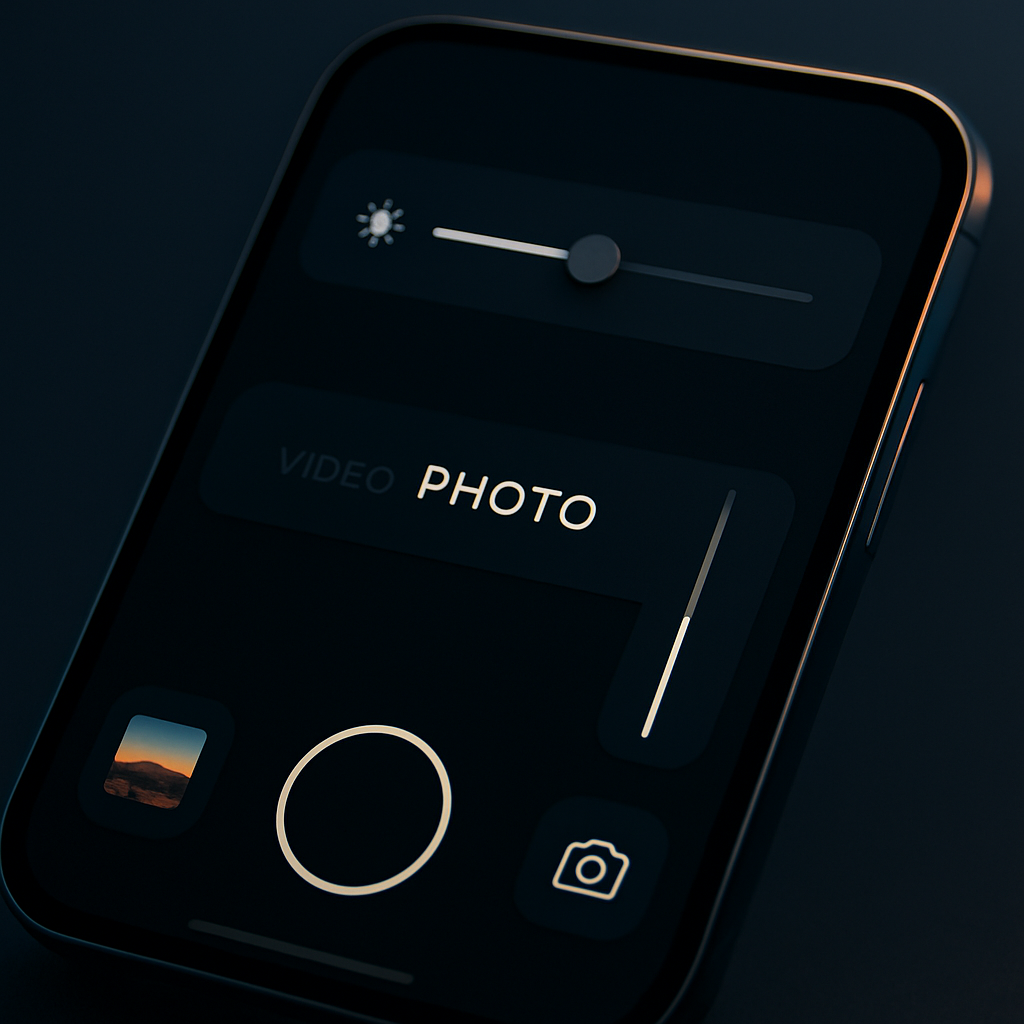
The Quick access feature, first introduced in earlier Pixel phones, gets a redesign on the Pixel 11. Instead of wide horizontal bars, users now find two slider dials positioned on either side of the screen. These sliders can be customized via the camera settings — accessible through the overflow button — and one of the available options is “Looks,” giving more creative control over image previews.
Out of the box, the Quick access sliders are turned off on Pixel 11s, though this may vary by device. They also remain hidden during regular use; you’ll need to tap the screen to make them appear. Once activated, sliding up or down adjusts the selected setting, and an undo button shows up after changes are made. Values are displayed after adjustments — but there are no textual labels on the sliders themselves, which some users may find confusing. The design suggests a cleaner aesthetic but sacrifices immediate discoverability in the process. ([9to5google.com](https://9to5google.com/2026/08/21/google-pixel-camera-11-update-launch-mode-quick-access/))
Introducing Launch Mode
Alongside the sliders, Google added a new Launch mode setting. This lets users set their camera app’s default launch screen — whether to start in video mode or Magic Capture. Photo mode remains the default for now, but the placement of this option next to the Quick access settings indicates Google’s intent to make custom launch behaviors more mainstream. ([9to5google.com](https://9to5google.com/2026/08/21/google-pixel-camera-11-update-launch-mode-quick-access/))
Wider Implications
Camera 11.0 is just the start for Pixel’s camera software evolution. While these UI tweaks are launching first on the Pixel 11 series, they are likely to appear — in some form — on older Pixel hardware as part of future version updates. ([9to5google.com](https://9to5google.com/2026/08/21/google-pixel-camera-11-update-launch-mode-quick-access/))
What this means: Camera 11.0 makes clear Google is moving toward offering more proactive control over photo and video workflows. For creators who capture mixed content or want fewer taps to get rolling, things like Launch mode promise to shave off friction. But the tradeoff comes in usability — hidden controls and disabled features by default may require a learning curve.