PDF Expert has rolled out a major update for iOS 27 and iPadOS 27, introducing handwriting recognition, enhanced Apple Pencil Pro support, and visual refinements across the app’s interface.
Handwritten Notes Turned Searchable
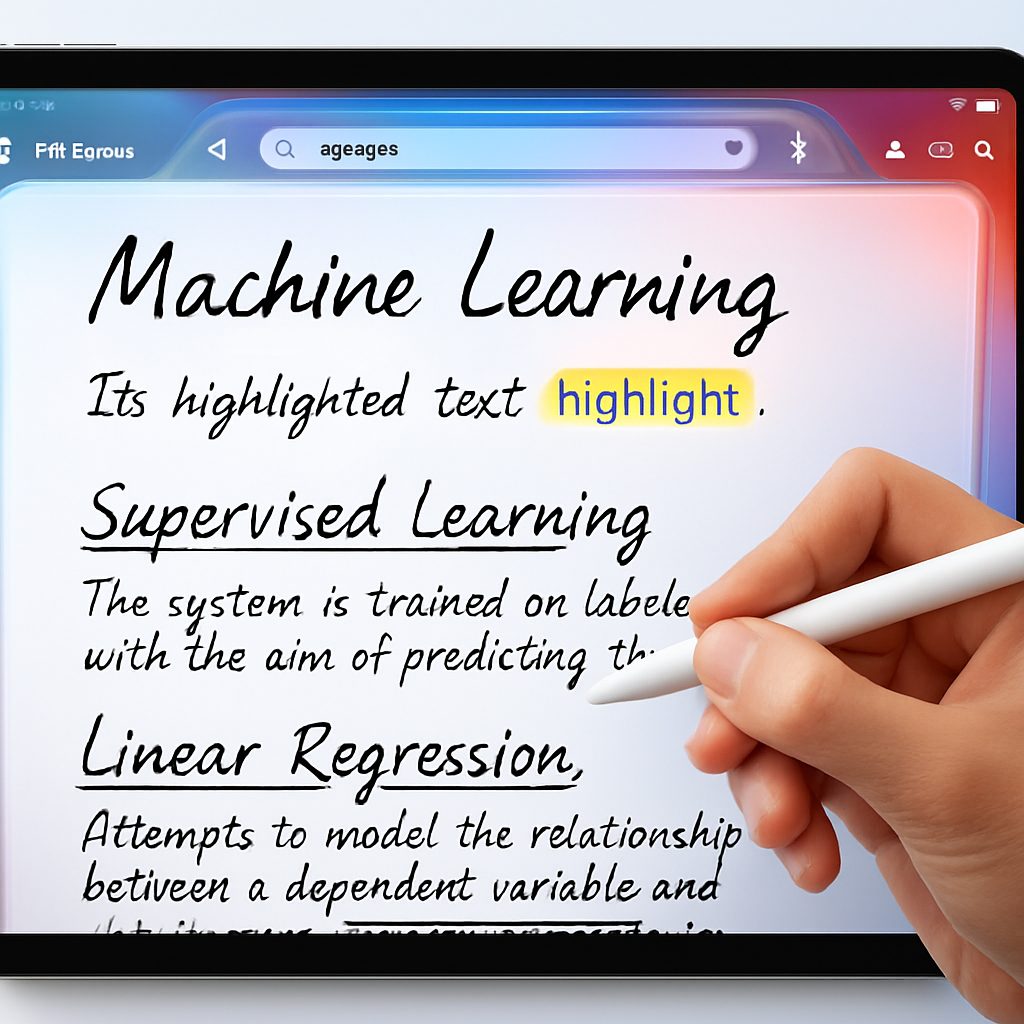
The headline feature is Handwriting Recognition. With the latest update, PDF Expert can now index handwritten annotations and notes—whether embedded in PDFs or stored elsewhere in the library—and treat them like regular text. That means anything you’ve scrawled—be it a signature, margin notes, or sketches—can now be searched alongside typed text. Users can locate content even if they don’t remember which document it’s in.
Support for this feature spans 29 languages, aligning with Apple’s PKStrokeRecognizer API support. While all users can write by hand and see it converted to typed text via the app’s Text tool, full handwriting search and indexing are reserved for PDF Expert Premium subscribers.
Apple Pencil Pro & Interface Upgrades
For those using Apple Pencil Pro, the update brings squeeze gesture support to summon the tool palette, where pens, markers, highlighters, shapes, stamps, signatures, and measurement tools are all accessible. Macros like toggling tools, erasing, or undoing actions are bundled in. The squeeze gesture must be enabled under Apple Pencil settings, especially if currently allocated to another function. This feature also requires a compatible iPad.
On the visual front, PDF Expert expands its Liquid Glass aesthetic into more areas—including the sidebar, document viewer, toolbar, and Presentation mode—offering a more cohesive and modern look. Also added are dedicated undo and redo buttons directly within document view for quicker access.
This update marks a significant step forward for PDF workflows on Apple devices. Handwriting Recognition not only brings documents annotated by hand into mainstream searchability but nudges PDF Expert closer to becoming a universal workspace where typed and handwritten content coexist seamlessly. Expanded Apple Pencil Pro support adds efficiency for pro users and creatives, while the UI improvements make daily interaction feel more polished.
What to watch: How reliable the handwriting search proves across messy notes or mixed-language writing. Whether Apple expands language support for PKStrokeRecognizer—and how quickly PDF Expert follows. And whether squeeze gestures become standard in other creative apps, signalling a broader shift in how Apple Pencil Pro performs in iPadOS.