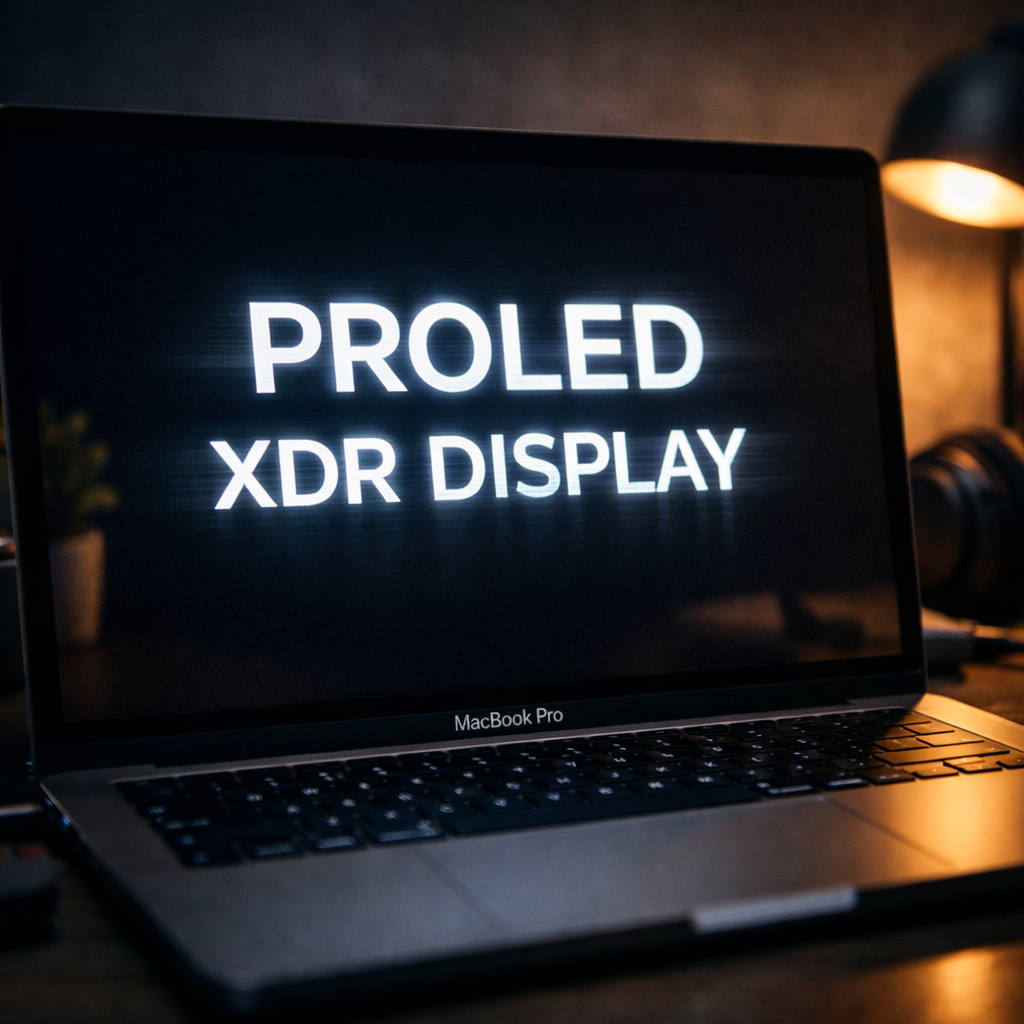
Apple’s latest MacBook Pro models equipped with the new PROLED XDR OLED display, launched November 6, 2026, are garnering praise for their vibrant visuals and contrast. But for some users, those brilliant screens are causing discomfort. Reports of eye strain, headaches, dizziness, and nausea have emerged—experiences linked to how the OLED panel handles brightness dimming.
What Users Are Saying
Discussions on MacRumors forums, Reddit, and user polls reveal multiple owners experiencing symptoms that begin during everyday tasks like reading text—especially against dark backgrounds. One owner said discomfort eased noticeably after switching to a previous mini-LED MacBook Pro. Others are returning their PROLED models due to severe symptoms that come on even with brief use. Claims include nausea, trouble focusing, and headaches, with some coming after little more than 15 minutes of use.
The issue appears more intense at lower brightness settings. Owners note symptoms intensify when using the laptop below full brightness, or when text is displayed against dark areas.
Technical Underpinnings: Pulse Width Modulation
Central to the complaints is pulse-width modulation (PWM), a method used by OLED displays to adjust brightness. PWM rapidly toggles pixel on/off cycles to reduce perceived light output, which for some triggers discomfort even when flicker isn’t visibly obvious. Frequency and amplitude of such cycles are crucial to whether users feel these effects.
In lab testing of the 14-inch PROLED XDR MacBook Pro, PWM was observed at 240 Hz with a modulation (flicker) amplitude of about 56 percent when brightness is set at 99 percent or below. That combination—relatively low frequency and sizable amplitude—is cited as potentially problematic for those who are flicker sensitive. In contrast, previous mini-LED models measured PWM frequencies up above 14,880 Hz, a much higher rate that tends to be less likely to produce noticeable flicker effects.
What Apple Offers—and What It Doesn’t
For non-Mac users, Apple already provides a setting called “Display Pulse Smoothing” on newer iPhones (iOS 26) that helps reduce PWM dimming effects, especially at low brightness. That feature switches off PWM at certain levels and instead relies on “voltage dimming,” which varies current rather than toggling pixels.
But on macOS, there’s currently no equivalent control or setting to disable or limit PWM on the PROLED XDR display. For now, users experiencing symptoms are advised to test the device in person—such as in Apple Stores—and be aware of return windows. Apple’s holiday return policy for Macs bought between November 6 and December 25, 2026 extends into early 2027.
Prices for the new OLED-screened MacBook Pros start at $2,899 for the 14-inch model and $3,399 for the 16-inch. Meanwhile, Apple continues to offer its mini-LED versions at lower prices.
Some owners report no issues at all, even after extended use, suggesting sensitivity to PWM varies greatly. Still, those who are affected describe symptoms that disrupt daily use.
What this means: for most people, the PROLED XDR display will likely impress with its brightness, contrast, and color—but for those sensitive to screen flicker, it could bring discomfort. If you’re considering one, try it out under the lighting and brightness conditions you expect to use it in. Watch for signs of eye strain early, and don’t hesitate to explore alternatives or return options. Apple may need to add software tools or display settings to better accommodate the minority of users facing these issues—comfort matters as much as performance, especially when you spend hours staring at the screen.