Google has begun rolling out a beta version of its newly announced “Create My Widget” feature, now available for Pixel 10 and Pixel 11 devices. This comes shortly after the company revealed the feature as part of its November 2026 Pixel Drop, which introduces a wave of updates and new tools for the latest Pixel models.
The beta is being offered through the Play Store. Users need to find “Create My Widget” in the store listing and tap “Join the beta.” Once enrolled, they should navigate to “Check for updates” to install the latest version — note that updates may take a few minutes to show up after signing up.
How “Create My Widget” Works
The feature leverages Gemini Intelligence and is compatible with the Pixel 10 lineup (including Pro, XL, and Fold versions) and the Pixel 11 series (including Pro, XL, and Fold). It’s available in English-speaking regions including the United States, United Kingdom, Canada, India, and Australia.
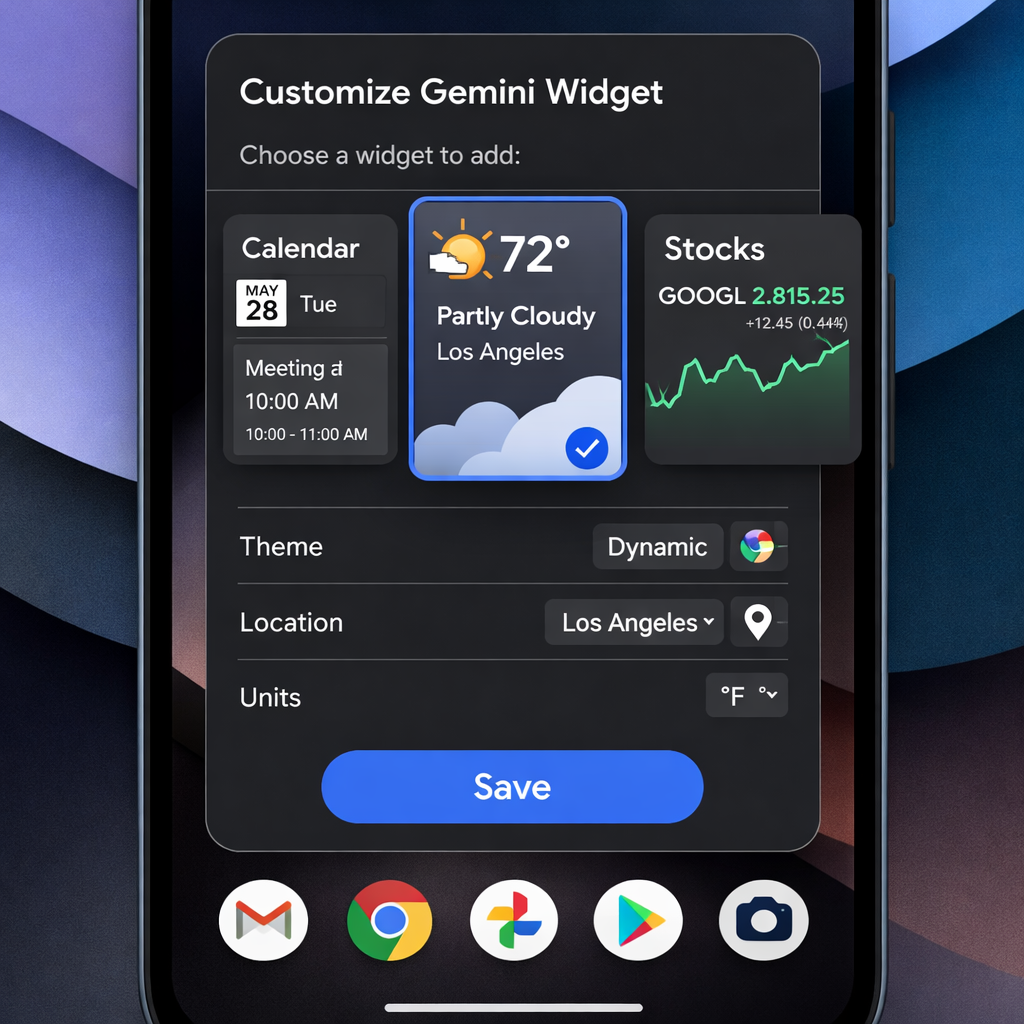
To access it, long-press on your homescreen, choose Widgets, and tap the “Create” button at the top-right corner of the widget picker. You’ll also see a promo carousel in the long-press menu. During setup, you can decide whether the widget should draw from your Google account data like Calendar and Gmail to personalize content, or limit itself to public web data such as weather, news, and stock info.
Once you reach the setup screen, Google offers “For you” suggestions like holiday countdowns, recipe inspiration, stock watchlists, daily snapshots, and your events coming up this weekend. There’s also a “Describe your widget” prompt if you want to directly type in a custom description to refine the widget to your needs.
What to Watch For
Because this is part of Google’s Pixel Drop updates, more Pixel models may get support for “Create My Widget” in the coming weeks. Also, language and regional support may expand as Google tests the beta. Users should watch for updates via the Play Store for new availability.
This move represents Google’s continued push to use AI — specifically its Gemini Intelligence — to enhance personalization directly in the Android interface. Widgets are one of the most visible ways users interact with their devices daily, and giving users powerful tools to customize what appears on their home screen reflects a broader trend toward more dynamic, context-aware interfaces.