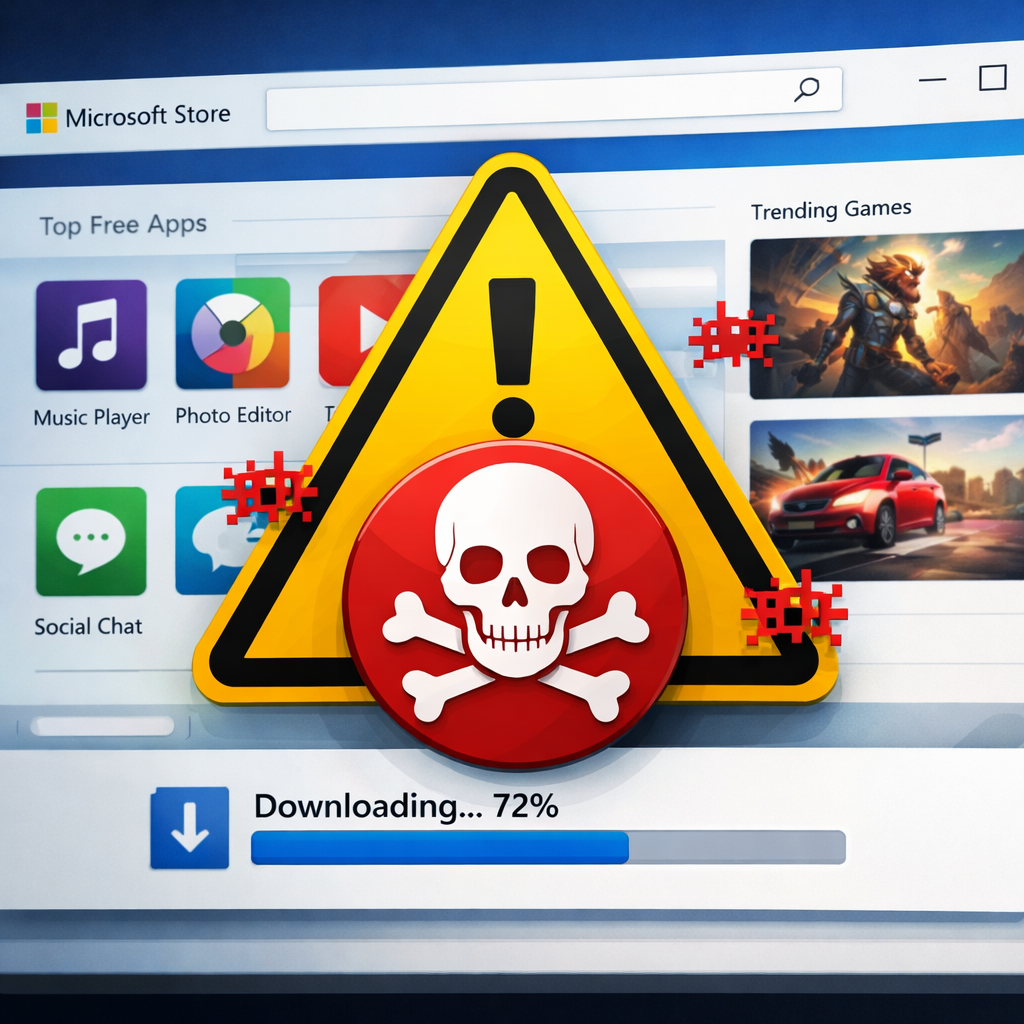
An installer masquerading as the Windows Snipping Tool redirected users to a Microsoft Store app called Setup Assistant, which was found to deliver Vinci RAT—a potent remote access trojan capable of executing commands, installing files, and launching additional malware on infected PCs.
How the Attack Unfolded
The initial lure arrived as an executable named “Snipping-Tool.exe,” signed and served from a site posing as a legitimate screenshot utility. Running the installer triggered the download of Setup Assistant, an Electron-based app listed on the real Microsoft Store under ETPS Ltd. Instead of being benign, this app connected to a command-and-control (C2) server, giving attackers persistent access into the victim’s system.
Once installed, Setup Assistant monitored users’ Downloads folders for specific filenames such as “MSTeamsSetup.exe” and “Readerinstall.exe.” It also accepted and ran PowerShell or JavaScript commands from the C2. In the case investigated, it deployed a PowerShell loader that fetched Vinci RAT from a separate domain. A scheduled task was also created, set to run every ten minutes to ensure persistence even if the user didn’t relaunch Setup Assistant.
What Vinci RAT Can Do
Vinci RAT reportedly collected critical system details—computer name, user identity, Windows version, and status of installed security tools. It supports a reverse shell, allowing attackers to interactively issue commands as though they occupied the user’s computer. The malware can execute Windows executables, DLLs, and PowerShell scripts; many payloads run purely in memory, complicating detection.
The metadata for Setup Assistant suggests it was published on June 1, 2026. That puts its minimum exposure window at around five months before detection. Microsoft was alerted via the Store’s abuse report process. Initially, Microsoft asserted the app didn’t violate its rules. There is no confirmed information on whether the app was later removed.
How to Spot and Defend Against This Threat
Indicators of compromise include seeing an unfamiliar Store app, unexpected PowerShell executions, newly scheduled tasks, or outbound connections to suspicious domains. The report lists specific domains and IPs tied to this campaign, along with SHA-256 hashes for the dropped executables. Systems exhibiting any of these signs should be isolated. Logs—endpoint, DNS, proxy—should be reviewed for similar activity on other machines.
For prevention, restricting Microsoft Store installations via enterprise tools—like Intune, AppLocker, or Windows Defender Application Control—is recommended. Additionally, organizations should vet apps before approving them, especially in managed environments.
Indicators of Compromise (IoCs):
- Fake download site:
snipp[.]codes-team[.]com - C2 domains:
setup-assistant[.]com,monkeysholder[.]info - IP:
67[.]43[.]239[.]139 - Multiple SHA-256 hashes for both installer and obfuscated/deobfuscated malware payloads
This case was uncovered by eSentire’s Threat Response Unit during an incident response in early November 2026. The timeline and scale beyond the single compromised user remain unclear.
It’s a wake-up call: even apps delivered through Microsoft’s official channel can be weaponized. Organizations and end-users must stay skeptical of any software, even ones from trusted sources, especially when a chain of signals—unexpected app installs, automated tasks, suspicious network traffic—emerges.
Why this matters: this incident underscores the shifting tactics of malware operators who now rely on bypassing store protections rather than just mimicking them. Enterprises should update policies to restrict Store installs, strengthen app vetting, and respond swiftly to signs of compromise.