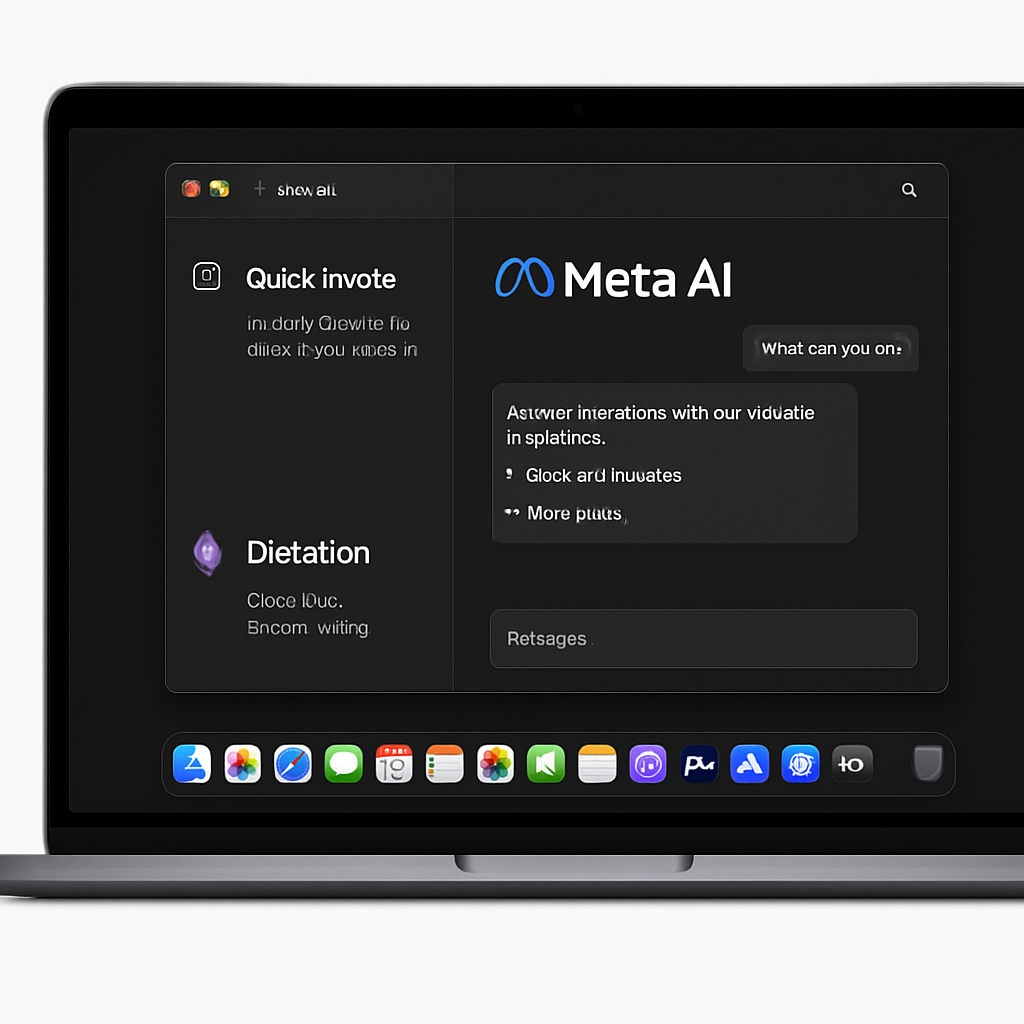
Meta has introduced a dedicated desktop application for Mac users, marking a significant advancement in its AI offerings. The new Meta AI app, currently in version 1.0 beta, is a lightweight 16MB installation designed to run natively on Apple silicon Macs with macOS 15 or later. Unlike many cross-platform applications, this app utilizes an AppKit and SwiftUI shell with WebKit for enriched chat content, ensuring a seamless and responsive user experience.
One of the standout features of the Meta AI desktop app is its deep integration with macOS, offering functionalities that surpass those available in the mobile version. Users can activate the Quick Invoke feature using the Option-Space shortcut, which overlays a compact Meta AI composer over any active application. Additionally, a dictation feature allows users to hold a shortcut, speak, and have the transcribed text inputted into any application, including Mail, documents, and code editors.
The app also introduces a context-gathering capability by attaching to other Mac windows. With the necessary Screen Recording and Accessibility permissions, Meta AI can read visible text and capture screenshots from these windows to inform subsequent interactions. This feature enhances the app’s ability to provide relevant and context-aware assistance.
Beyond chat functionalities, the app’s sidebar includes sections for Media, Artifacts, scheduled tasks, conversation history, and an “About Me” personalization area. Users can switch between different thinking modes, attach files, generate media, and set up recurring briefings or reminders. For those who prefer a minimalist interface, the app offers the option to hide the Dock icon, allowing activation solely through keyboard shortcuts.
This release is part of Meta’s broader strategy to integrate AI across its platforms. In April, the company replaced its Llama model with Muse Spark, followed by a May update that enhanced Meta AI with more natural voice interactions and live camera-based assistance. July saw the introduction of Muse-powered image generation to Meta AI, WhatsApp, and Instagram, although some features were later retracted. Most recently, Meta launched Muse Code, a terminal-based AI coding agent for macOS and Linux.
The introduction of the Meta AI desktop app for Mac signifies Meta’s commitment to providing robust AI tools tailored to the needs of Mac users. By offering a native application with deep system integration, Meta aims to enhance productivity and streamline workflows for its user base. As the AI landscape continues to evolve, it will be interesting to see how Meta’s offerings compare to those of competitors and how they adapt to user feedback and technological advancements.