Google Enhances Gemini Live with New Voices and Updated Widget Icons
Google has recently introduced significant updates to its Gemini app, enhancing user interaction through the addition of new voice options and a refreshed widget design. These improvements aim to provide a more personalized and engaging experience for users.
Introduction of New Voices
In the latest update, the Gemini app has expanded its voice selection, offering users a broader range of auditory experiences. The voice selection interface has been redesigned from a carousel to a more user-friendly list format. This change simplifies the process of choosing a preferred voice. Notably, two new voices, Flare and Glow, have been introduced, replacing the previous Nova and Lyra options. The current voice lineup includes:
– Ursa: Engaged, mid-range voice
– Vega: Bright, higher voice
– Pegasus: Engaged, deeper voice
– Dipper: Engaged, deeper voice
– Eclipse: Energetic, mid-range voice
– Capella: British accent, higher voice
– Orbit: Energetic, deeper voice
– Orion: Bright, deeper voice
This diverse selection allows users to tailor their interaction with Gemini to their personal preferences.
Widget Icon Refresh
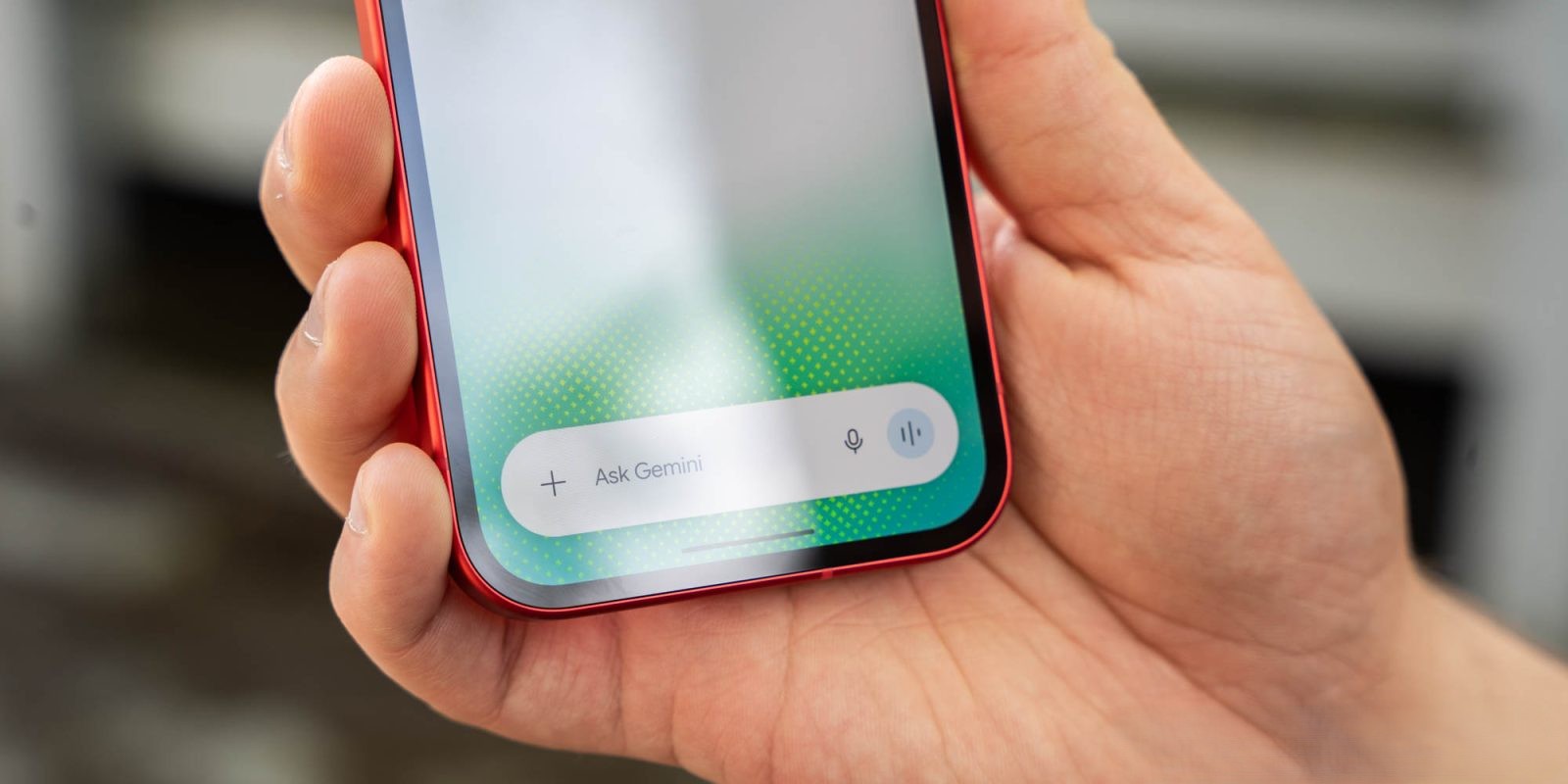
Alongside the new voices, the Gemini app’s widget has undergone a visual update. While the overall layout remains consistent, all icons have been refreshed to align with the Neural Expressive design language. This update introduces thin outlines for various icons, including Microphone, Camera, Gallery, File, Video, Screenshare, and Live. These subtle changes contribute to a more modern and cohesive aesthetic within the app.
Accessing the Updates
To experience these enhancements, users should ensure their Gemini app is updated to the latest version (1.0.913571982). The new voices can be accessed by navigating to Gemini Settings and selecting Gemini’s voice. The updated widget icons will appear automatically following the update.
Conclusion
These updates reflect Google’s commitment to continually improving user experience within the Gemini app. By offering a wider range of voice options and refining the app’s visual elements, Google aims to provide a more personalized and engaging interaction for its users.