Google has updated its Pixel Weather app, introducing a new icon and making subtle interface adjustments. This change aligns with a broader effort to standardize the design language across Pixel applications.
The previous blue background of the Pixel Weather icon, which symbolized the sky, has been replaced to maintain consistency with other Pixel apps. This redesign is part of Google’s initiative to unify the visual aesthetics of its suite of applications.
Within the app, users will now notice the addition of an ‘Updated xx:xx’ timestamp beneath the city name in the top-left corner. This feature ensures that users are aware of the recency of the displayed weather data.
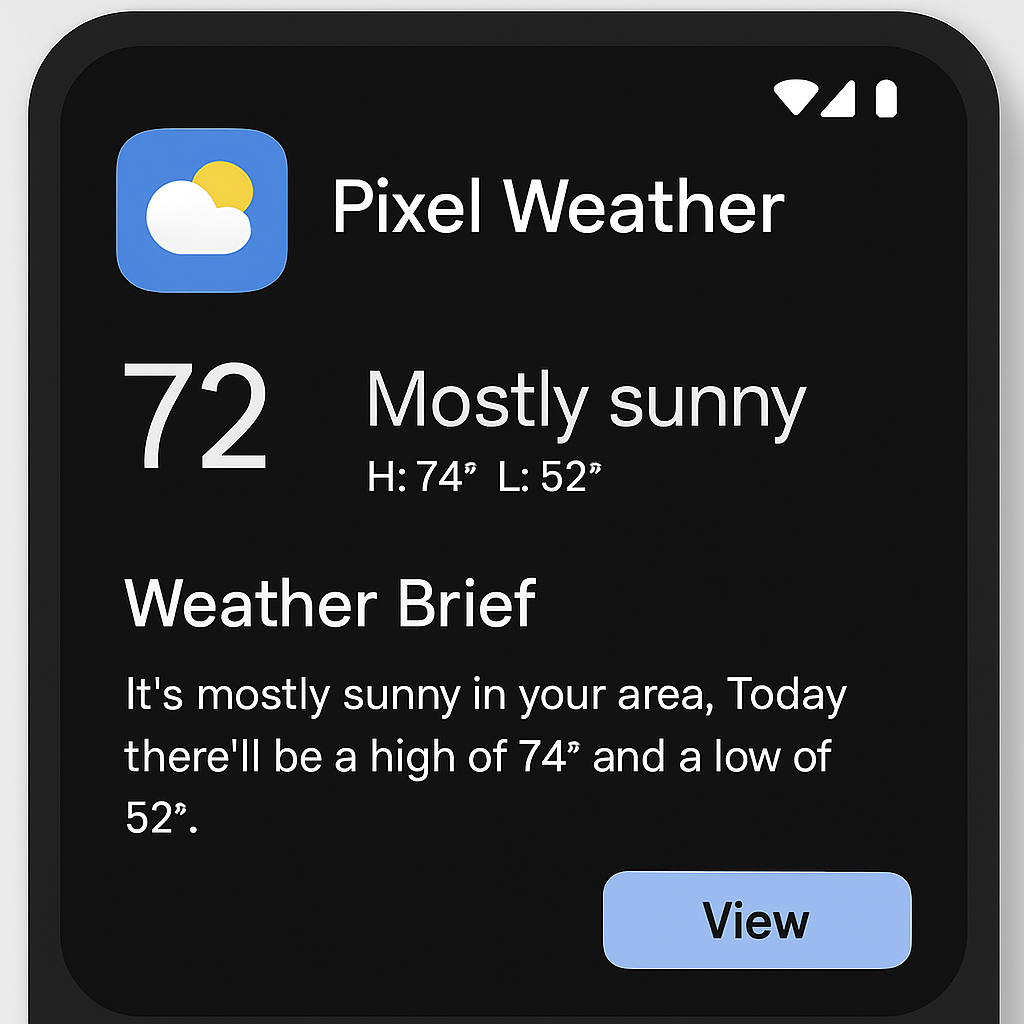
Additionally, the ‘AI Weather Report’ feature has been renamed to ‘Weather Brief’ in both the main feed and settings. While the name has changed, the functionality remains consistent, providing users with concise weather summaries.
It’s important to note that the update does not introduce new widget styles; the app continues to offer the existing two widget options. Users seeking more variety in widget designs may find this aspect unchanged.
The updated version, Pixel Weather 1.1.20260626.962582759, is now available for download via the Play Store.
These updates reflect Google’s ongoing commitment to refining user experience and maintaining a cohesive design across its Pixel applications. While the changes are subtle, they contribute to a more streamlined and user-friendly interface.