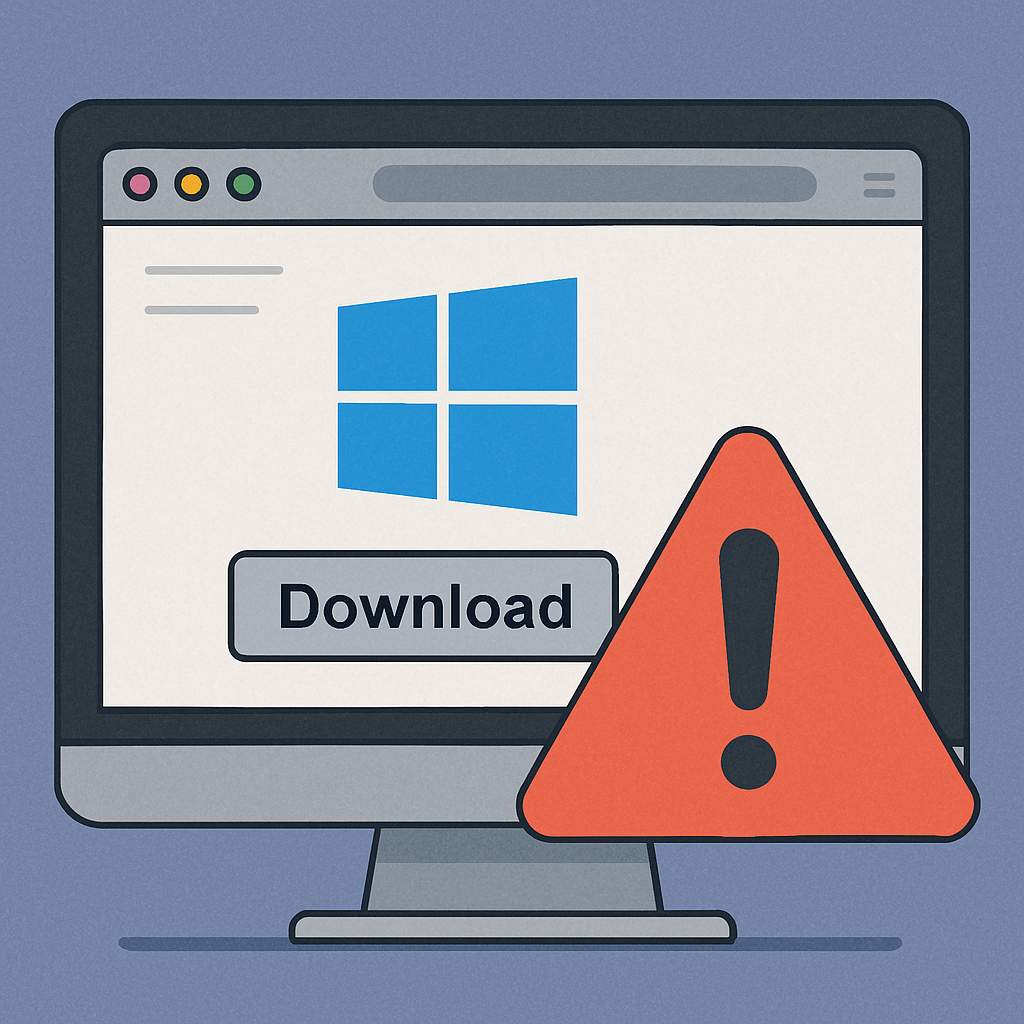
Cybercriminals are increasingly creating counterfeit websites that mimic popular Windows applications to distribute malware to unsuspecting users. This tactic involves setting up deceptive download pages that closely resemble legitimate software sites, tricking individuals into installing malicious programs.
Widespread Impersonation of Trusted Applications
Attackers have targeted over 70 well-known utilities, including PowerToys, WinUtil, EasyBCD, CrystalDiskMark, and Wintoys. These fraudulent sites often use app names, outdated logos, and generic content to appear authentic. Initially, they may direct users to legitimate download links to build trust. Once sufficient traffic is established, the attackers replace these links with malicious files.
For instance, the developer of Wintoys, known as Bogdan_X, discovered a clone of his application while monitoring search results for user feedback. Further investigation revealed that a single anonymized contact email was associated with numerous such domains, indicating a coordinated effort to deceive users.
Real-World Consequences of These Attacks
Similar campaigns have led to actual infections. Users who downloaded software from these fake sites have inadvertently installed remote access tools and other malicious programs, resulting in compromised systems. For example, a counterfeit Lively Wallpaper installer included a persistent ScreenConnect remote access service and bandwidth-sharing software. Additionally, the maintainers of SignalRGB warned their community about a fraudulent site distributing malware under their brand name.
These incidents highlight the effectiveness of such schemes in exploiting user trust. Attackers register domains that closely resemble legitimate software names and populate them with generic content. These sites often disclaim any official affiliation while still using branding elements from the real projects. Search engines may inadvertently rank these pages highly, increasing their visibility to potential victims.
Protecting Yourself from Malicious Downloads
To safeguard against these threats, users should adhere to the following practices:
- Download from Official Sources: Always obtain software from the official project websites, verified vendor stores, or reputable platforms like GitHub. Be cautious of third-party mirrors, even if they appear legitimate.
- Verify Domain Authenticity: Pay close attention to domain names, looking out for slight misspellings or unusual variations that may indicate a fraudulent site.
- Stay Informed: Follow official channels and user communities for updates and warnings about potential impersonation attempts.
- Report Suspicious Sites: If you encounter a deceptive website, report it to the legitimate software developers, domain registrars, and hosting providers to facilitate takedown efforts.
By remaining vigilant and verifying the authenticity of download sources, users can significantly reduce the risk of falling victim to these malicious schemes. Developers should also monitor search results for their applications to identify and address counterfeit sites promptly.
The proliferation of these deceptive websites underscores the importance of cybersecurity awareness. As attackers continue to refine their tactics, both users and developers must stay proactive in identifying and mitigating such threats to maintain the integrity and security of software distribution.