Apple recently resolved what many users thought was a buggy window resizing behavior in macOS Tahoe—turns out it was intentional, setting the stage for the latest MacBook Pro’s display design. In the earlier build, attempts to resize windows via the rounded corners often failed, because Apple increased the corner radius without adjusting the area in which users can grab and drag the corner to resize. Most of that interaction area shifted outside the active window region, making it feel unresponsive. These adjustments were later reversed — or so it seemed.
Corner Radii Changes: Design vs. Function Clash
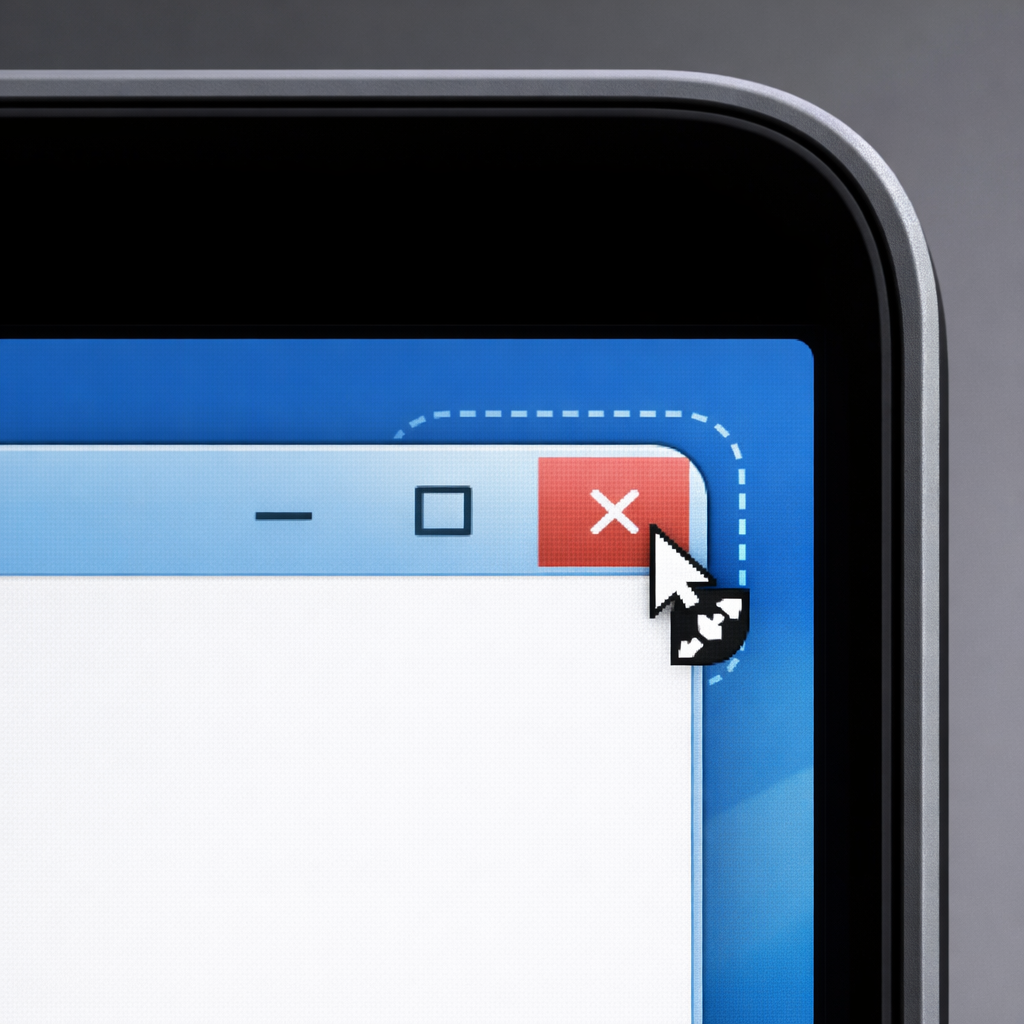
To be precise, the grab zone for resizing was intended to occupy a 19×19-pixel square near each window corner. Without rounded corners, about 62% of that square sits within the clickable part of the window. Once the large corner radius in Tahoe was introduced, approximately 75% of that square lay outside the window’s active area, rendering those edges unusable for resizing. Users instinctively tried to resize from those areas, only to find nothing happened.
Why It Was Never a Bug — It Was Preparation
Recent investigations uncovered that those rounded corners weren’t a mistake but a preemptive design match for the latest MacBook Pro with a PROLED XDR display. That model features screen panel corners whose radius closely aligns with what Apple used in macOS Tahoe. The theory is that Apple was prototyping UI behavior for this new hardware. Though the corner radius was later reduced system-wide, Apple introduced a dynamic UI adaptation: when you drag a window toward the bounding edge of the display, the corner radius of the window transitions gradually, expanding until it matches the actual screen corner radius. This effect is both subtle and intricate — the change is barely noticeable in motion, yet perfect alignment occurs at the screen’s edges.
What seemed like a bug in Tahoe has become a textbook case of how UI design and hardware evolve together. Apple revising the behavior in macOS 27 means users benefit from both visual consistency and usability. The adaptive radius ensures that while common tasks aren’t disrupted elsewhere, the newer MacBook Pro gains full support for its distinctive rounded display corners.
Apple’s approach shows a commitment to polish that goes beyond superficial cosmetics. These kinds of transitions are easy to overlook—or misunderstand—but they matter. By blending hardware design with software finesse, Apple reinforces why it’s seen as a leader in the integration of tech design. For anyone using or considering the latest MacBook Pro, this development clarifies how deeply Apple engineers think through display aesthetics, user behavior, and system design. Watch for more of these subtle UI tweaks in future macOS versions—they’re likely being tailor-made for newer hardware first, then rolled out to all users.