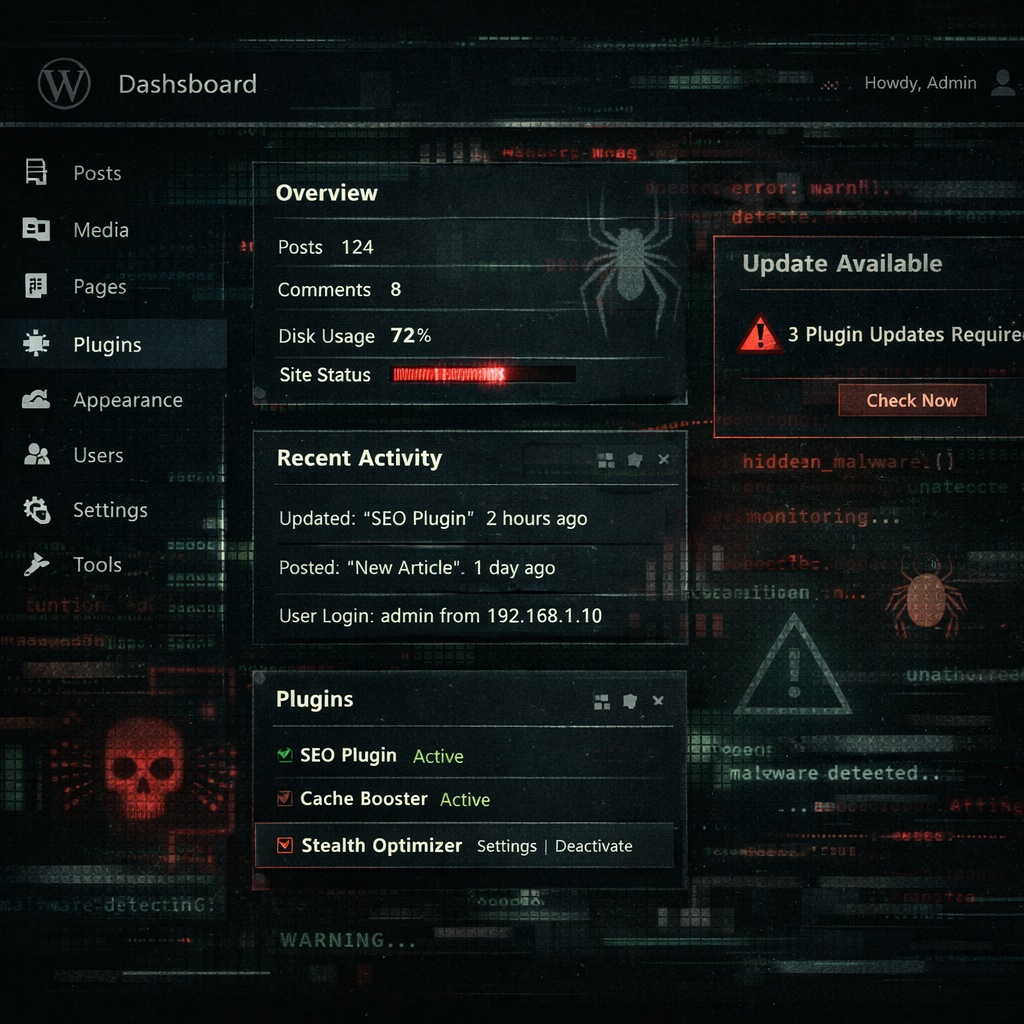
Security researchers have identified a fake WordPress plugin that gives attackers two major capabilities: bypassing two-factor authentication (2FA) for admin accounts, and injecting attacker-controlled JavaScript into the browsers of non-logged-in visitors. Both actions can occur without triggering obvious warnings in the site’s dashboard.
Hidden Backdoor and 2FA Bypass
The malicious plugin installs a PHP backdoor capable of creating a valid WordPress session for an existing account, completely avoiding the usual 2FA and password checks. Even if an administrator resets their password, the backdoor remains active until removed. To evade detection, the plugin removes itself from the dashboard’s Plugins screen and alters file timestamps by copying dates from legitimate plugins, making both visual inspection and recent-file filtering ineffective.
Malicious Scripts Targeting Public Visitors
For users who aren’t logged in, the plugin loads JavaScript from an attacker-controlled server — but delivers it in a way that appears to originate from the compromised site itself. The behavior stays dormant for admin or signed-in users. Possible misuse of this capability includes phishing pages, fake software updates, malicious browser redirects, or even keystroke logging. The researchers also noted event-reporting behavior consistent with ad fraud or traffic-referral monetization, though data theft or database exfiltration were not confirmed.
How It Was Discovered, Plus IOCs
The Wordfence Threat Intelligence Team uncovered the malware during two incident response investigations, one in January and one in September 2026. A November 24 report describes the plugin as built with generated names and full sets of artwork and configuration files. About two-thirds of each file consisted of filler material—comments, unused functions—while the real malicious behavior was hidden in certain PHP and JavaScript files.
Indicators of compromise include several suspicious domains (like kiloporotolimo[.]com, linearprocesshost[.]com) and example plugin folder names (framework-triappment, platformist-quadendpointer, ultraapiist-pentajavascripter, among others). Additional red flags are example loader files (e.g. assets/yv6b6sff.js) and REST API endpoints under plugin-style paths in /wp-json/. The timestamp trick involves making both the plugin directory and its files share identical modification times with legitimate plugins.
Detection & Cleanup Steps
To locate this threat, site owners should compare the list of plugins in the dashboard with what’s present in the wp-content/plugins/ folder. Checking the public side of the site while signed out or in a separate browser profile helps spot visitor-targeted behavior that wouldn’t show up for logged-in users. Reviewing active sessions, admin accounts, and error logs is key.
If the malicious plugin is found, it should be removed immediately. Sites should rotate credentials, revoke existing sessions, and still keep 2FA enabled—while acknowledging that it won’t defend against a server-resident backdoor. Wordfence has distributed campaign-specific detection signatures to paid users since October 16, and to free users starting November 15, 2026.
This discovery highlights that attackers are focusing more on stealth and persistence than flashy exploits. Threat actors are finding creative ways to subvert even well-secured WordPress sites.