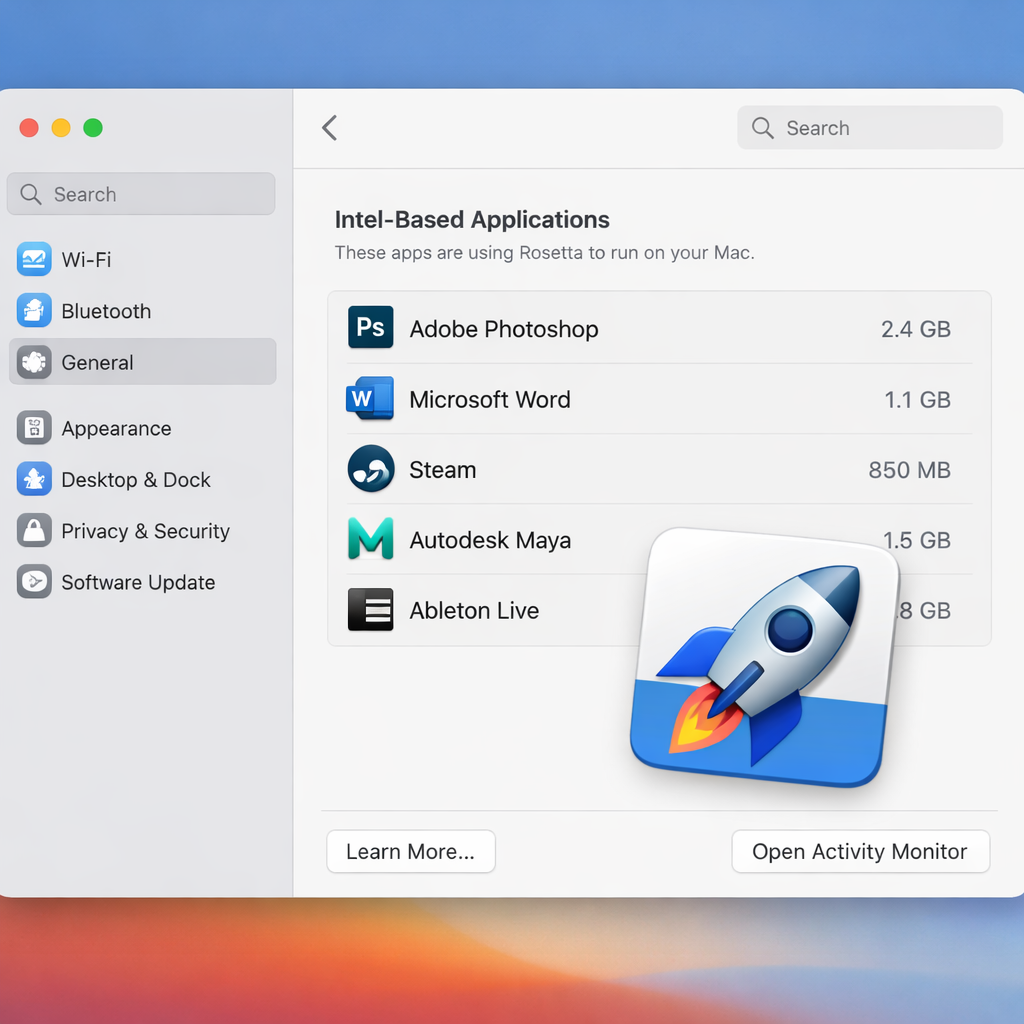
Apple is changing how Rosetta is handled in the latest update. With macOS Golden Gate 27.2—released on October 26, 2026—upgrading no longer removes an already installed Rosetta translation layer. This marks a shift from earlier updates where upgrading to macOS 27 would strip out Rosetta, forcing users to reinstall it manually. The new behavior is detailed in Apple’s enterprise release notes.
What changed in Rosetta support?
Rosetta allows Macs with Apple silicon to run legacy Intel-based applications via emulation. Apple planned to maintain full Rosetta support through macOS 27, with macOS 28 expected to drop general-purpose compatibility for most Intel apps. Before 27.2, upgrading to macOS 27 would remove Rosetta even if it had been previously installed, which could break apps relying on it—plugins, command-line tools, or utilities—not yet migrated to native Apple silicon builds.
The enterprise release notes for 27.2 clarify that Rosetta now remains installed during upgrades. In their “macOS Golden Gate 27.2” section, Apple says “Rosetta is no longer removed when upgrading to macOS 27.” However, the notes also retain that if Rosetta was already installed, it still will not automatically be restored after installing macOS 27.0—the initial Golden Gate release. But once on 27.2, Rosetta won’t be stripped out by future upgrades.
What users and organizations should know
This update reduces one pain point for those still using legacy Intel-only apps. Prior to 27.2, even for users who kept Rosetta installed, upgrades meant Rosetta would be removed—disrupting workflows that depended on it. Now, upgrades stay Rosetta-safe. But note: being safe during upgrading doesn’t change the roadmap—macOS 28 will still phase out Rosetta for most uses.
For IT departments, developers, and power users, this means fewer surprises. Enterprises that build or maintain application stacks involving Intel-only binaries no longer need intervention immediately after upgrades to re-enable Rosetta. Still, any app or plugin that isn’t Apple silicon native will face broken behavior once macOS 28 rolls out. Checking apps via “Settings → General → About → Intel-Based Apps → Details” remains important to identify what will stop working in the future.
This update also reflects Apple’s broader transition away from Intel architecture. macOS Golden Gate (version 27) supports only Apple silicon Macs; Intel Macs no longer run this version. With Gold Gate being the last macOS release offering full Rosetta capabilities, this change in 27.2 is part of the clean-up phase.
Why it matters: while Apple is steering users toward Apple silicon native apps, many tools, plugins, and utilities haven’t yet caught up. By stopping the auto-removal of Rosetta during upgrades, Apple has given those lagging parts one more lifeline. But users should not assume Rosetta is a permanent crutch—macOS 28 will enforce stricter limits. What to watch: app compatibility notices, developer updates for Intel-based plugins, and whether Apple ultimately removes or disables the ability to install Rosetta altogether in the next version.