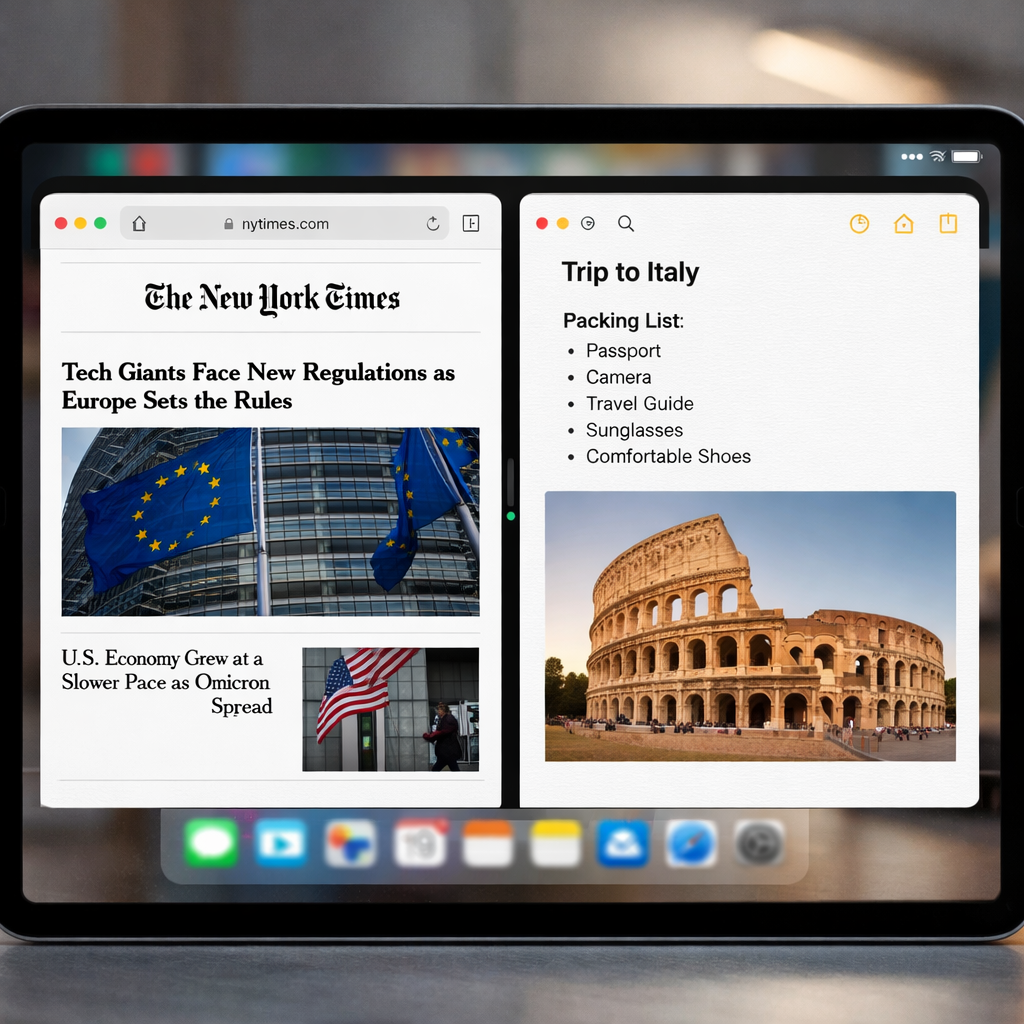
Apple’s latest update, iPadOS 27.2, introduces a refined multitasking feature aimed at making side-by-side app setup much quicker and more intuitive. While the change isn’t a full port of the iOS “Duo” multitasking system, it brings one of its most useful elements to the iPad experience.
Redesigning Split-View Initiation
Previously, achieving a side-by-side Split-View on an iPad running iPadOS 26 or earlier required several steps: open the first app, enter resize mode, swipe up to invoke the app dock or switcher, then carefully select and position a second app. Even after those steps, adjusting the second app’s size could often be a manual affair.
With iPadOS 27.2, this gets a noticeable upgrade. When you resize a window using Apple’s built-in window controls—tiling it to occupy the left or right side of the screen—you’ll now see your Home Screen alongside. A single tap selects a second app to fill the opposite side of the Split-View. In short: fewer gestures, less fumbling, more speed.
What It Borrows from iPhone Duo—and What It Doesn’t
The new Split-View initiator echoes part of what many users like about iPhone Duo, where launching dual-app layouts feels natural and fast. While the iPad doesn’t gain the full modularity of iPhone Duo, this change clearly draws inspiration from it—especially by exposing the Home Screen immediately during tiling to make picking the second app easier.
Additionally, the update retains power users’ favorite shortcuts: once accustomed to keyboard tricks for moving and tiling windows, workflows become very smooth. Keyboard commands remain available and impactful, especially for those who juggle apps frequently.
This multitasking adjustment is one of several new features in iPadOS 27.2, aimed at refining the user interface without overhauling it. The “new Split-View behavior” is listed in Apple’s official release notes under changes to side-by-side multitasking capabilities.
Some earlier pain points—like swapping between apps, resizing, or navigating away from the current app just to pick a second one—are eased by this tweak. It won’t feel totally new for seasoned iPad users, but it removes friction where there used to be quite a bit.
This update comes at a time when multitasking on iPads has become a central selling point, especially for users who use their iPads like laptops—creators, professionals, and students all demand speed and fluid interaction. Small refinements like this matter.
Note that you’ll need iPadOS 27.2 installed to access these changes. How responsive this is may depend on which model of iPad you have and whether accessories like an external keyboard are in use.
Looking ahead, the big question is whether Apple will further unify the iPad’s multitasking paradigm with that of iPhone Duo—or even reimagine what “multi-window” could mean across devices. For now, this Split-View tweak is a solid quality-of-life upgrade that many will appreciate.
Why this matters: The multitasking flow has long been one of the weak spots in iPadOS compared to macOS or iOS, especially for users who rely on working with two apps at once. By simplifying a core part of that workflow—selecting the second app post-tiling—Apple reduces friction and makes the iPad a stronger tool for productivity. Users should test this out, especially if they regularly work in Split-View, and watch for what Apple builds on next.


