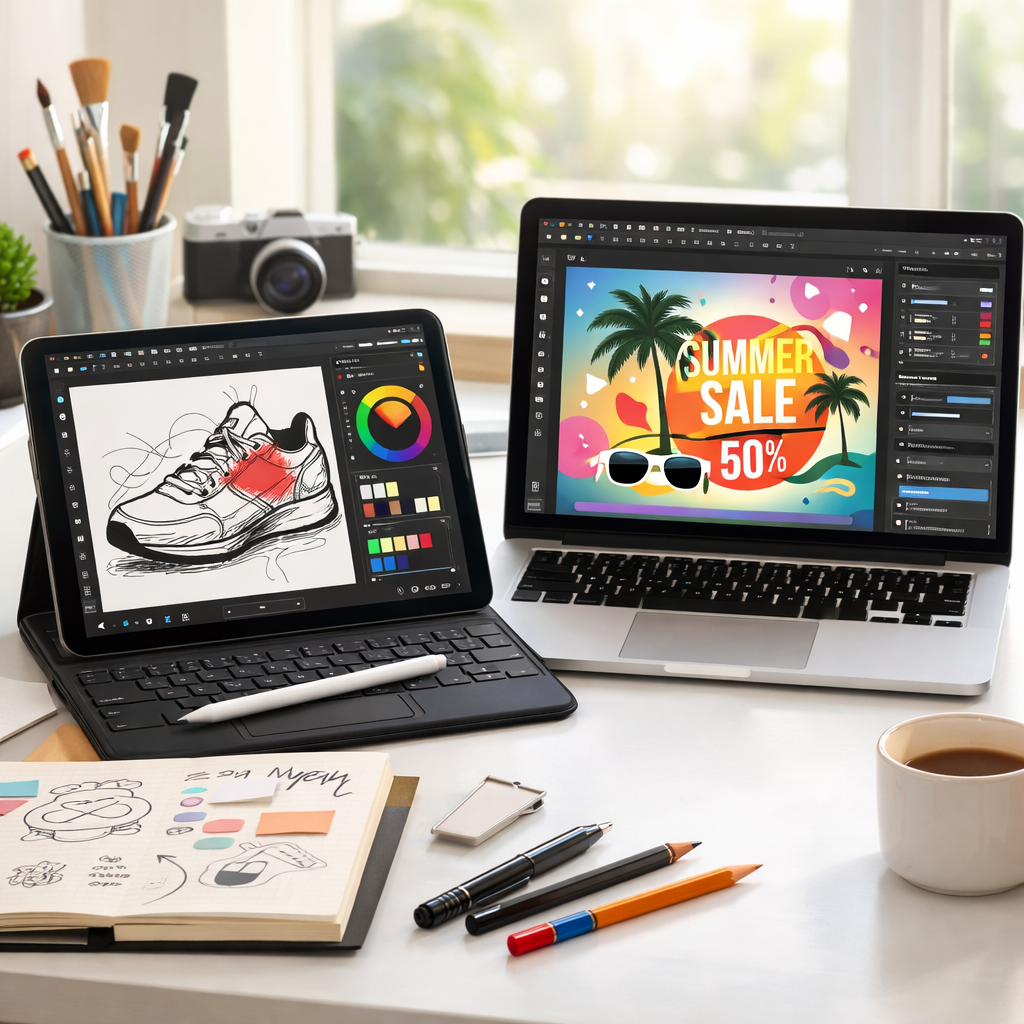
Canva has officially brought its full-featured Affinity app to iPad, ending months of platform version mismatch that prevented Mac users who also used iPads from updating the software. The newly released iPad version is fully aligned with the Mac app—matching functionality, branding, and availability.
From Paragraphs to Pixels: What’s New
Originally, last year’s revamp of Affinity on Mac introduced a suite of design, publishing, and illustration tools under one umbrella. However, that update created a snag: users had to stay on matching versions across Mac and iPad to maintain compatibility. iPads were left behind. That changes now—Canva has launched the same Affinity suite for iPad, consolidating Affinity’s presence across desktop and tablet platforms under one name and one standard of features.
The iPad version now offers the exact same tools as the Mac version and introduces a Sketch Studio designed for freehand work. Upon first launching the app, users are asked whether they prefer touch or Apple Pencil input—tailoring the experience to how they work. Even the layout has been overhauled compared to the older separate apps (Affinity Publisher, Photo, and Designer) that once made up the iPad lineup.
Pricing, Requirements, and Extra Features
For individuals using the iPad version, Affinity is free—just like its Mac counterpart. While some AI tools and template bundles are reserved for paid subscriptions, they aren’t mandatory for using all core features. The personal-tier subscription—called Canva Pro—goes for $18 per month or $143.99 annually. Businesses can opt for an enhanced plan priced at $250 per year.
The app requires iPadOS 18 or newer and works on a range of devices: the 7th generation iPad and later; 5th generation iPad mini and later; 3rd generation iPad Air and up; all 11-inch iPad Pros; 3rd generation 12.9-inch iPad Pros; and the 13-inch iPad Pro models with M4 or M5 chips.
This launch is especially significant for people who produce content across both Mac and iPad—such as illustrators, publishers, and educators—because the tools and workflows no longer need to lag behind. The unification simplifies licensing and reduces confusion over which version to use.
What this means: The launch of Affinity for iPad completes the platform alignment Canva introduced last year on Mac. Users now benefit from full compatibility across Mac, iPad, and Windows. Subscriptions unlock additional, non-essential perks like AI tools and templates—but they’re optional. At a broader level, this reflects how creative apps increasingly blur the lines between platforms, pushing for feature parity across devices.