With the release of iOS 27 and iPadOS 27, Apple has quietly changed one of its longest-standing swipe gestures, forcing users to adapt habits built over the past decade and a half. Historically, swiping down from the top center of the screen summoned Notification Center — where alerts, messages, and other app notifications collect in chronological order. That’s no longer the case when Siri AI is enabled.
Swipe center becomes Siri hub
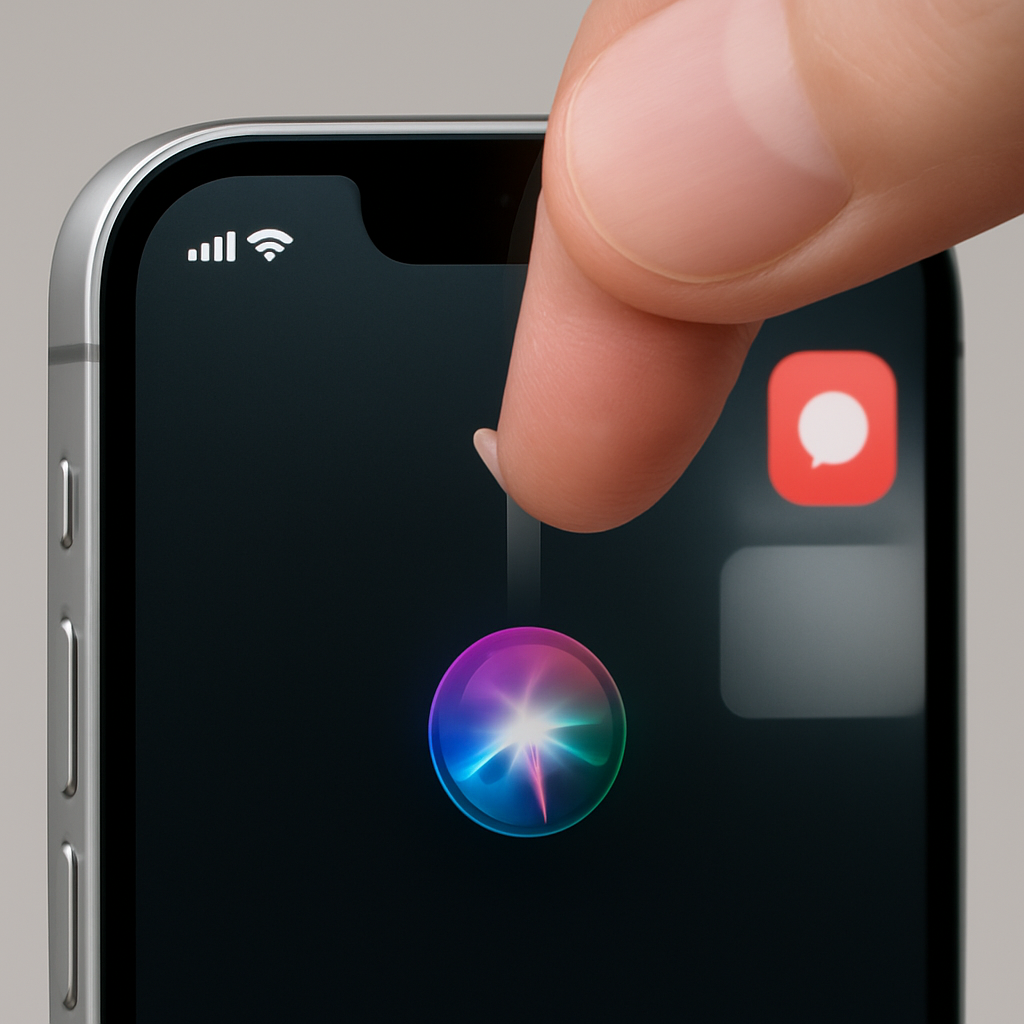
In iOS 27, enabling Siri AI repurposes the top-center swipe gesture across both iPhone and iPad. The same motion that once revealed all notifications now activates Siri. Notification Center hasn’t disappeared, but invoking it now requires a swipe down from the top-left corner when Siri AI features are on. Visual cues confirm the shift: notifications now animate in from the top-left edge.
Notification Center moved to the corner
This isn’t just about a swipe gesture change — the zone for Notification Center has physically relocated in the interface. As early as beta 1 of iPadOS 27, the top edge over the Home screen — once rich real estate for notifications — became mostly reserved for Siri AI. Users may notice the Notification Center region shrinking further if date or AM/PM indicators are turned off. By beta 2, Apple appeared to clarify the layout: the top-left side houses Notification Center, the top-right handles Control Center, and the center is reserved for Siri AI activation.
This move marks a major shift. Since iOS 5 launched in 2011, users have relied on swiping down from center-top to check notifications. Apple last adjusted a similarly long-held gesture when it changed how you access Control Center, shifting from a bottom swipe to a top-right swipe with the iPhone X. Now a similar fingerprint moment is arriving for Notification Center.
Early feedback on the update is mixed. Some users welcome the spotlight on Siri AI, saying it finally feels like Apple is prioritizing its voice assistant in meaningful ways. Others say the change disrupts deeply ingrained instincts. Perhaps more significantly, there’s no option to restore the old behavior — once Siri AI is turned on, the top-center swipe always invokes it. For many, that means unlearning a decade of muscle memory.
On its own, this change might seem minor — a tweak to gestures, a shuffle of UI regions. But it signals something bigger. Apple is deeply committing to making Siri AI central to how we interact with iPhones and iPads. The traditional Notification Center, once the priority for swipe gestures, is being sidelined in favor of giving voice command access higher status. Though this has caused friction, how smoothly users adapt (or don’t) may influence how Apple handles gesture control and UI familiarity in future releases.
Ultimately, this update forces users — long accustomed to mid-top swipes for notifications — to either relearn or sidestep the new flow. And in that tension lies a broader question: how much interface change can familiar habits withstand before usability, not novelty, must win out?