Apple’s iOS 27 is delivering its boldest Lock Screen makeover to date, with four fresh customization tools that give users finer control over how their iPhones greet them.
Smart image tweaks with “Extend” and AI-powered generation
The big news: a new editing feature dubbed Extend, part of the Apple Intelligence suite inside the Photos app. If your photo doesn’t match the Lock Screen’s aspect ratio—or feels cramped—Extend uses AI to fill in space around the edges, straighten the horizon, and help you adjust its shape to your liking. From now on, iOS 27 can flag when a wallpaper might benefit from this adjustment. This tech improves how images adapt without sacrificing visual impact.
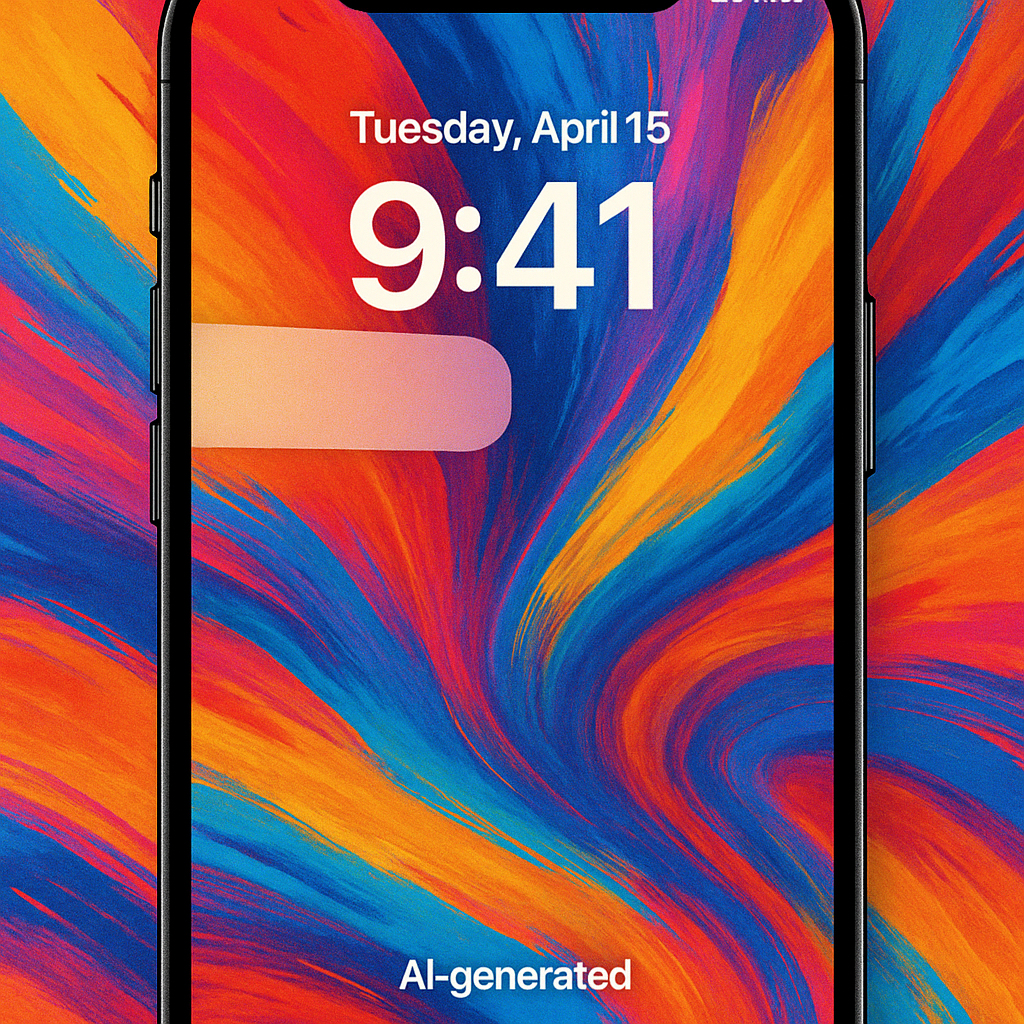
Meanwhile, the revamped Image Playground is now deeply built into Lock Screen settings. You’ll have wallpaper-style templates like “Retro Illustration” and “Animation,” plus the ability to generate completely new backgrounds using simple language prompts. Whether you’re working from existing photos or starting fresh, these AI-driven tools make creative control more accessible than ever.
Redefined clock positioning and widget control
Clock lovers will appreciate the update: in iOS 27, you can shrink the clock display and reposition it all the way up to the top widget row. The change frees up more of your screen to show off wallpapers—ideal for those who pick vibrant or artistic photos. The trade-off: it may make glimpsing the time less dramatic from a distance.
One of the more practical tweaks is your ability to swipe away the “Now Playing” widget from the Lock Screen. If you often accidentally tap it while the music is rolling, this gives you cleaner control. And don’t worry—audio continues playing behind the scenes. It’s a small change, but one with an outsized payoff for reducing Lock Screen clutter.
Altogether, these changes position iOS 27 as a major upgrade for anyone who’s focused on personalization. Between the enhanced AI wallpaper tools, clever tweaks to layout and visibility, and smarter widget control, the Lock Screen gets a level of flexibility Apple has been gradually building toward.
Why this matters: The Lock Screen has become one of the most personal touchpoints between device and user—it’s seen all day, every day. By offering more options around photo composition, widget layout, and visual styling, iOS 27 acknowledges that users don’t just want functionality—they want expression. Users will want to watch how these features perform in practice: how well AI image extending handles tricky edges, whether generated wallpapers feel high-quality, and how the UI balances creativity with usability. If Apple nails that, this could be a defining moment for personalization on iPhones.