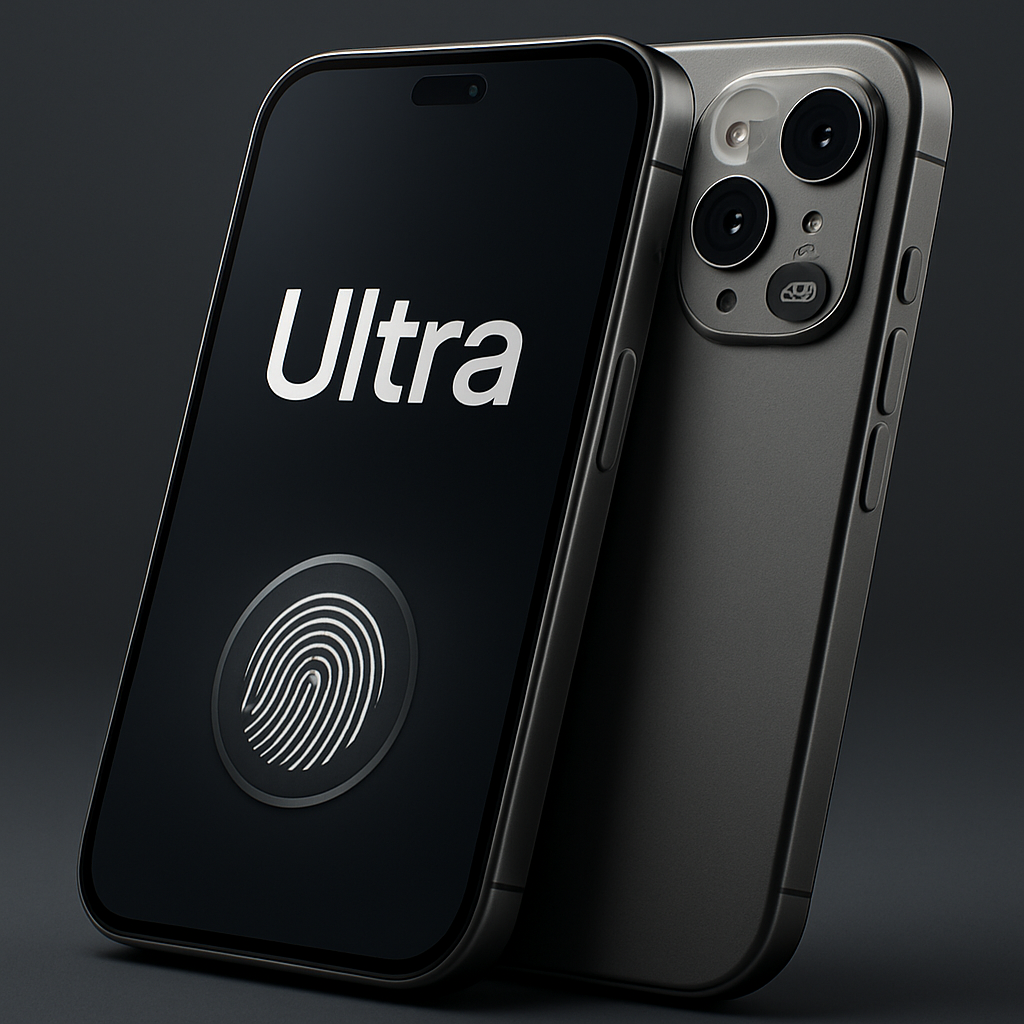
With iOS 27 on the iPhone 18 Pro, Apple has quietly added the ability to rearrange which camera controls show up front and center — and it’s more powerful than you might expect. A small change, but one that makes Apple’s built-in Camera app far more useful when manual control matters. It narrows the gap with third-party camera apps for photo and video pros.
What’s new: Manually select your controls
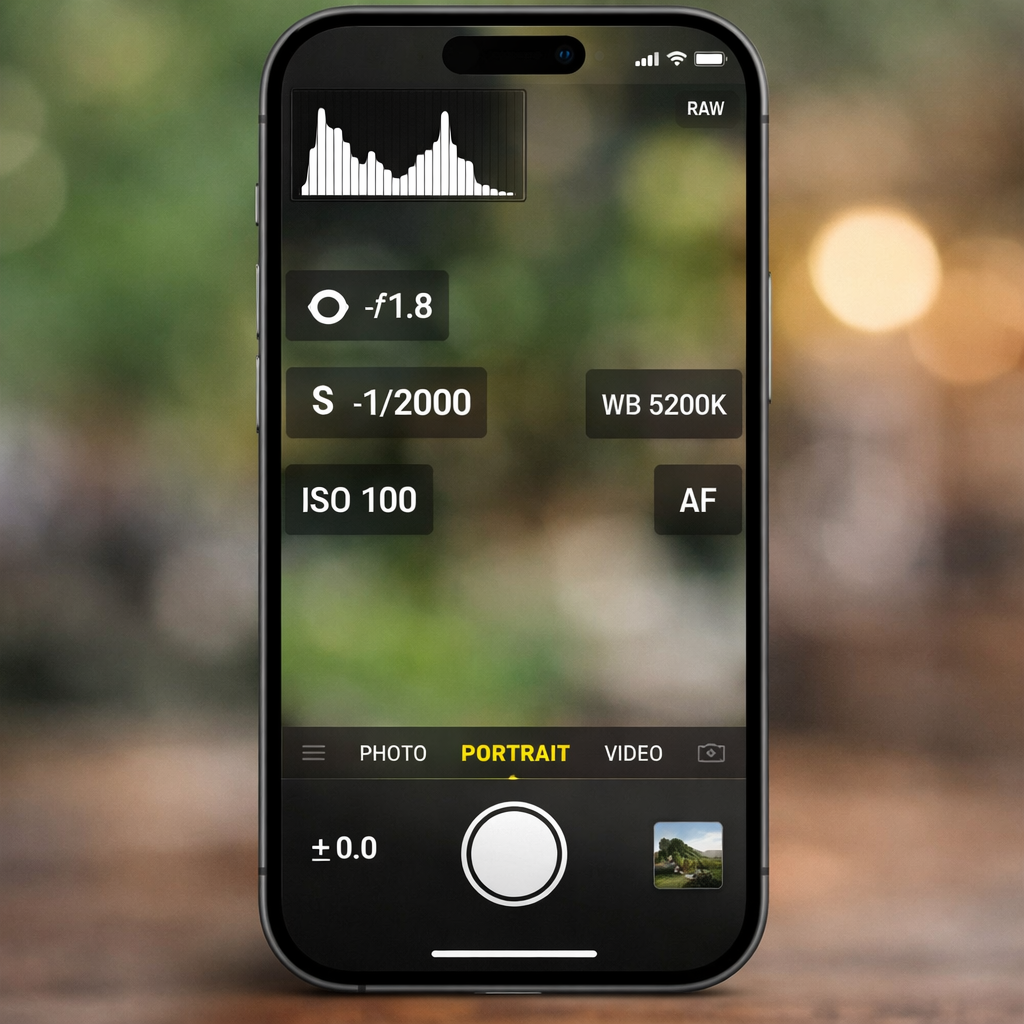
Previously, things like shutter speed, aperture (a recent addition with the 18 Pro), white balance, manual focus, and so on were available only via a menu inside the Camera app. That meant an extra tap just before shooting. iOS 27 lets you customize which tools appear directly on the main camera screen.
Users can tap “Edit” inside the camera’s control menu, then choose exactly which manual controls to promote to the live view. The result: you get direct access to your most used features — without digging through menus or switching apps.
How it changes photo and video workflows
For still photos, users are adding aperture, shutter speed, and white balance front and center. Exposure compensation joins this lineup for quick tweaks, and the histogram tool shows actual exposure distribution at a glance. It’s all about giving you the tools you need instantly, instead of forcing you into exposure dragging tricks or guesswork.
When shooting video, many of the same tools apply. The addition of frame rate and focus mode controls, in particular, addresses what many third-party apps already offer as standard. Now, for many situations, you may not need to leave Apple’s Camera app to get professional-grade control.
Why this small tweak makes a big difference
The ability to customize camera control placement may sound modest, but it fundamentally shifts how people shoot on iPhones. For photographers and videographers who have relied on third-party apps just to access manual settings, this cuts down friction. Less tapping, less menu diving, more intuitive shooting.
Of course, third-party apps still hold value — especially for specialized workflows, filters, or other creative tools. But for many users, the stock Camera app’s expanded flexibility will now cover a lot more ground.
The fact that Apple is letting you shape the camera interface to match your workflow speaks to a larger trend: empowering users with customizable tools rather than rigid, one-size-fits-all layouts. Going forward, what we’ll be watching is how deep Apple lets this customization go — whether third-party controls get exposed even more, or if Apple adds further refinements like control grouping, presets, or tighter integrations. It’s a tiny iOS 27 tweak — but one with big implications for how we shoot.