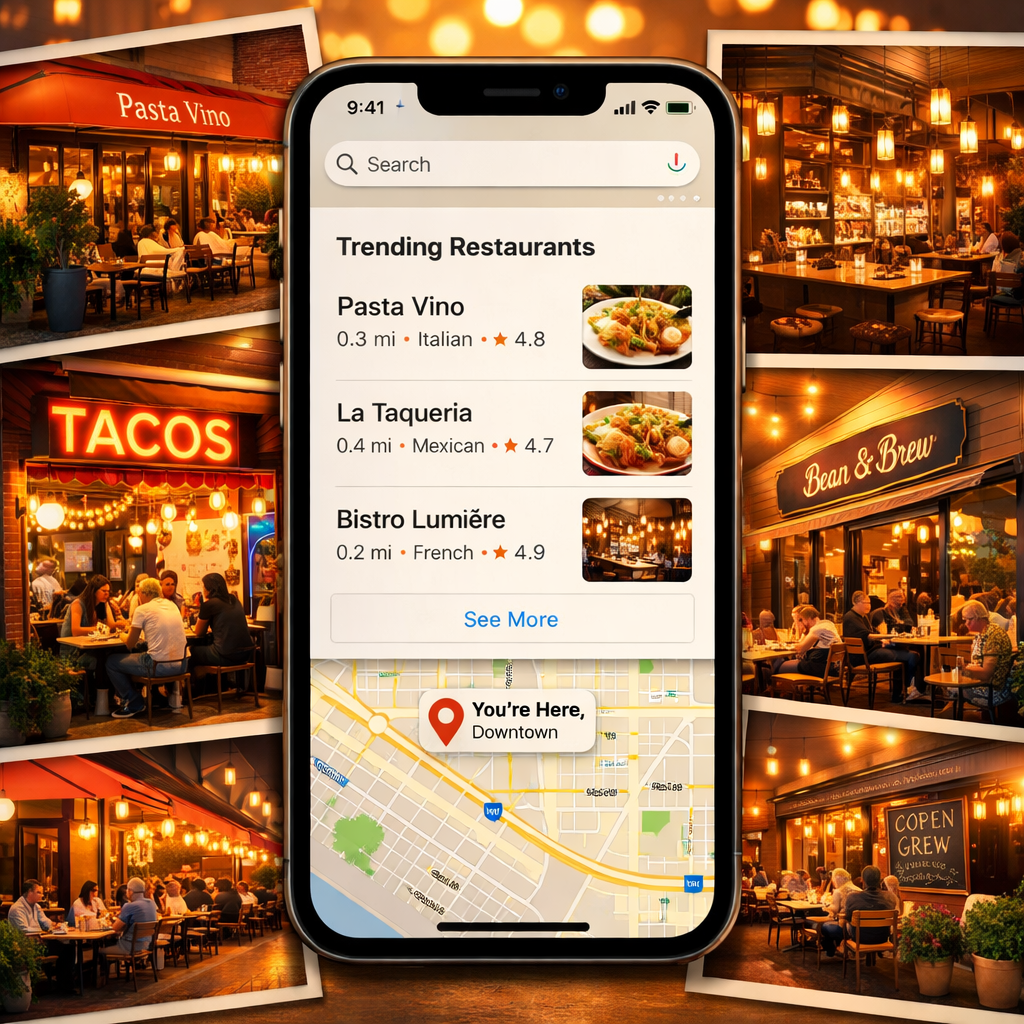
With the iOS 27 update, Apple Maps introduced a subtle but powerful feature called Local Lists — weekly-updated compilations spotlighting trending spots in your area. It builds off the existing Guides tool, which lets users explore curated venues, by bringing fresh, relevant recommendations as public interest shifts week to week.
What Local Lists Are and Why They’re Different
Local Lists in Maps are essentially dynamic versions of Guides. Instead of static suggestions, these collections react to what’s gaining traction—restaurants people are viewing, sharing or interacting with on Apple Maps. They cover all kinds of places, whether you’re heading out to eat, meeting friends, or finding something fun for kids. Apple emphasizes that the recommendations are generated via anonymized data to protect individual privacy.
How to Access Local Lists
The feature is somewhat hidden. To see Local Lists, tap into the Maps search field and then scroll down to find “Trending Restaurants.” On some devices, this section may be obscured by the keyboard, so it helps to dismiss the keyboard first. Selecting that section reveals the full Top 20 list, showcasing places currently rising in popularity.
Besides restaurants, many local areas now have their own Local Lists — there are over 1,000 different lists across U.S. locales. From the “Trending Restaurants” page, you can hit the “Local Lists” link near the “last updated” note (with an Apple logo) to explore all available curated lists in your region.
Why It Matters and How to Make the Most of It
Unlike Guides, which tend to be stable and themed, Local Lists offer evolving snapshots of what’s new or popular in your neighborhood. Since they update weekly, it’s easier to discover buzzworthy places as they emerge. Each listing includes a “+” button so you can save spots you want to visit before they fade in popularity.
This is also a reminder that new Apple Maps features can be hard to spot — Local Lists has been around for a while, but many iOS 27 users haven’t noticed it. If you start poking around the search view in Maps, you’ll likely uncover it in your own area.
Why this update matters: it shows Apple shifting toward a more dynamic experience, letting place recommendations adapt rather than remain static. It also leans into privacy-aware personalization: instead of tracking what you do, it highlights what everyone is doing. For users, it means more serendipity. For businesses, it means a fast track to visibility if they catch on to whatever’s trending each week.