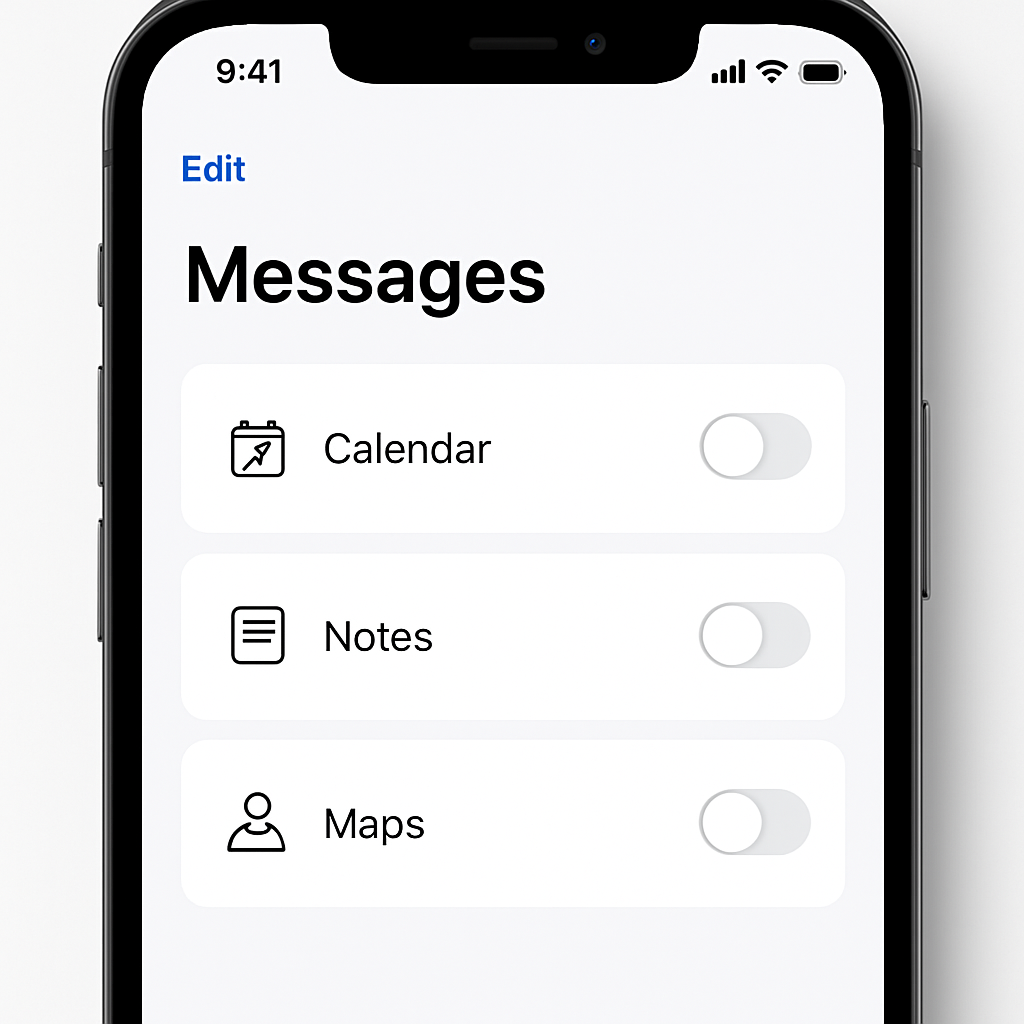
Apple’s upcoming iOS 27.2 beta introduces more control over “Suggested Actions” in Messages—those quick buttons that prompt you to insert photos, add events to Calendar, or perform other actions based on what’s said. While these features were previewed earlier in the iOS 27 beta program, they were removed for the initial public release. They have resurfaced in developer beta 3 of iOS 27.2, this time with added customization.
Fine-Tuned Toggles and Auto-Hide Options
The new version includes individual switches for each suggested action. Users will see toggles for “Add to Calendar,” “Add to Reminders,” “Add to Notes,” “Show in Maps,” and “Flights and Packages.” Each can be turned on or off separately.
Alongside the per-action controls, there’s a setting labeled “Hide Unused Suggestions.” When enabled, it will hide suggestions that haven’t been used for 30 days. These can later be restored by toggling the respective action back on.
Other iOS 27.2 Features & Expected Release
Beyond Messages, iOS 27.2 brings a redesigned Health app with new “Insight” and “Longevity” tabs, support for Siri AI in additional languages, and other updates.
Notably, Apple jumped over iOS 27.1 for public availability, preferring to reserve certain features for its iPhone Duo, which is set to arrive on October 23. iOS 27.2 is expected shortly after that launch.
What this means:For years, Apple’s Messages app has offered helpful suggestions during chats—attach a photo, map a location, or add a calendar invite—but users haven’t had precise control. This shift gives people the power to tailor and declutter their messaging experience. Tech-wise, it’s a subtle change but one that signals Apple is listening to feedback for more granular user control. Watch for iOS 27.2’s public roll-out to see how seamless these toggles and auto-hide features feel in everyday use.