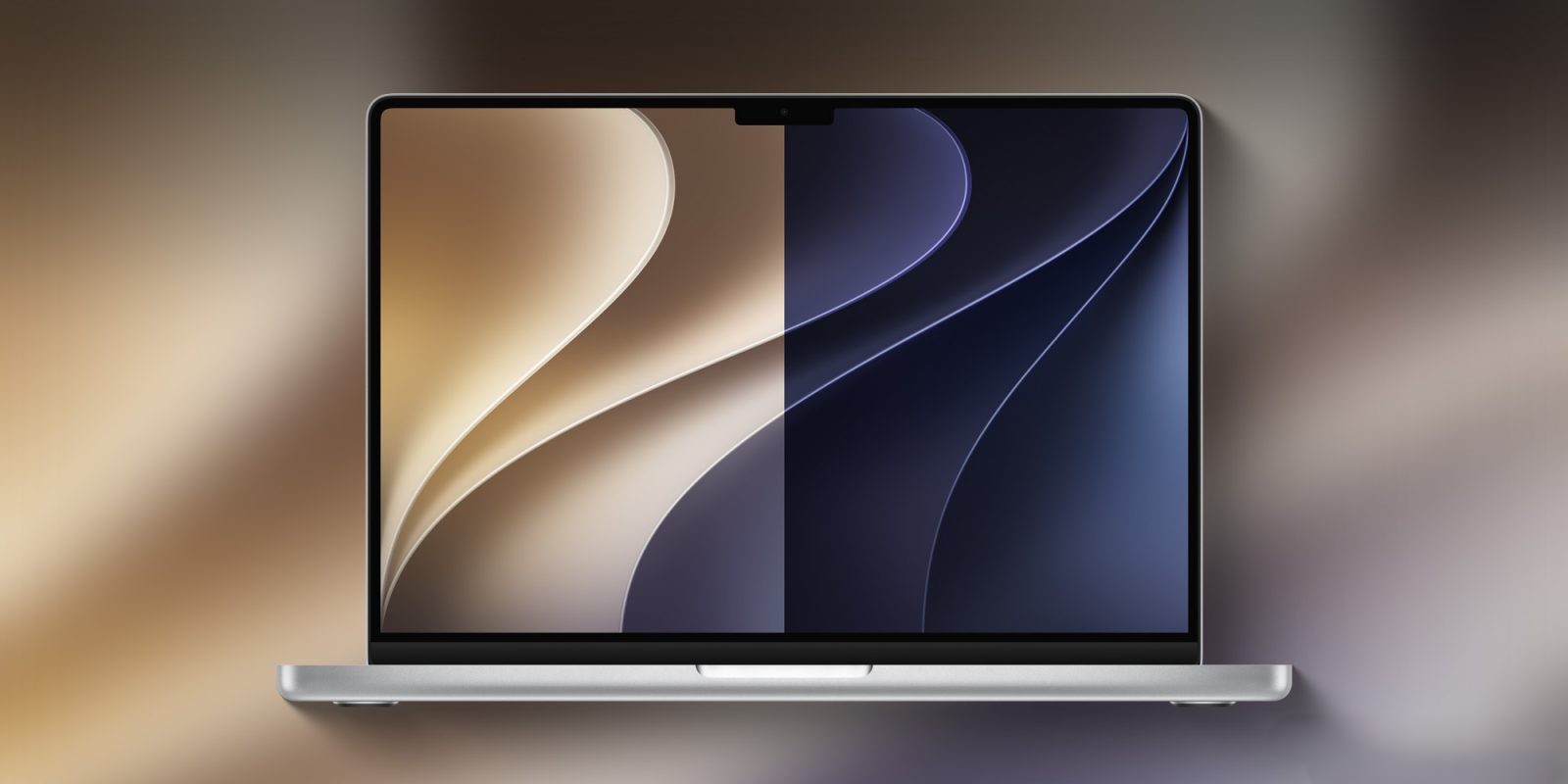
Apple’s newly released macOS Golden Gate marks a sharp break from its Intel-based past. With this version of macOS, Apple has officially ended support for Intel Macs — these machines can no longer install Golden Gate and will instead be limited to security updates through the fall of 2028. The move signals a full commitment to Apple silicon.
What’s being removed now
Golden Gate also removes several long-standing features and accessories. Notably, Boot Camp Assistant is gone — since only Apple silicon Macs are supported, running Windows via native Boot Camp is no longer possible; users must now use virtualization tools such as Parallels or VMware Fusion if they still need Windows environments.
Rosetta 2, the translation layer that allows Intel-based apps to run on Apple silicon, is temporarily removed during upgrades to Golden Gate, though it can be reinstalled if needed. It’s important to note this version of macOS is the last to offer full Rosetta support. Apps that depend on Rosetta will work for now, but Golden Gate includes warnings for those apps and provides an overview page listing them. This feature is set to be significantly curtailed in macOS 28.
Other deprecated or removed components include the Apple Filing Protocol (AFP), which has been phased out and is entirely excluded in Golden Gate. That also impacts Time Capsule devices; because Time Capsule requires AFP or SMBv1, and Golden Gate no longer supports these, Time Capsule backups won’t work. Time Machine now defaults to SMBv2 or SMBv3 instead.
Additionally, the AirPort Utility — the app used for managing legacy AirPort base stations like AirPort Extreme and Express — has been removed from Golden Gate. Users who already have the app installed may retain functionality, but Apple makes no promises about its reliability.
What’s coming next in macOS 28
macOS 28, expected in fall 2027, will continue this trend. Rosetta 2 support will mostly be dropped; most apps relying on it will no longer launch, with only a few legacy, unmaintained games being spared. In Golden Gate, Apple already prompts users when apps depend on Rosetta, directing them to a detailed view under Settings → General → About → Intel-Based Apps. This is intended to prepare users in advance of macOS 28’s stricter changes.
This path of removing legacy technologies — Intel Macs, AFP, Boot Camp, Rosetta — underscores Apple’s strategy of streamlining its OS for silicon-only hardware. While many users will adapt via virtualization or migration to newer systems, others relying on older apps and accessories may face compatibility challenges.
Apple’s transition away from legacy support has been gradual but steady — AFP was deprecated earlier in Sequoia, indications toward abandoning Intel Macs had been building. But dropping Rosetta, and in Golden Gate making it optional and temporary, is perhaps the clearest signal yet of a complete pivot.
What this means is clear: macOS’ future will be uncompromising toward anything not built for Apple silicon. Users with legacy devices or apps need to plan — upgrade, virtualize, or test compatibility now. For developers, this is a call to rebuild for native silicon or risk being left behind in macOS 28.