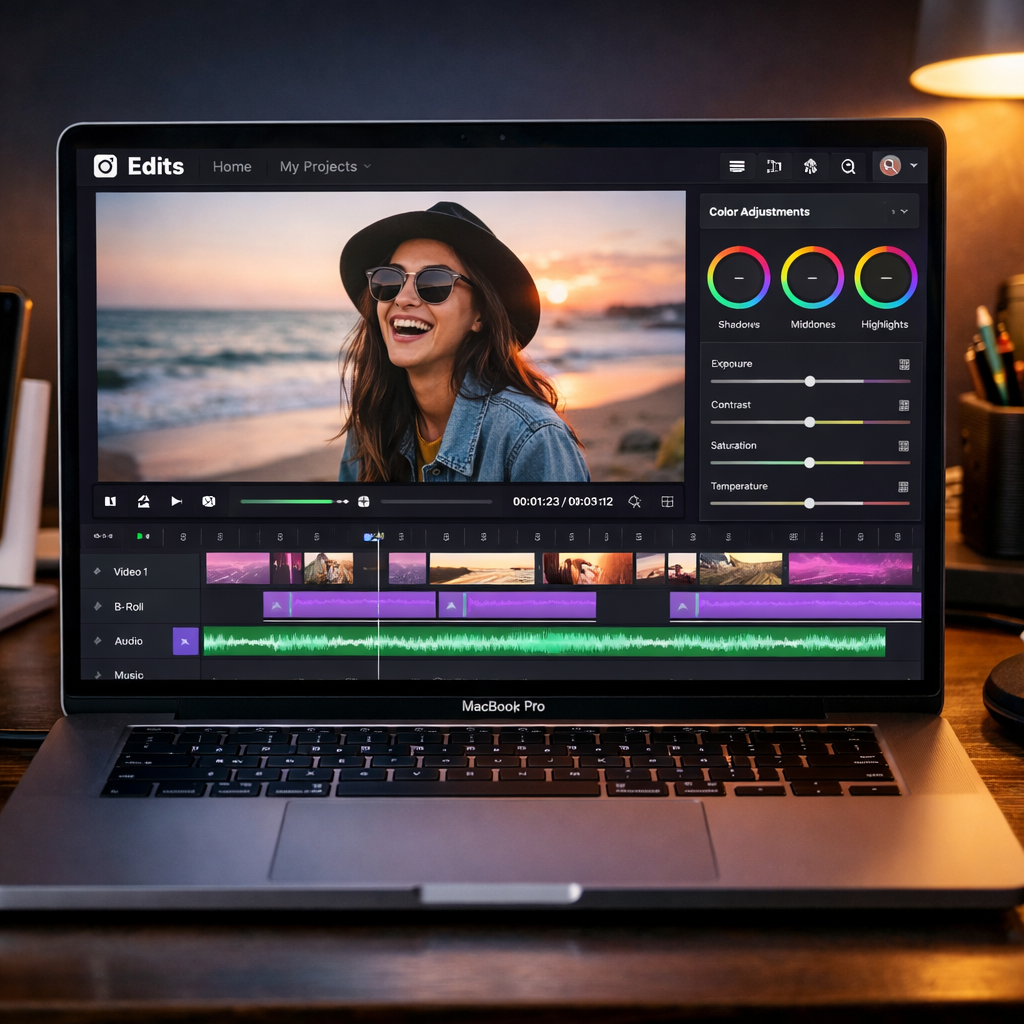
Instagram is officially taking its Edits video editor beyond iPhones—releasing a full Mac app packed with tools for serious creators. No longer limited to mobile, Edits for Mac brings Instagram’s video editing ecosystem to desktops, offering a multi-track timeline, advanced color tools, and 4K, watermark-free exports. It’s now possible to publish directly to Instagram from your Mac, or prep content for other platforms—making Mac users central to photo/video creators for the first time.
Feature-packed editor for desktop workflows
The Mac version of Edits adds features built for larger screens and more complex video projects. It supports both horizontal and vertical clips, alongside a suite of keyboard and mouse tools that let users work faster and more precisely than on phones. The app introduces keyframes for animations, audio waveforms, and editing controls like split, cut, and trim. On the color side, there are color wheels, curve adjustments, log conversions, and support for importing custom LUTs. Font files can also be brought in, enabling more customization of text overlays.
Instagram’s licensed audio collection is available inside the Mac app, alongside hundreds of sound effects and video overlays. Automatic captions—unlimited and in multiple languages—are included, and audio/text styles created on mobile transfer across to the Mac. Though cross-platform editing (simultaneous editing on mobile and desktop) isn’t active yet, it’s on Instagram’s roadmap.
Publishing, platforms, and the competitive angle
Creators can publish content right from the Mac app—complete with tagging, location metadata, and reel uploads. For those who want to use content outside Instagram, export options support watermark-free 4K video quality. A nod to upcoming AI workflows is seen in the inclusion of a “Model Context Protocol” (MCP) setting, which likely lays groundwork for AI agent integration. Instagram says it’ll push weekly updates for the desktop app.
Edits for Mac becomes available starting Thursday via download from Instagram’s site. As of now, there’s no Windows version. The move positions Instagram’s editor in direct competition with CapCut, which has offered a macOS version since 2021. Edits already boasts over 50 million active users, according to the latest reports.
What this means: Bringing Edits to Mac signals that Instagram is serious about reclaiming creator workflows from third-party tools. The blend of desktop-powered precision—with keyframes, color grading, and a proper timeline—pushes it closer to tools like Final Cut or DaVinci Resolve for lightweight projects. The inclusion of features like MCP and direct uploads reinforces Instagram’s goal of making itself the one-stop shop for video creation. Going forward, watch for Windows support, deeper cross-platform editing, and how Instagram continues to lean into AI workflows within Edits.