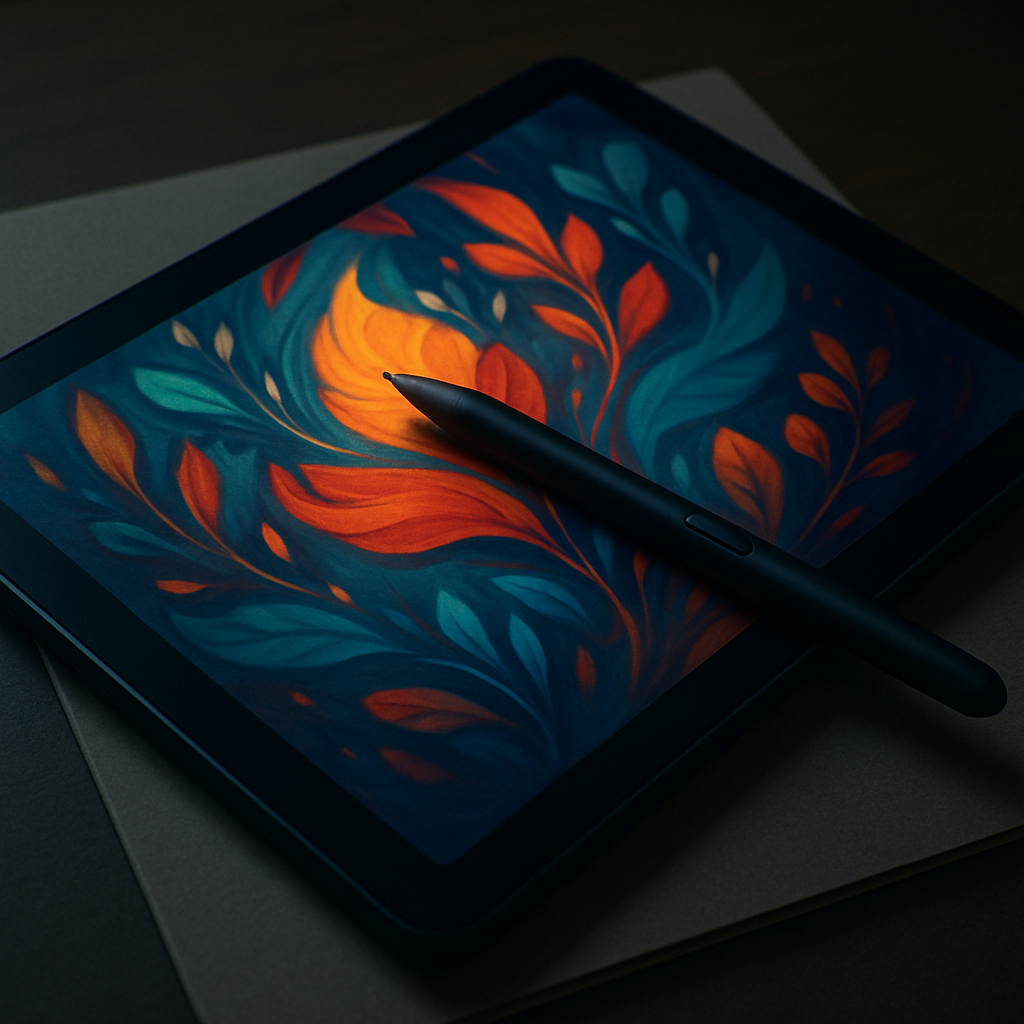
Huion’s Kamvas Pad 12 is designed for artists craving a sketch pad that’s both independent and portable. While its hardware impresses—strong build, color-accurate screen, pressure-sensitive stylus—the shift to an Android-first tool exposes friction for those used to Apple’s ecosystem.
Hardware, Display, and Drawing Experience
Inside the box alongside the Pad 12 you’ll find a premium-feeling folio case stand, magnetic battery-free PW600C stylus with felt nibs, a USB-C power lead, an artist’s glove, and other essentials. The unboxing suggests Huion pulled no shortcuts in presentation or accessories.
Specs are solid: a 12.2-inch, 2400×1600 IPS display with full lamination, Canvas Glass 3.0, 99% sRGB color, and 90Hz refresh. Performance with the PenTech 4.0 stylus is strong—16,384 levels of pressure sensitivity, tilt support, reliable accuracy in the center, and low latency during long brush strokes. The 8 GB RAM, 256 GB internal storage (expandable to 1 TB via microSD), dual cameras, Wi-Fi & Bluetooth, and Android 16 OS make it a full-featured all-in-one device.
What Falls Short
Where the Kamvas Pad 12 struggles most is in long-term comfort and Apple interoperability. Without the optional stand (about $49), drawing at anything but a flat angle quickly becomes stressful on the back and neck—users will feel fatigue in extended sessions.
Then there’s workflow friction. Mac users accustomed to the seamless hand-off between macOS, iPadOS, and Sidecar will find Android 16 much more manual. Moving files into and out of Apple systems requires extra apps or workarounds—AirDrop is unavailable, and tools that integrate tightly with macOS behaviors are missing. This gap may not break the Pad 12 for all artists, but it adds up.
Value Compared Against Apple Options
The retail price of the Pad 12 is $499. By comparison, an iPad paired with a USB-C Apple Pencil and Procreate (or equivalent apps) costs around $441—less than the Huion—while offering macOS and iPadOS cross-checkout productivity. For those heavily invested in macOS, that price difference plus ecosystem integration may be decisive.
Huion gets many things right: premium build, excellent screen, top-tier stylus responsiveness, and portable hardware that can stand on its own. But all its polish doesn’t eliminate compromises for users tied to Apple environments or for anyone designing for longer hours without ergonomic accessories.
Ultimately, the Kamvas Pad 12 is a compelling choice if you work primarily in Android or Windows, or need a fully autonomous art tablet on the go. If your workflow centers on macOS or you draw all day, the trade-offs may tilt the scales toward an iPad with Pencil. What this device means is that even strong hardware can’t erase the value of ecosystem integration—users’ workflow preferences and comfort demands will define whether this is a solid buy or a frustrating compromise.