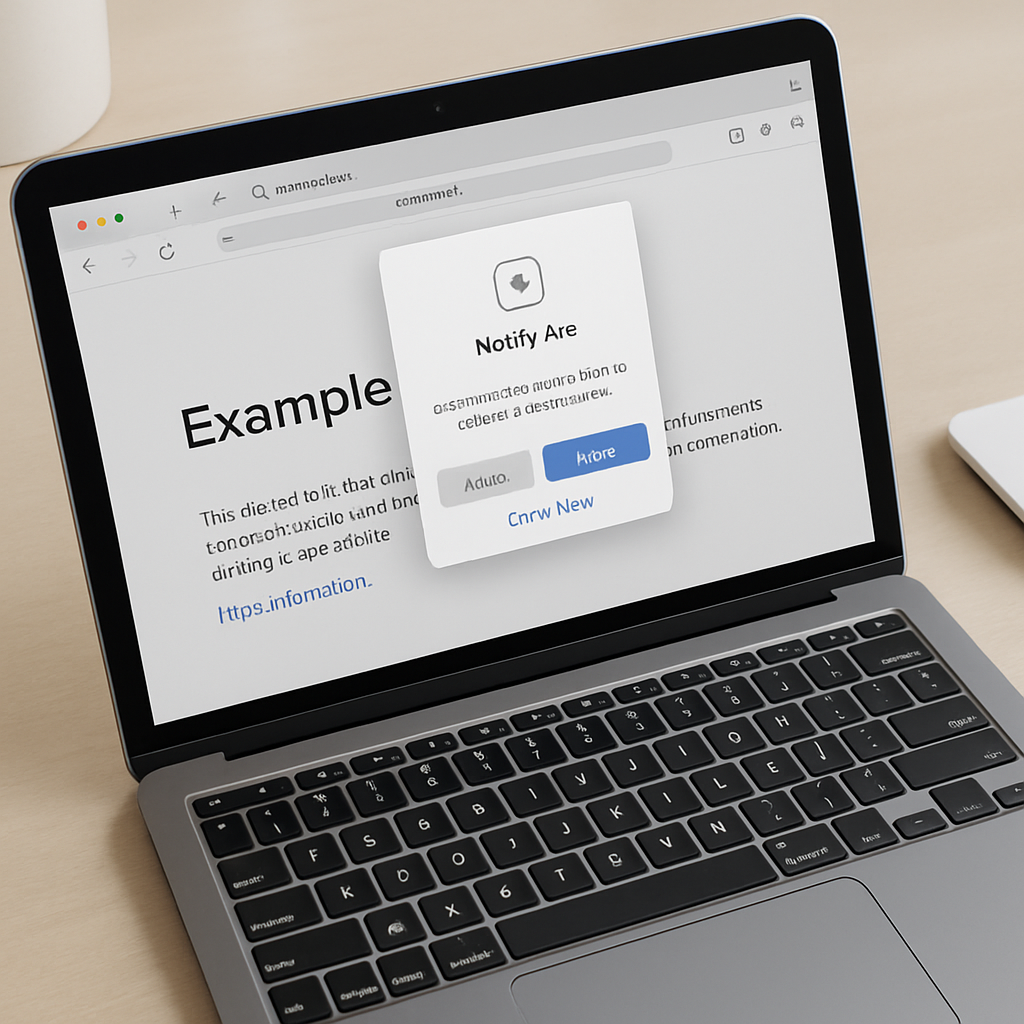
macOS 27 “Golden Gate” brings a fresh Apple Intelligence gem to Safari: the Notify Me feature, which lets users monitor webpages for specific content changes and get alerts when those changes appear. This tool aims to help you stay updated without obsessively checking sites for updates.
What “Notify Me” Does
With “Notify Me” enabled, Safari can watch any webpage you choose—whether it’s a shopping page you want tracked for price dips or restocks, a site where new policy details or registrations pop up, or any page where content shifts that you care about. You define what kind of change matters to you, and Safari will periodically check the page at intervals like hourly, daily, weekly, or monthly. When the feature detects the change you asked about on that schedule, it sends you a notification.
How to Turn It On
Getting started is simple:
- Open Safari to the webpage you want to monitor.
- Click the Page menu icon located just right of the Smart Search address bar.
- Select “Notify Me” from the menu.
- Describe exactly what you want Safari to watch for (for instance, “price drop” or “restocked product”), which lets the Apple Intelligence engine analyze the page and decide if your request is actionable.
- Choose a checking schedule. Options range from hourly to monthly—hourly and daily let you set specific times; weekly and monthly let you pick particular days.
- Finalize it by clicking Done—or, if prompted, hit Next. You may also need to grant Safari permission to send notifications. Manage this from Settings → Notifications → Safari if needed.
Because the feature uses Apple Intelligence, it’s currently limited to certain languages and regions. Apple has provided a support page you can consult to find out whether it’s available where you are.
“Notify Me” feels like a powerful addition to Safari’s toolset—a low-effort way to keep tabs on things you care about without manually checking back and forth. Whether that’s tracking discounts, stock alerts, or updates to site content, this feature shifts the work from you to the browser.
Why this matters: in a world drowning in information, features like “Notify Me” signify a pivot toward smarter alerts rather than constant noise. Watch how this is rolled out across languages and regions—and pay attention to how precise the change detection is. If done well, it could herald a shift in how we use browsers as proactive assistants, not just passive tools.