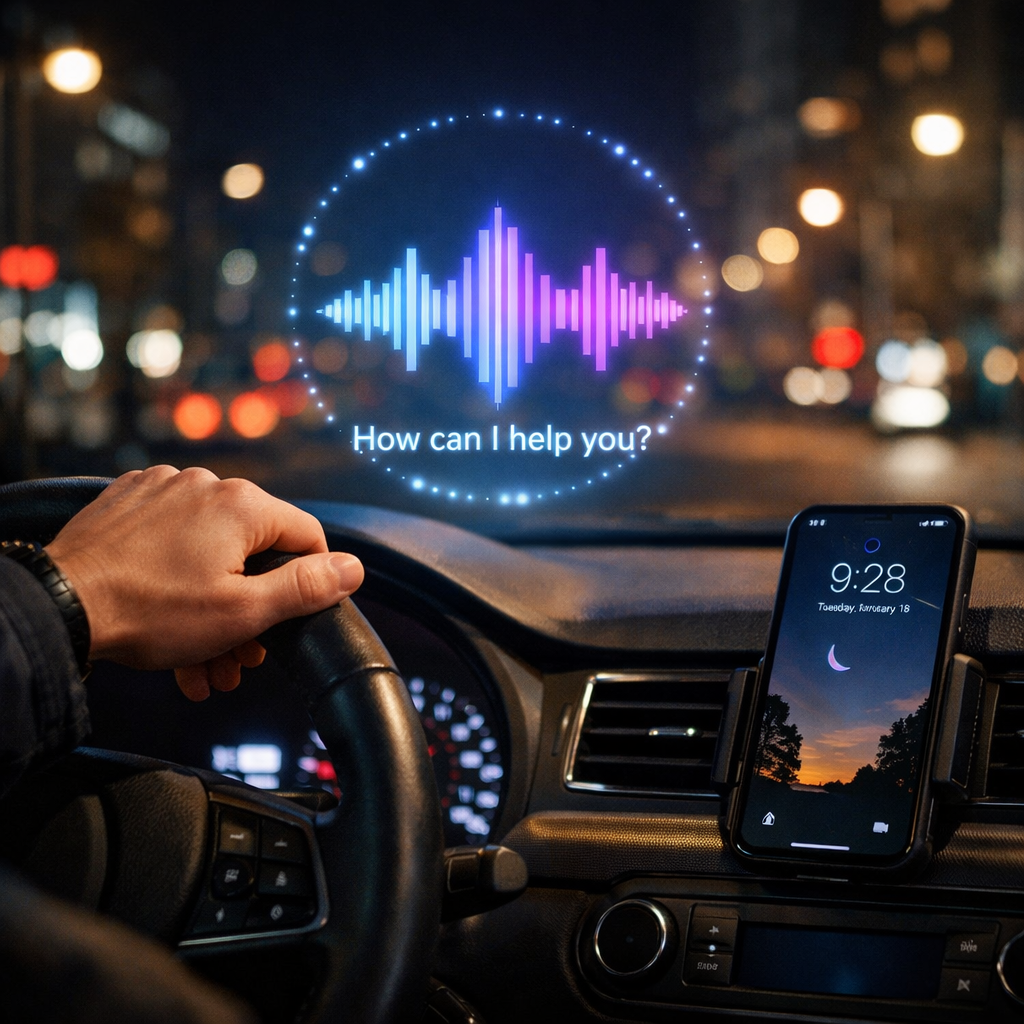
Before iOS 27, driving with my iPhone meant using CarPlay mostly for navigation or podcasts and allowing Siri to read a text now and then. That was as far as it went—anything beyond basic commands felt unreliable or frustrating. Since the release of Siri AI, everything has changed. Now, my iPhone is an active companion behind the wheel, not just the device sliding in my cupholder.
Reminders that remember it all
One of the biggest breakthroughs for me has been how Siri AI handles reminders. I live with inattentive ADHD, which means forgetfulness—especially when driving—is a constant issue. Previously, if somebody asked me to remember something via text, I’d try to hold it in my head, only to lose track the moment a stoplight caught my eye.
Now, when Siri reads a message while I’m driving, I can immediately ask it to remind me about it later—whether in an hour or upon arriving at a destination. Thanks to Siri AI, it understands what it just read and generates a reminder for me. Sometimes it even links back to the original message. That level of continuity was all but impossible before.
Digging up half-remembered info without lifting a finger
Another area where Siri AI shines is helping me chase down vague recollections. Ever have something pop into your head—maybe an idea, task, or reminder—but you can’t quite place it? Before, that meant digging through emails or notes mid-drive, which is, of course, not ideal.
Now, I can hit a steering wheel button and tell Siri AI something like, “I think this was in an email,” or “I half remember deciding something,” and Siri AI often manages to locate it inside my iPhone. It’s not perfect, particularly when my description is fuzzy, but often enough that I keep relying on it—especially in cities with strong 5G signal, using a newer iPhone like the 18 Pro Max.
A new standard for how AI should help
Even with its wins, Siri AI isn’t flawless. There are still moments when it misses the mark—when reminders are unclear, or vague requests go nowhere—but overall it hits enough reliable notes that I’m using it not just out of novelty.
The kind of usefulness I’m talking about isn’t about writing emails or generating art—it’s about patching holes in daily memory leaks. That’s where Siri AI demonstrates its real potential. For me, it elevates how iPhone assists with driving from merely functional to genuinely helpful.
Driving often strips away the luxury of pausing and searching through your phone. Siri AI fills the gaps you didn’t even realize needed filling. As these features mature, we’ll get a better sense of how smart voice assistants can do more than listen—they can understand and act. It’s one thing for AI to respond, but quite another for it to anticipate and support use cases that matter most while on the road.