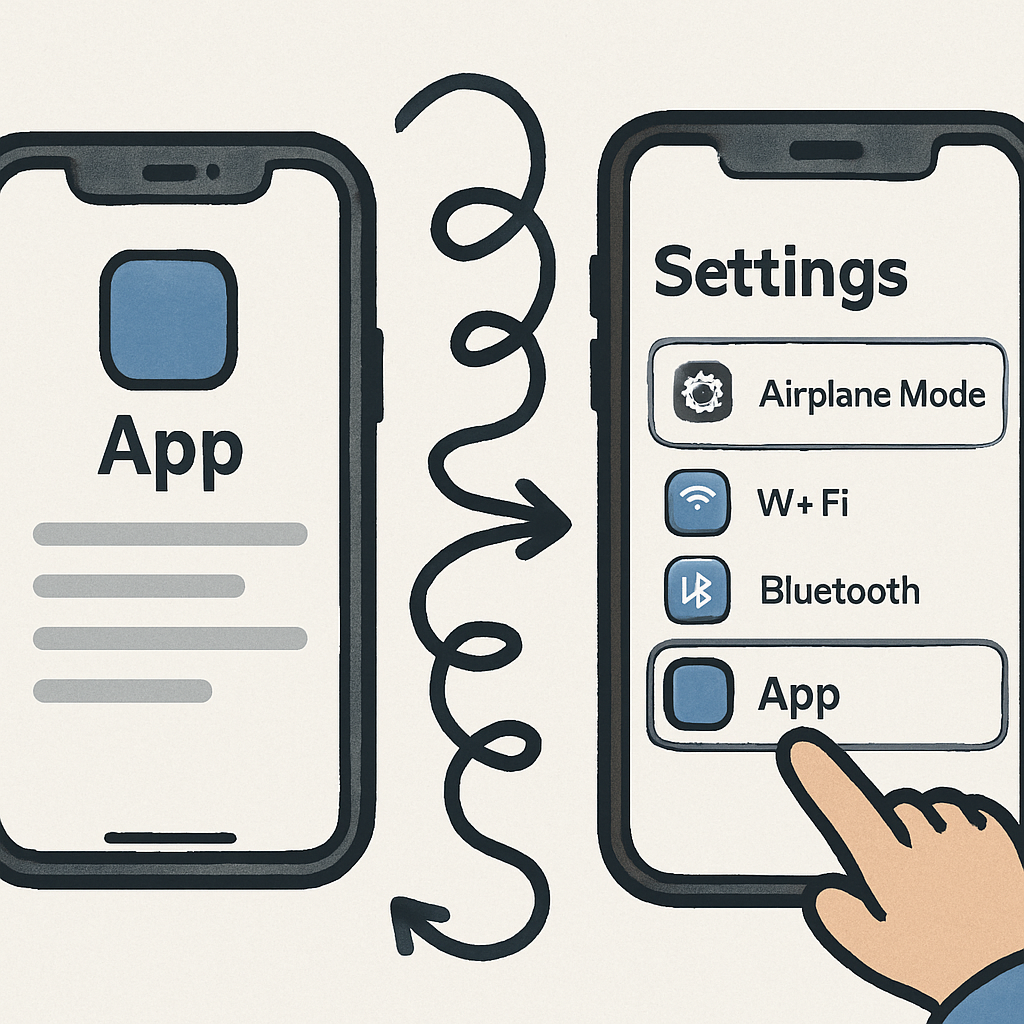
Managing app settings on the iPhone often involves a frustrating guessing game. Users frequently find themselves uncertain whether to adjust preferences within the app itself or navigate to the separate Settings app. This inconsistency disrupts the user experience and calls for a more streamlined approach.
Consider the Camera app: to modify features like the Fusion Camera’s default focal length, users must exit the app, open Settings, scroll to Camera, and then adjust the desired setting. This multi-step process is not only cumbersome but also counterintuitive, especially when the setting pertains directly to the app’s functionality.
To alleviate this issue, a third-party shortcut developed by Quinn Nelson offers a partial solution. By integrating this shortcut into the Control Center, users can quickly access an app’s settings without the need to manually navigate through the Settings app. While this workaround enhances accessibility, it doesn’t address the root of the problem.
A more effective solution would be for Apple to implement a consistent method for accessing app-specific settings. One proposal is to include a ‘More’ option within each app’s settings menu that, when selected, directs users to the corresponding page in the Settings app. This approach would eliminate the need for guesswork and provide a seamless transition between in-app settings and system-level preferences.
Implementing such a feature would not only enhance user convenience but also align with Apple’s commitment to intuitive design. By reducing the steps required to adjust app settings, users can enjoy a more cohesive and efficient experience across the iOS ecosystem.