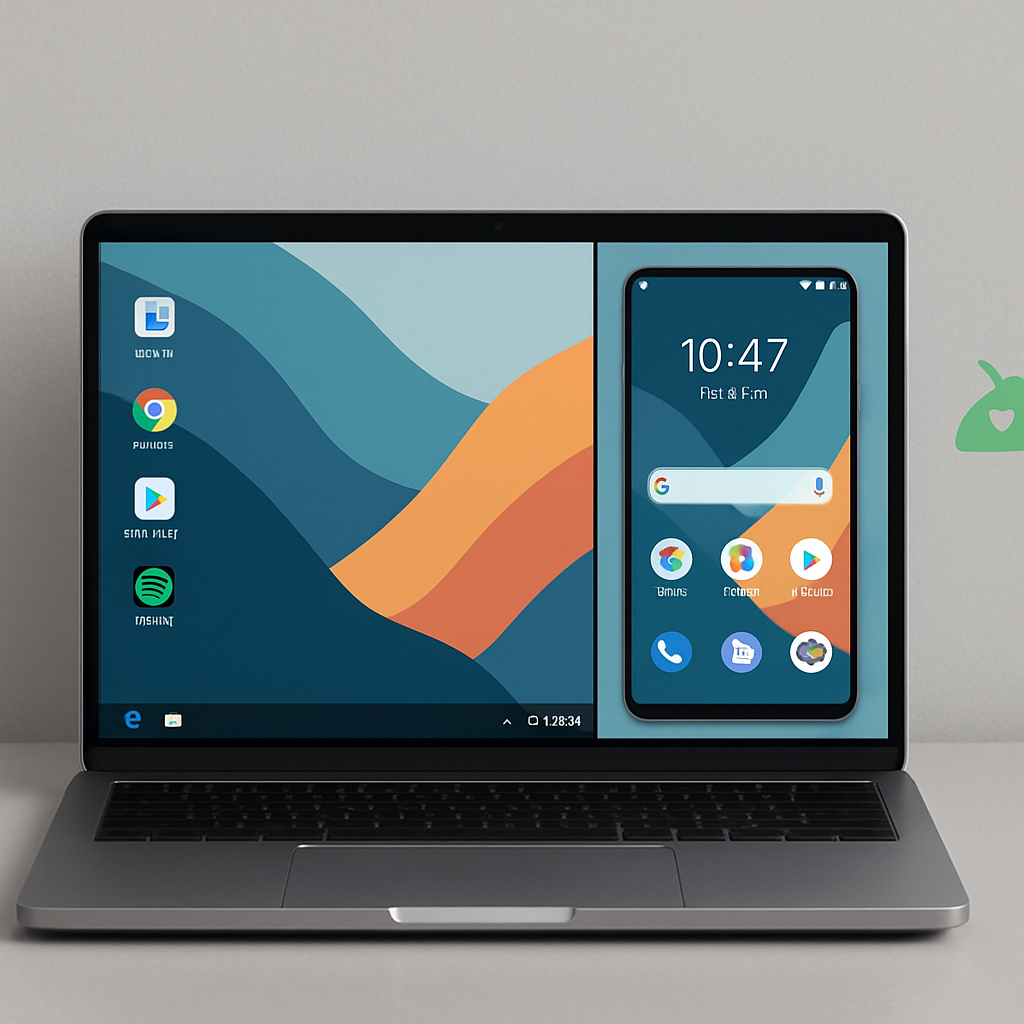
Googlebook, Google’s new laptop designed with deep Android integration, includes features like instant hotspot, phone notifications, file access, app streaming, and the ability to continue tasks across devices. What’s supposed to feel like having your phone and laptop working as one won’t fully apply to all users at launch. Notably, Samsung devices are being left out — at least initially.
Android 17 and Samsung Devices Left Waiting
On its launch, Googlebook’s Android-powered “Better Together” experience requires devices running Android 17 or newer. Those still on Android 16 or earlier won’t be able to access any of the suite’s integrations. Samsung users, even if they’re already on Android 17, will need to wait — Google has confirmed Samsung phones aren’t supported immediately, with compatibility expected to arrive “over the coming weeks.” It’s not clear yet whether an update from Samsung, Google, or both will enable the features.
More Launch Limitations
Aside from device compatibility hurdles, Googlebook is rolling out with some feature gaps. Slack, a widely used work communication platform, is not supported at launch. Users have also flagged optimization issues when running certain apps on Intel-based Googlebook units, indicating the device isn’t fully ready to deliver a seamless experience in all contexts.
This is another in a recurring theme: early hardware launches often come with tighter software constraints than marketing suggests. While Googlebook’s promise centers on creating a laptop tightly integrated with your Android phone, early adopters—especially Samsung owners—might feel some of the most compelling features are withheld or delayed.
What to Watch: Keep an eye out for software updates from both Google and Samsung. Those will clarify what Android versions become supported, which Samsung models are included, and when launch laggards like Slack support or app optimizations are resolved. If you’re considering purchasing Googlebook now and you have a Samsung device or are reliant on certain apps, waiting may be the smarter move.