Google has rolled out two major enhancements to Gemini: a fresh interface that brings heavy blur effects and a new in-chat file generation and editing system. The visual overhaul is now live across all Android devices, while the file tools allow users to make and tweak documents, slides, spreadsheets, and more without ever leaving a chat thread.
New Look: Blurred, Translucent, Universal
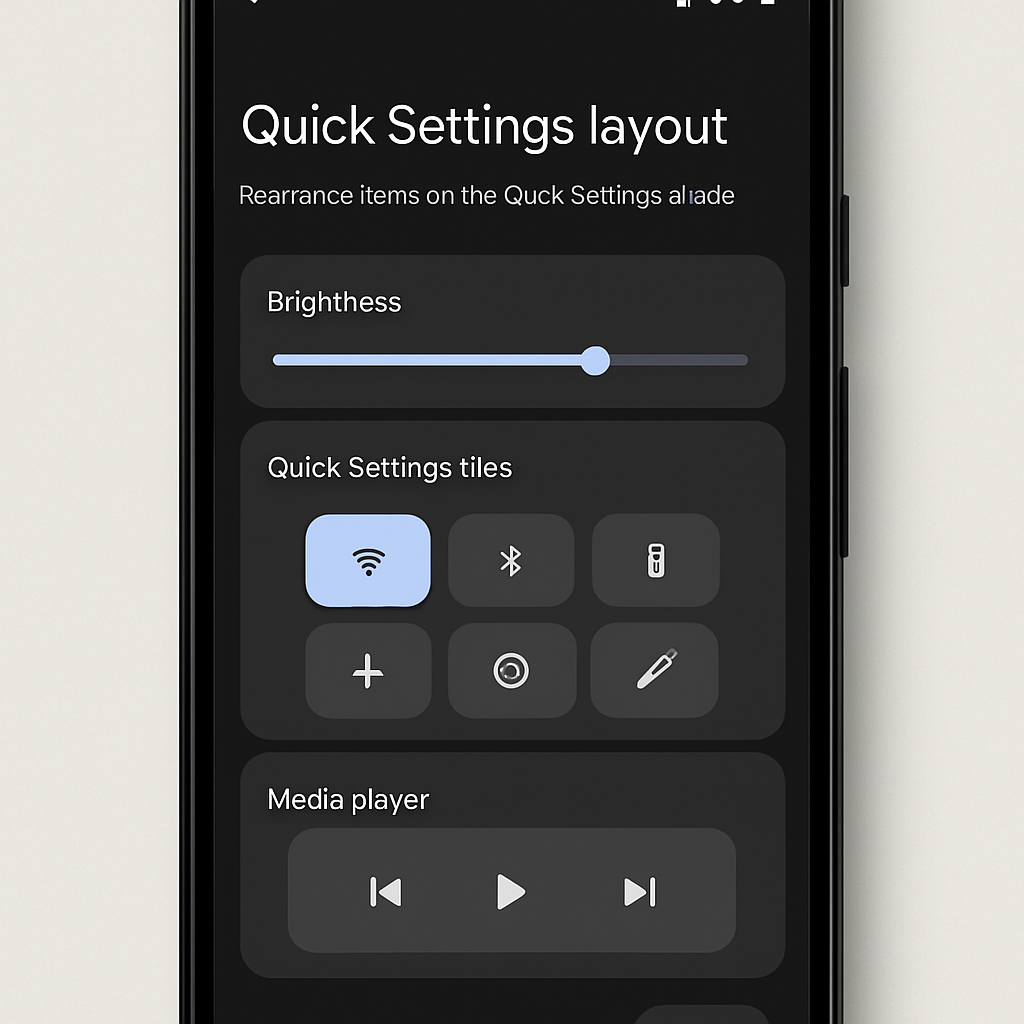
The updated Gemini app UI introduces a pronounced blur effect over the main pill-shaped search bar, making the pill’s edges less defined and adding swirling colors and subtle translucence at its outer rim. What used to be a solid shape is now more ethereal. Previously limited to flagship models like Pixel 11 with Gemini Intelligence, the style has expanded to all Android devices Google tested. If your device hasn’t updated visually, force-closing the Google app will often push the update to take effect.
File Generation & Editing Right in Chat
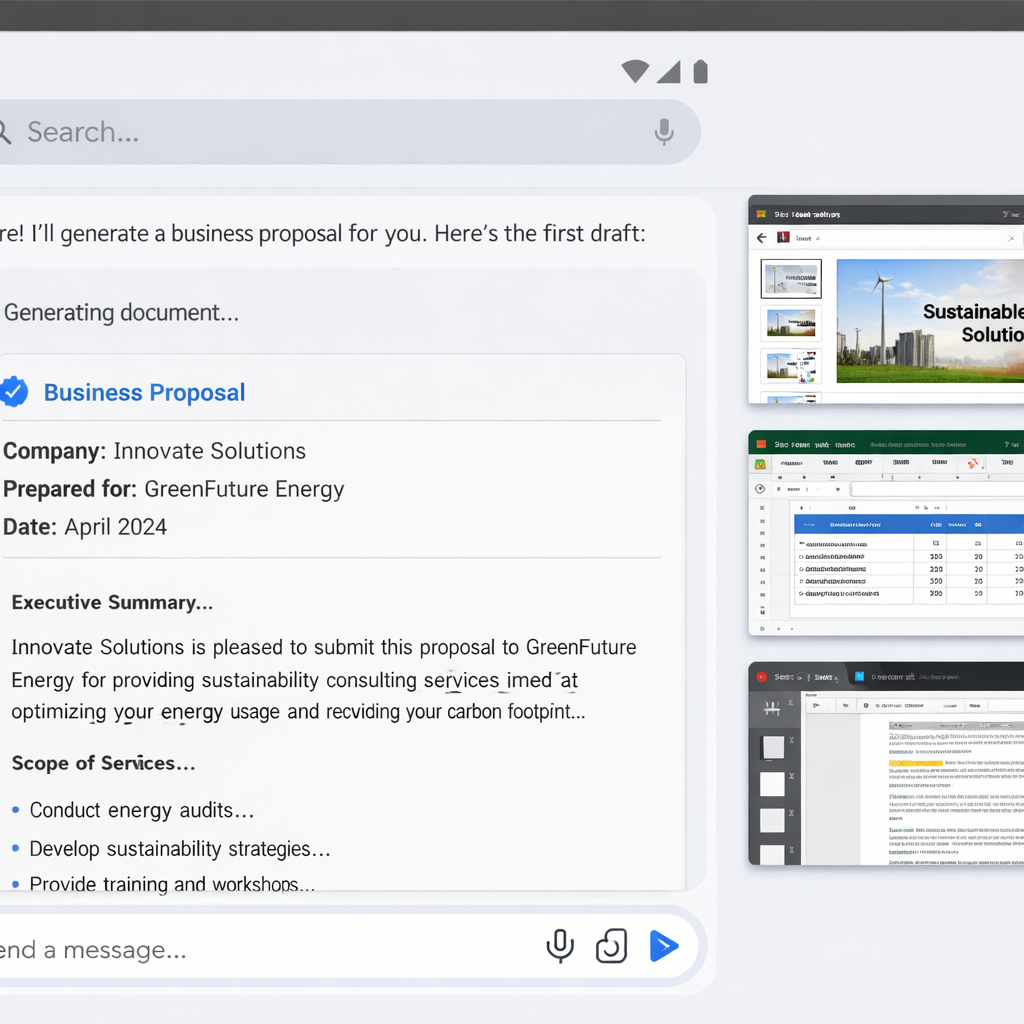
The second upgrade is a sweeping set of tools built into chat. Users can now ask Gemini to generate documents, presentations or spreadsheets on specific topics and preview them inline without leaving the conversation. Within these previews, it’s possible to highlight sections, make edits, or even prompt Gemini to change tone or structure before exporting.
Specifically:
- Slide decks can be outlined or drafted, previewed in chat, refined directly, then opened later in Google Slides or exported as PPTX or PDF.
- Structured tables and data models can be generated from prompts, previewed inline, with smooth transitions into Google Sheets.
- Documents and PDFs can be created—such as Google Docs, LaTeX, Markdown or TXT—and edited inline or in full screen. Users can also upload these to their Drive.
PDF preview and editing work both on the web interface (gemini.google.com) and mobile apps. Other file types—Docs, Slides, Sheets, Markdown, TXT, code—are editable via web only. File tools are live for users in every language supported by the Gemini app.
Why This Matters
Adding file creation and editing directly into chat transforms Gemini from a conversational AI assistant into a lightweight productivity hub. Users no longer must bounce between different apps just to draft documents or tables. Meanwhile, the UI overhaul—heavy blur, swirling colors, translucent edges—signals Google’s effort to make Gemini feel more immersive and visually distinct, possibly taking cues from design trends in AI overlays and generative UIs.
This isn’t just about prettier graphics or flashy demos. These enhancements point toward a larger shift: integrating generation and editing workflows inside AI chat means Gemini could become a central tool for multitasking—planning, writing, analyzing—all in one place. Going forward, look for tighter integration with Google Workspace apps, broader file-type support, and possibly collaboration features. As chat becomes a default workplace interface, Gemini’s evolution could reshape how we manage work and creativity in real time.